
¶ ControlNet - Canny Image Processing
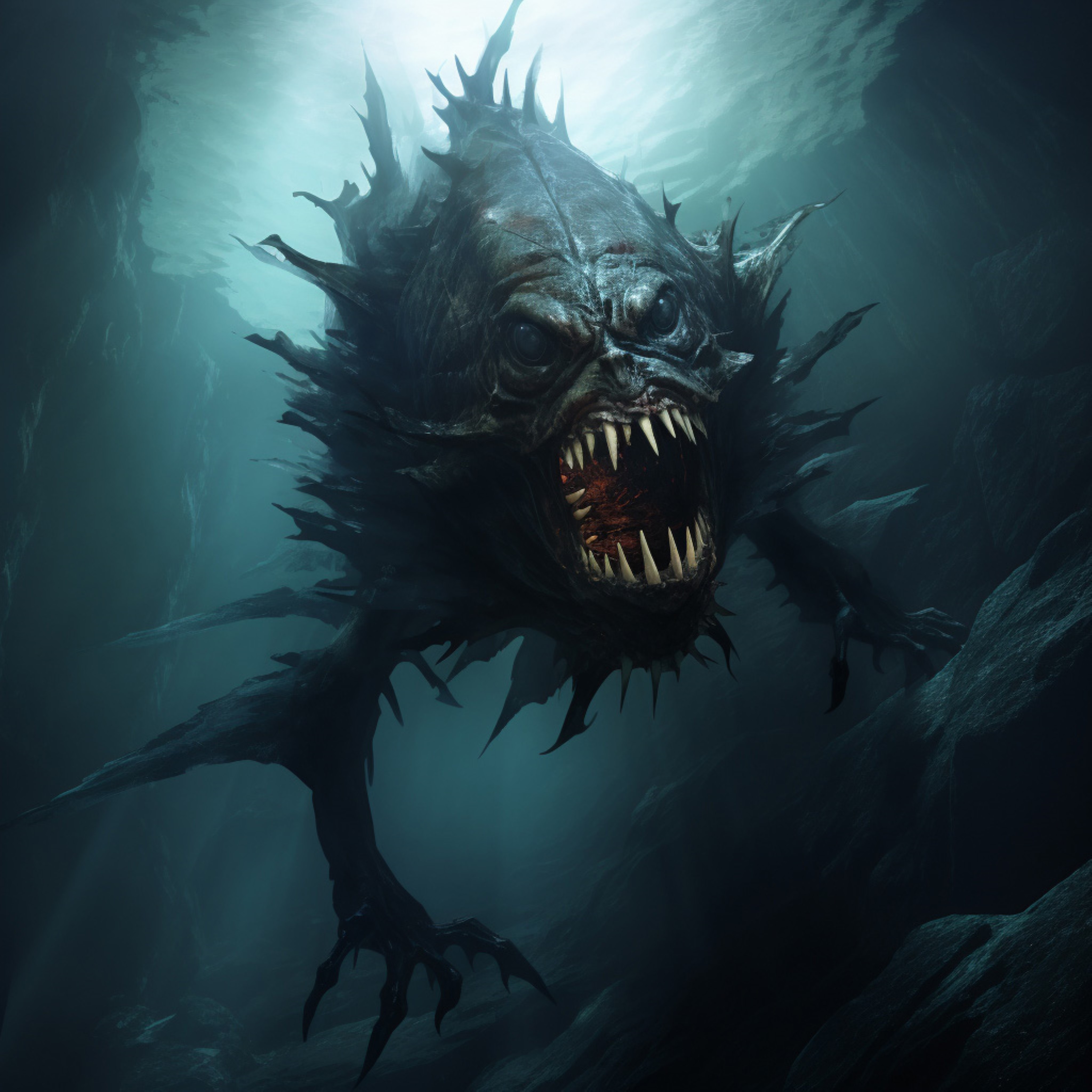
I want to create a weird tree monster in a creepy forest, and I want the monster to look like he's made of broken branches.
¶ 1) I found this image on Vecteezy.
¶ 2) Now, to create a prompt and negative prompt:
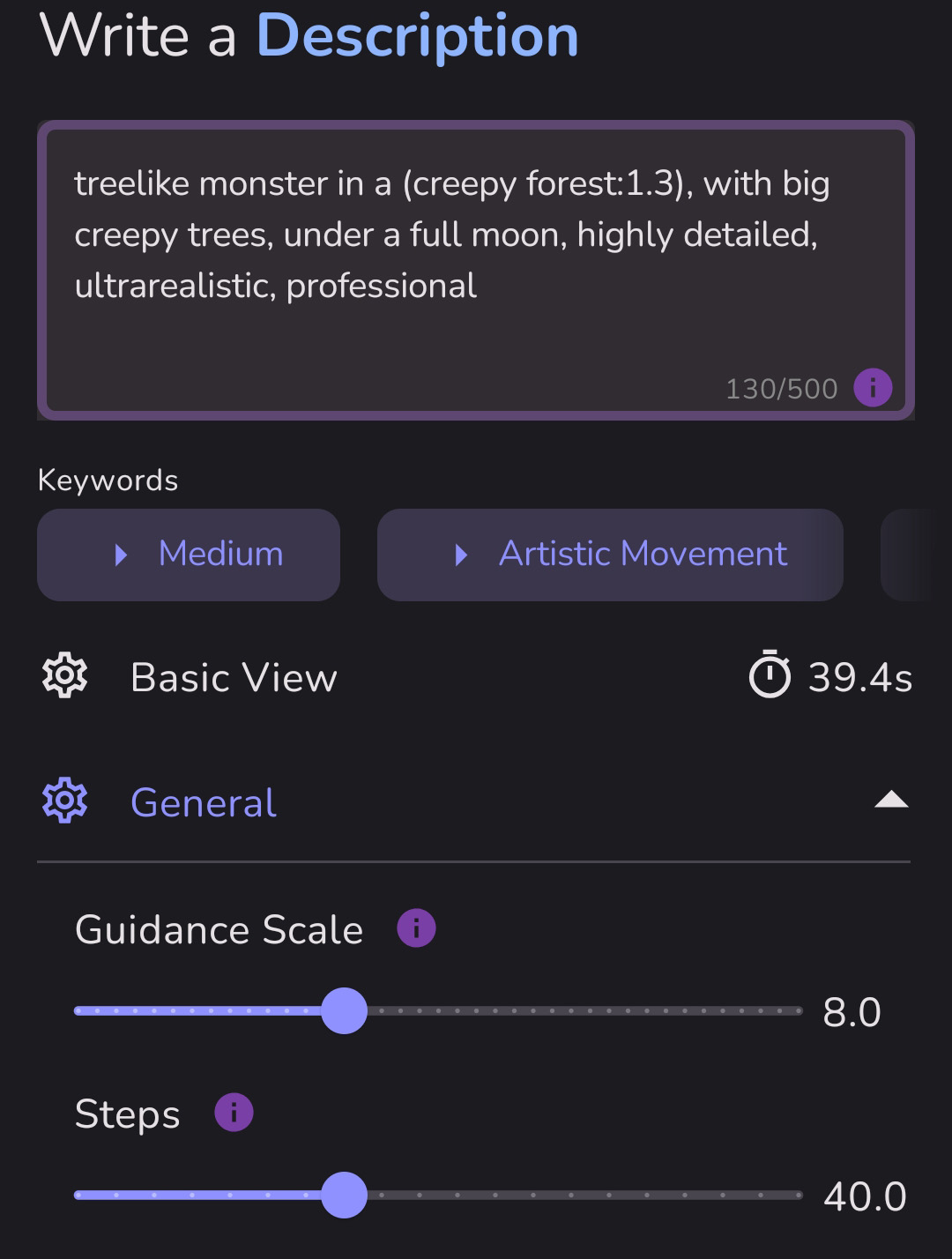
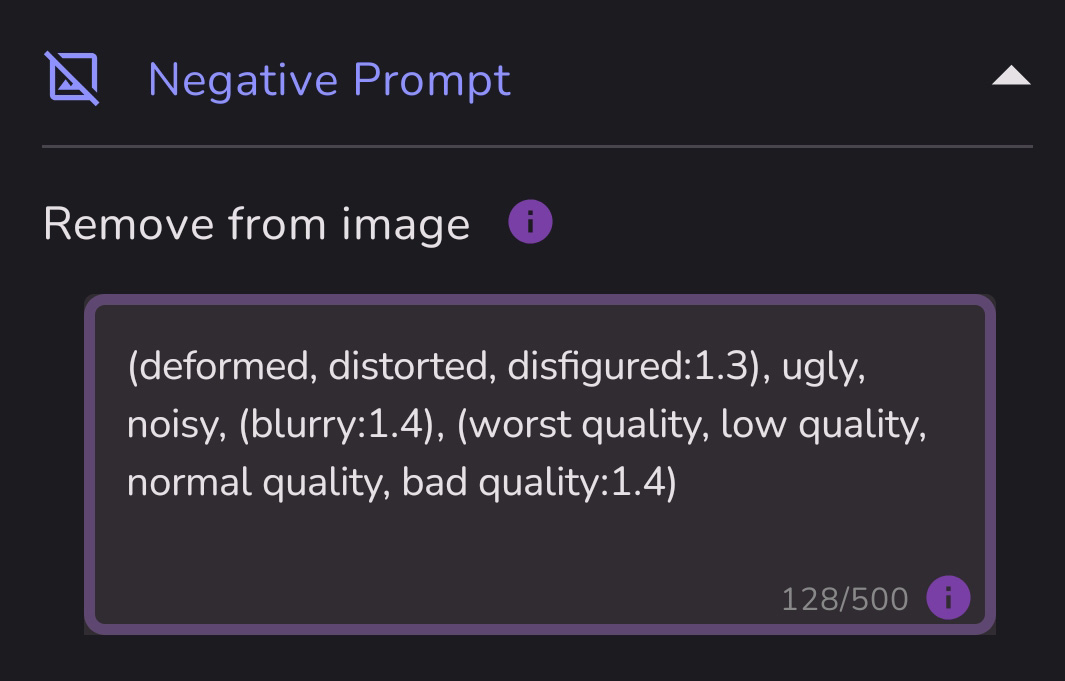
¶ 3) Now, to upload the monster image and create a Canny Image Map
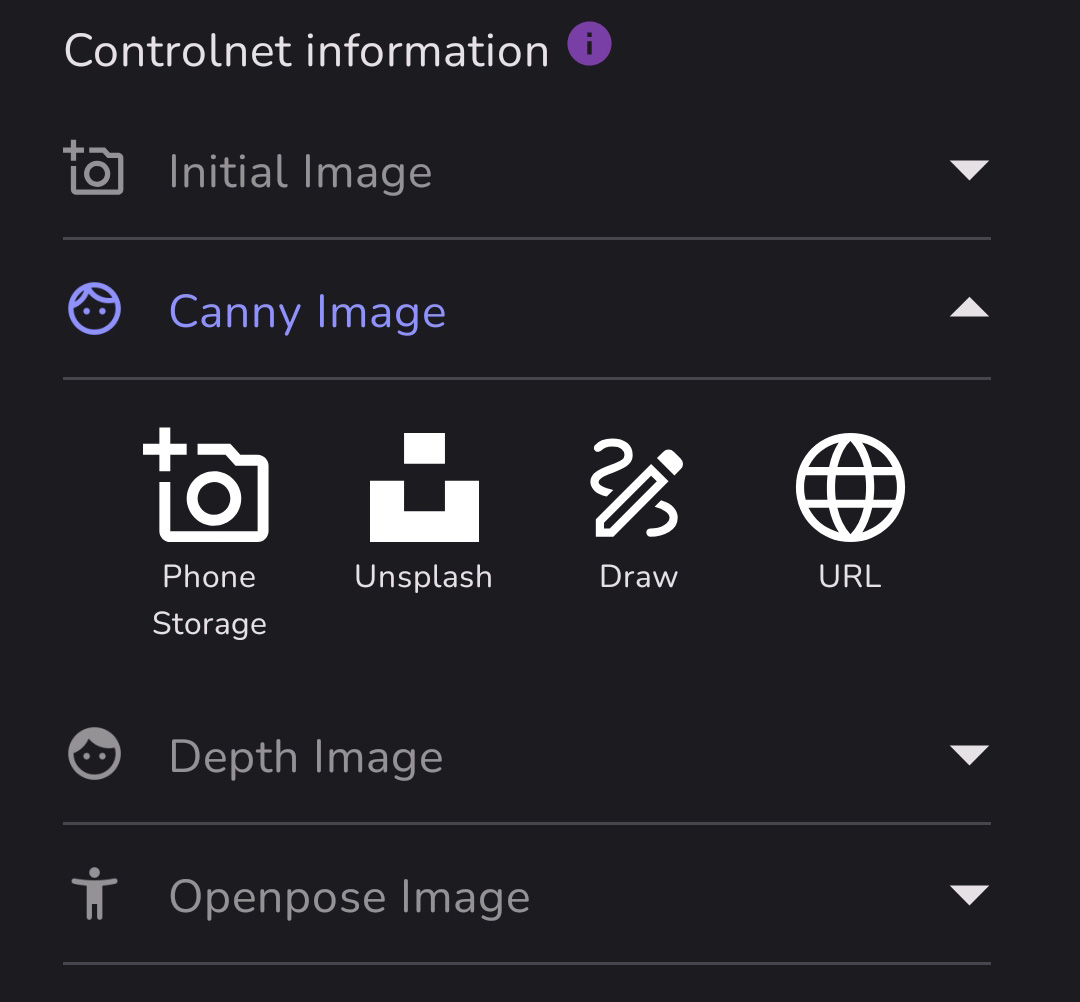
There are several options for uploading images.
Once you select your image, it will appear on the left side (as shown below) and the image map should start to render on the right.
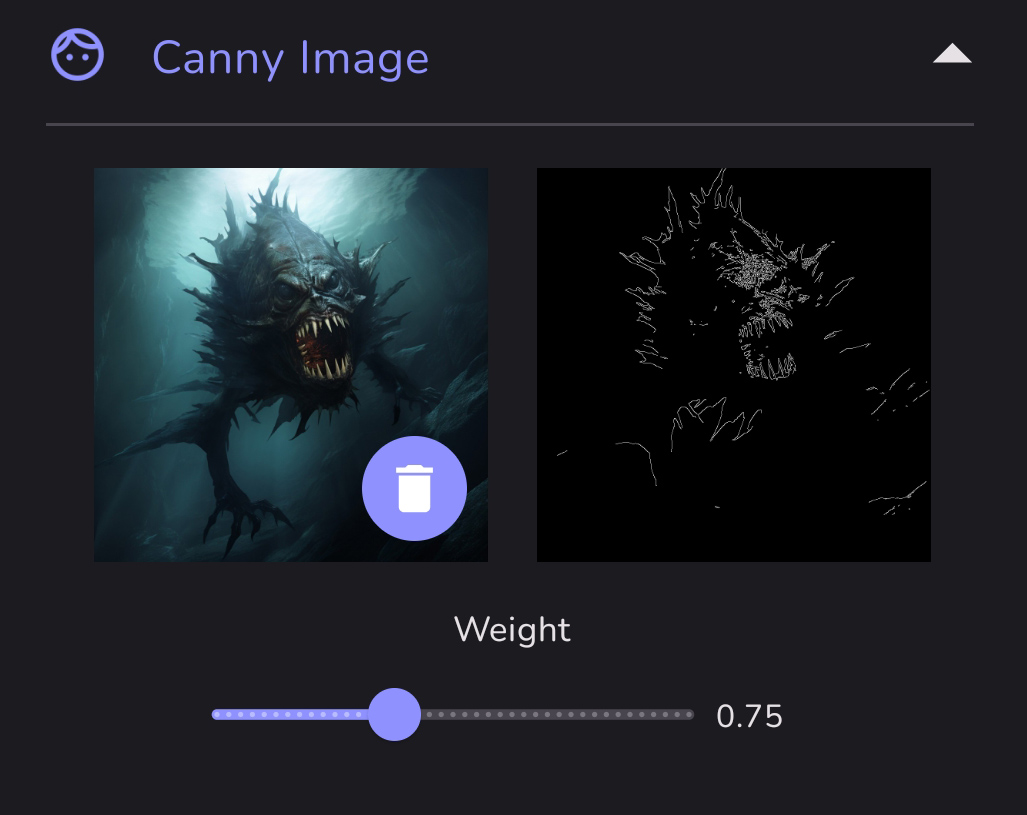
¶ 4) Once the Canny Map has been made, tap the Create button to make your image. Or choose a different AI model. I made this with Realcartoon XL.
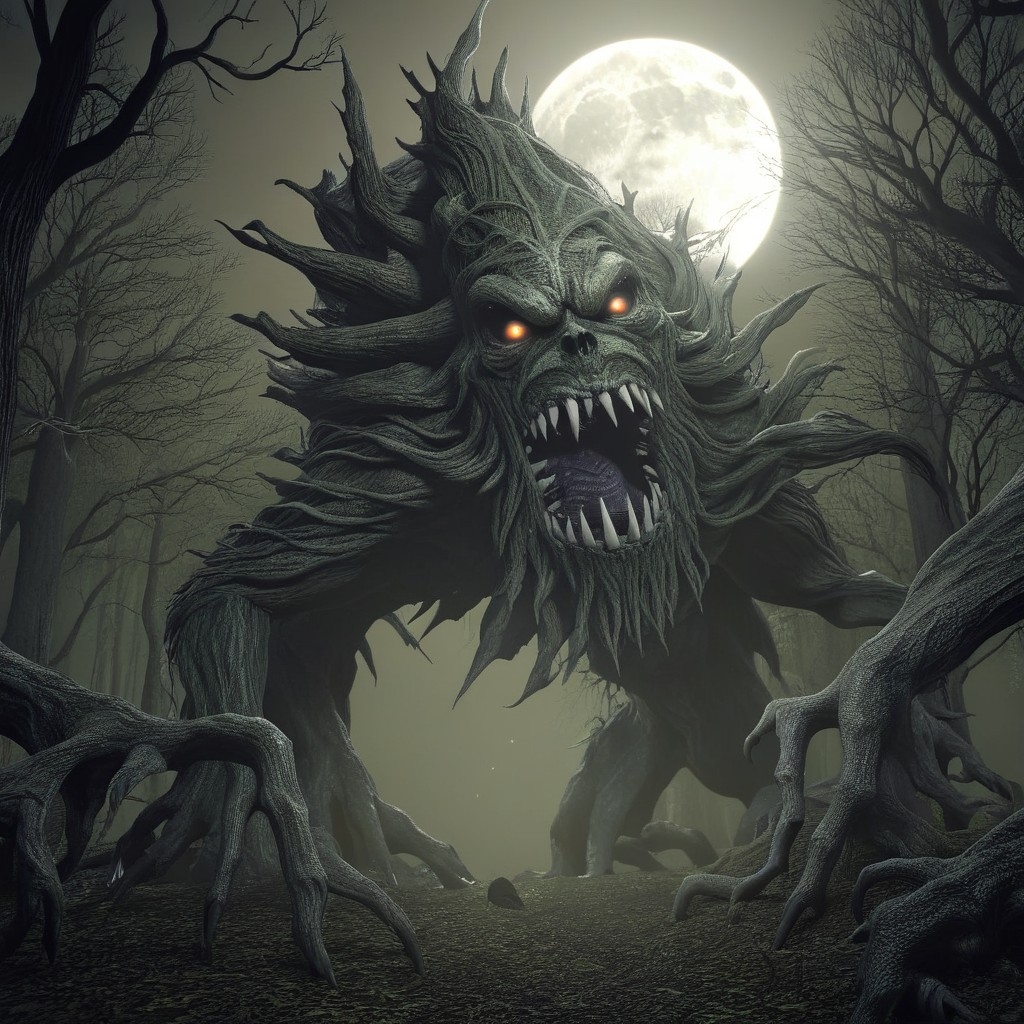
You can see the basic form of the initial image in the final artwork.
For a guide to creating a portrait with Controlnet using Canny and/or Depth, click HERE
Source: the MonAI wiki · Updated · First published