¶ ControlNet - Depth versus Canny with Portraits
I'm want to take a picture of this man and use AI to see how he'd look in Victorian times.
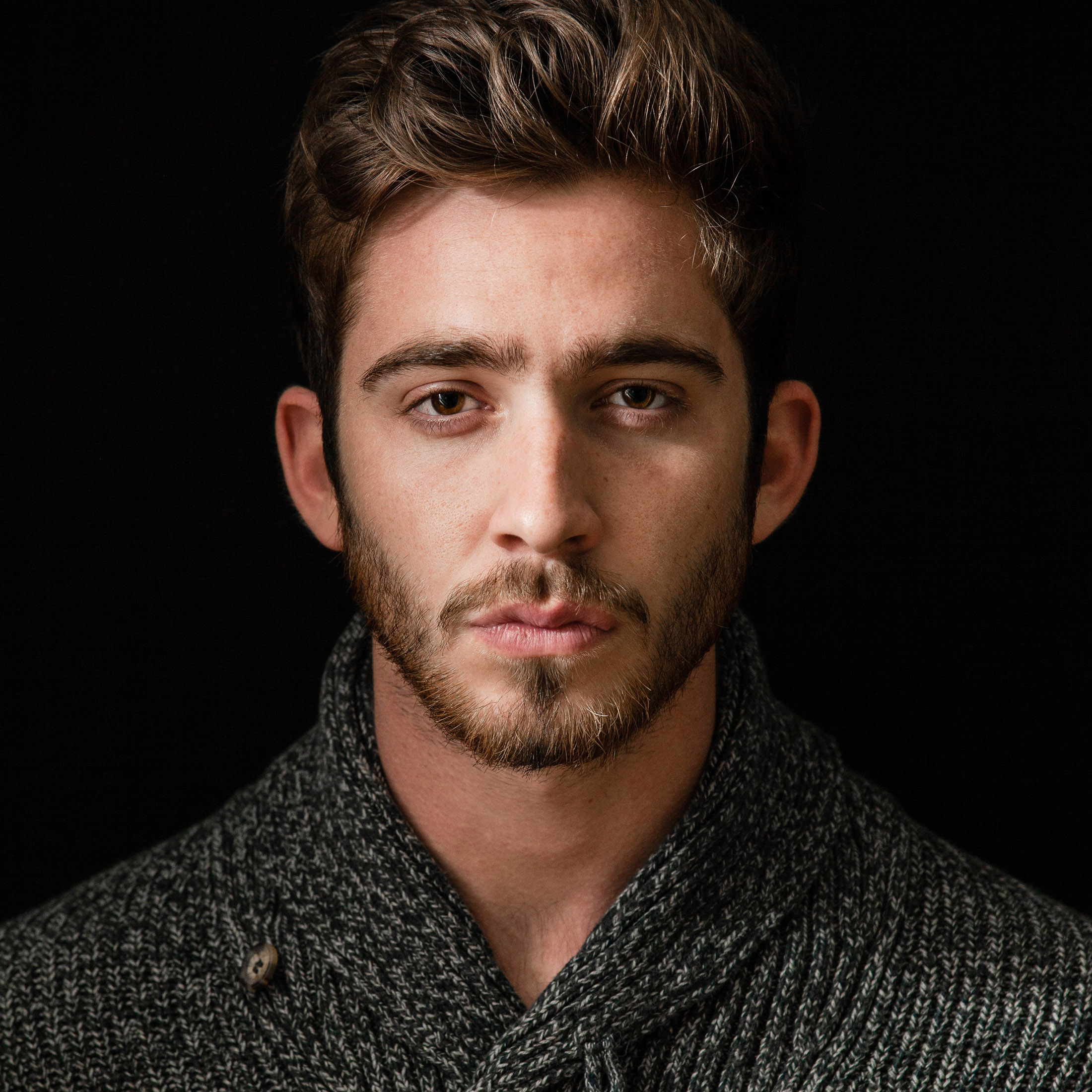
The original image was rectangular, but I cropped it to a square aspect ratio because I'm planning to create a square artwork. It's important to crop your images to the aspect ratio you want to create. Otherwise, the image may be distorted.
¶ Prompt
handsome man, dressed in a Victorian suit, shirt and necktie, 1800s street scene in the background
PLUS the DreamShaper 8 Style
¶ Controlnet - Depth
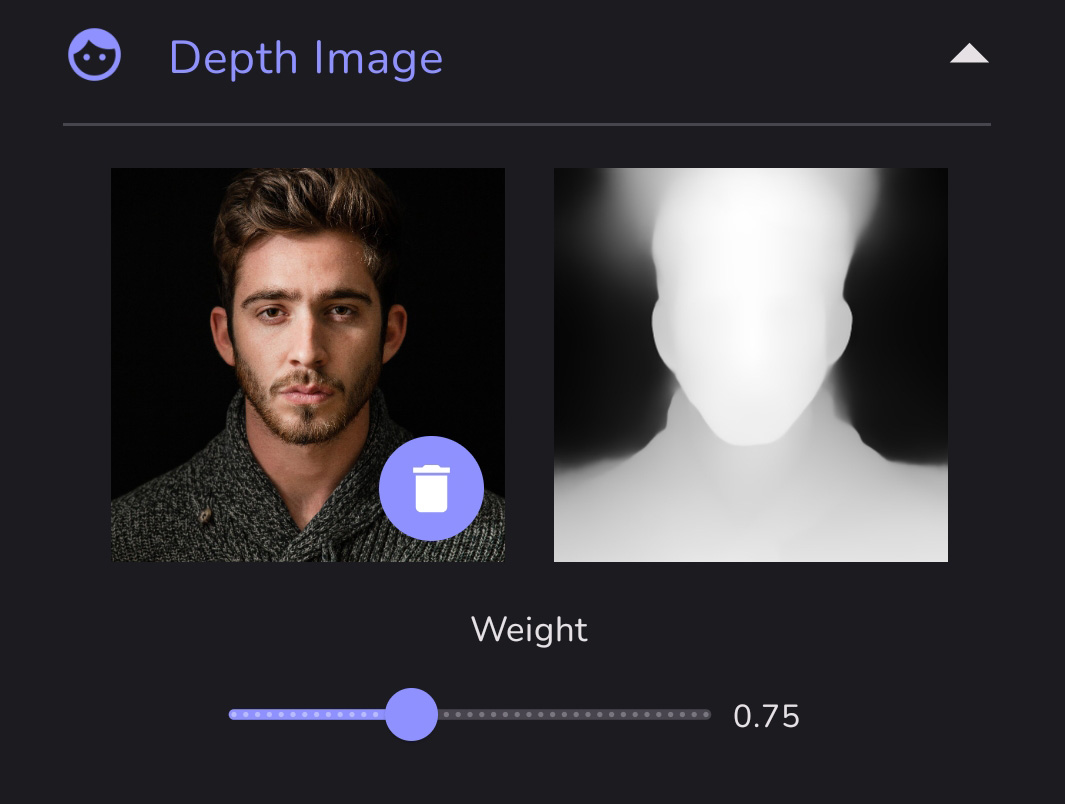
The Depth map doesn't look very detailed. It's hard to make out any facial features at all. And yet, the final artwork has a strong resemblance to the starting image.
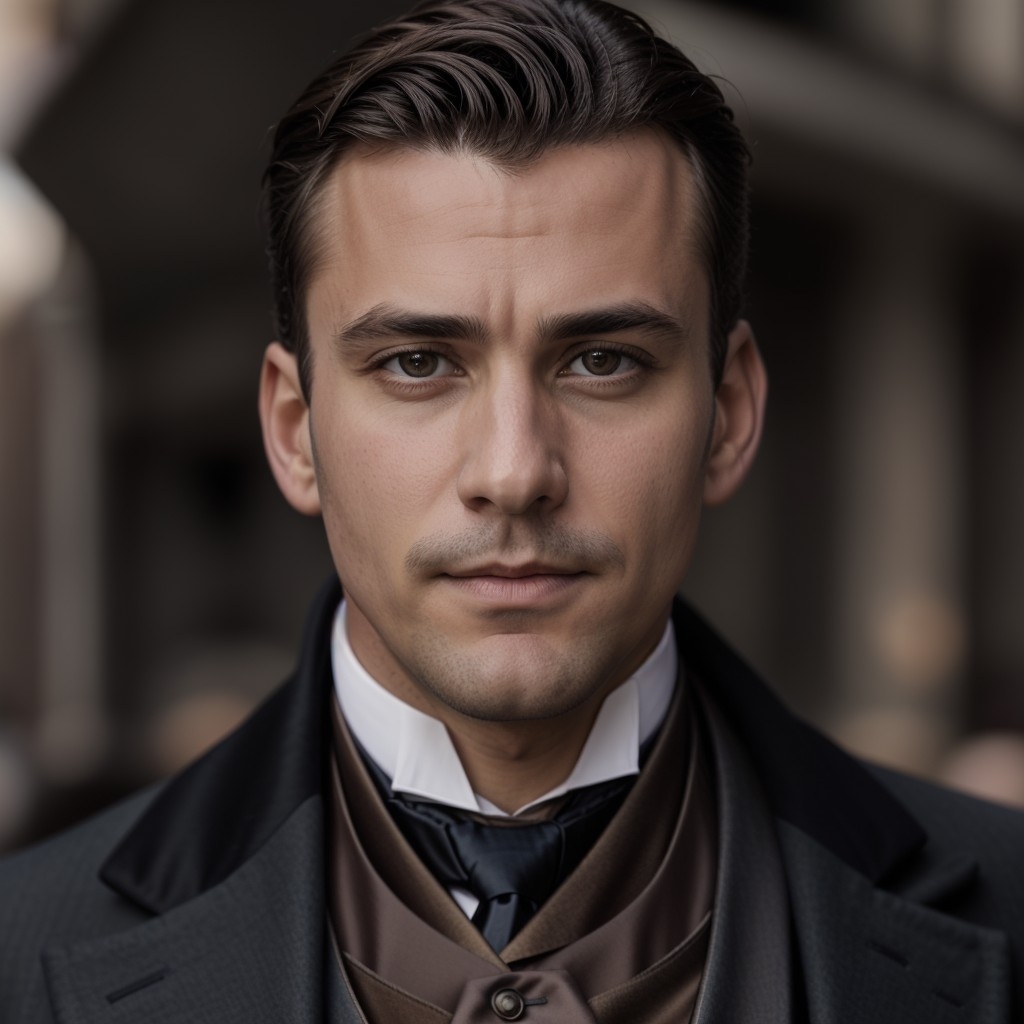
This is the image result using ONLY the Depth map and prompt.
¶ Controlnet - Canny
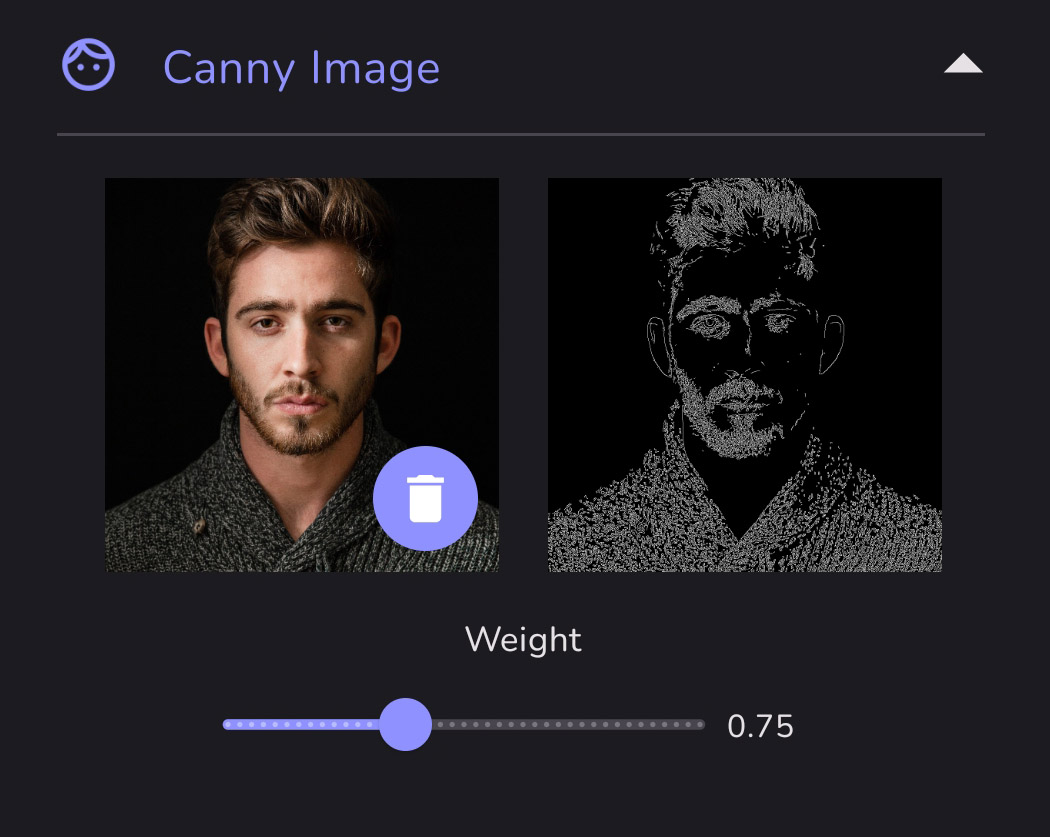
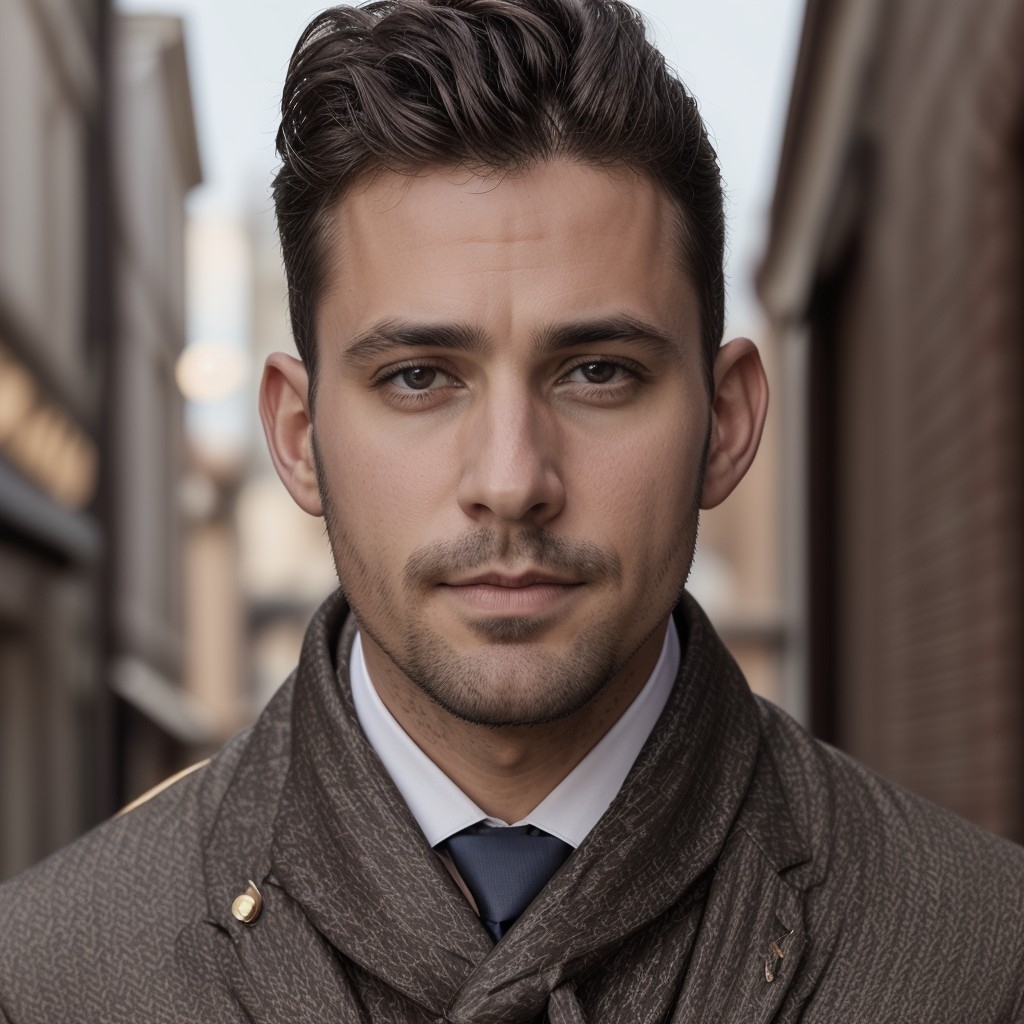
The Canny edge detection picks up a lot of details, including the details of his sweater. Those sweater details seem to override the prompt request for clothing. Again, the final artwork has a strong resemblance to the starting image.
This is the image result using ONLY the Canny edge detection and prompt.
¶ Controlnet - Canny + Depth
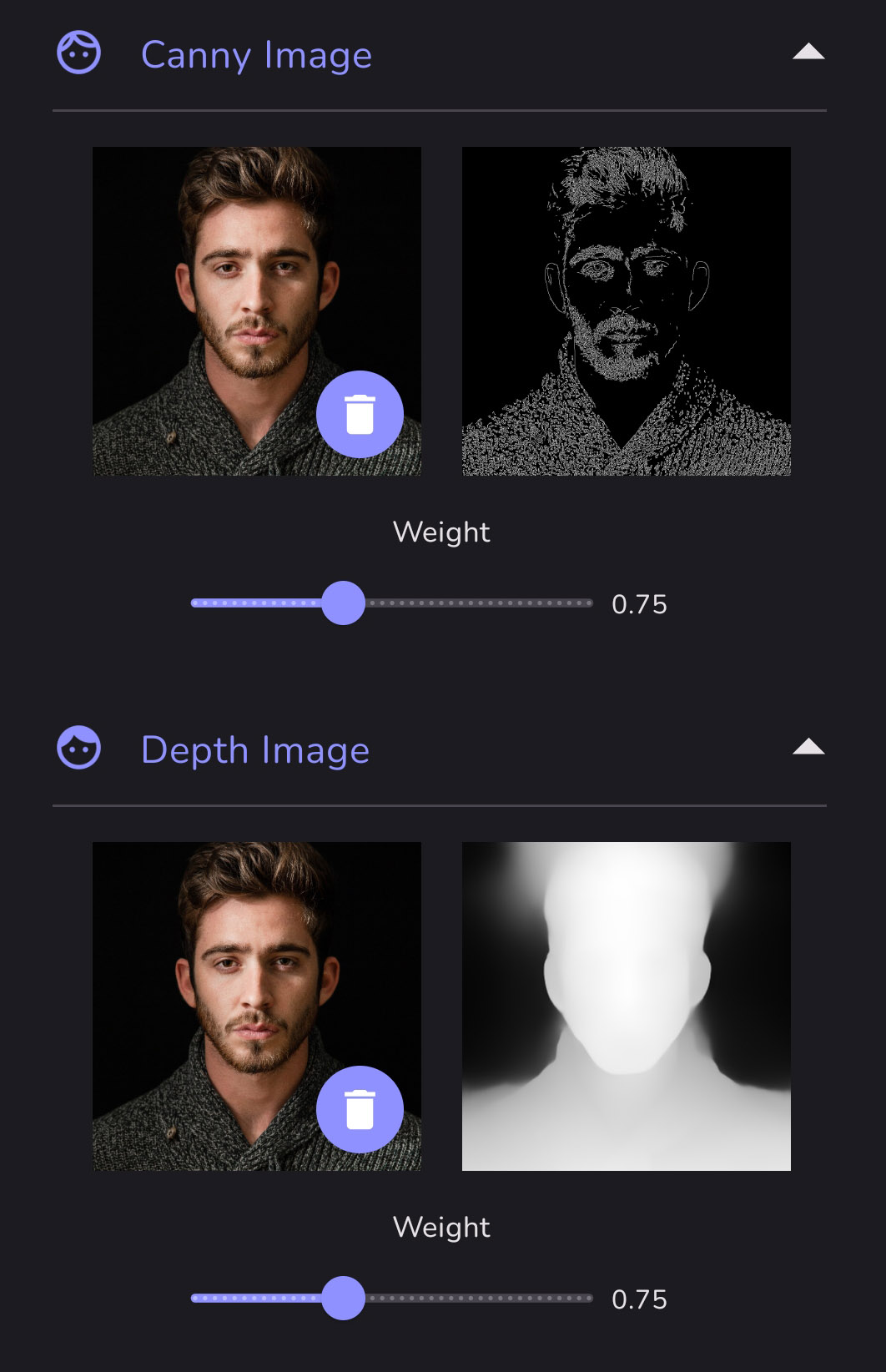
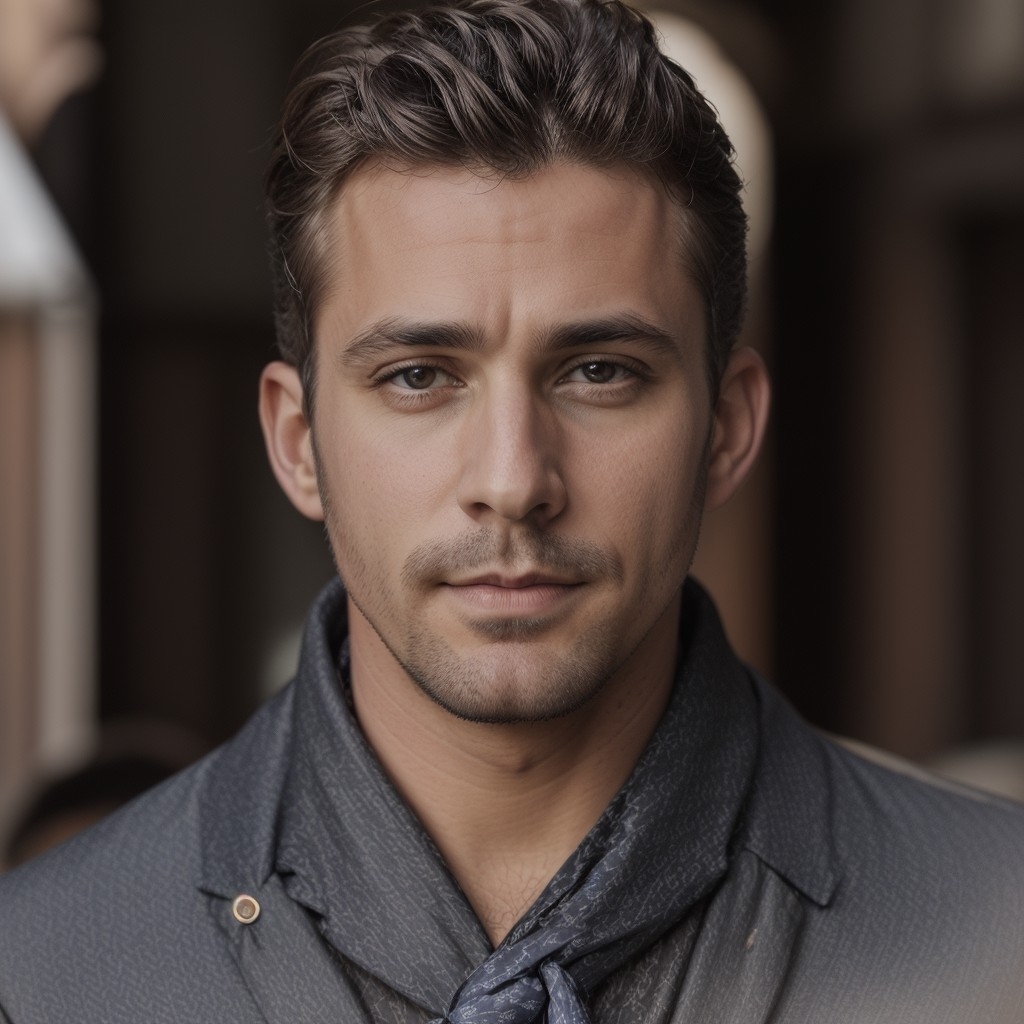
Combining Canny AND Depth can capture the most details from an original image.
This is the image result using BOTH Canny and Depth plus the prompt.
Please note:
- These images were all created with the same seed for the sake of consistency. Remix your image with a different seed to see a variation.
- If you're not getting the results you want, try a more specific prompt or add prompt weighting.
- You can also add an Initial Image and/or a pose map using Openpose. Click HERE for more information.
Source: the MonAI wiki · Updated · First published