
¶ Shifting an Image to Photorealism
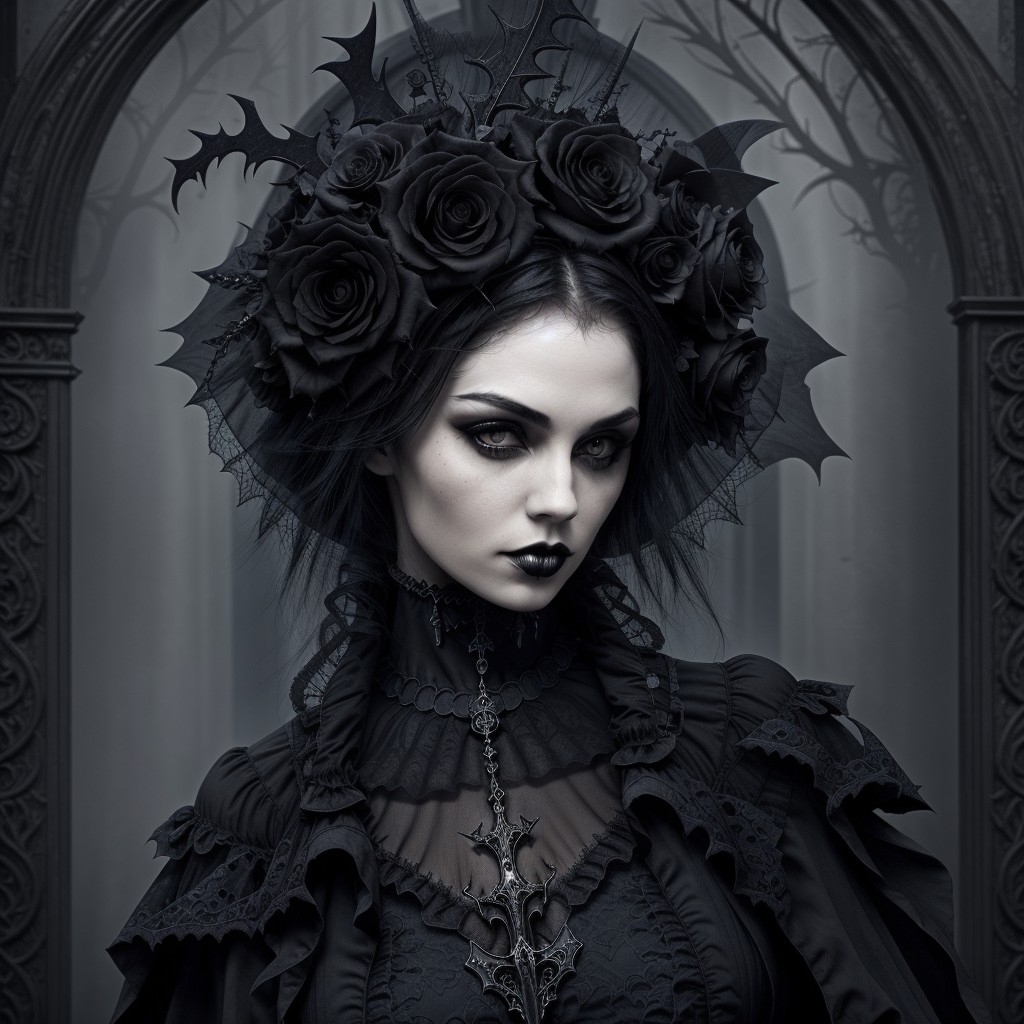
¶ The Original Image
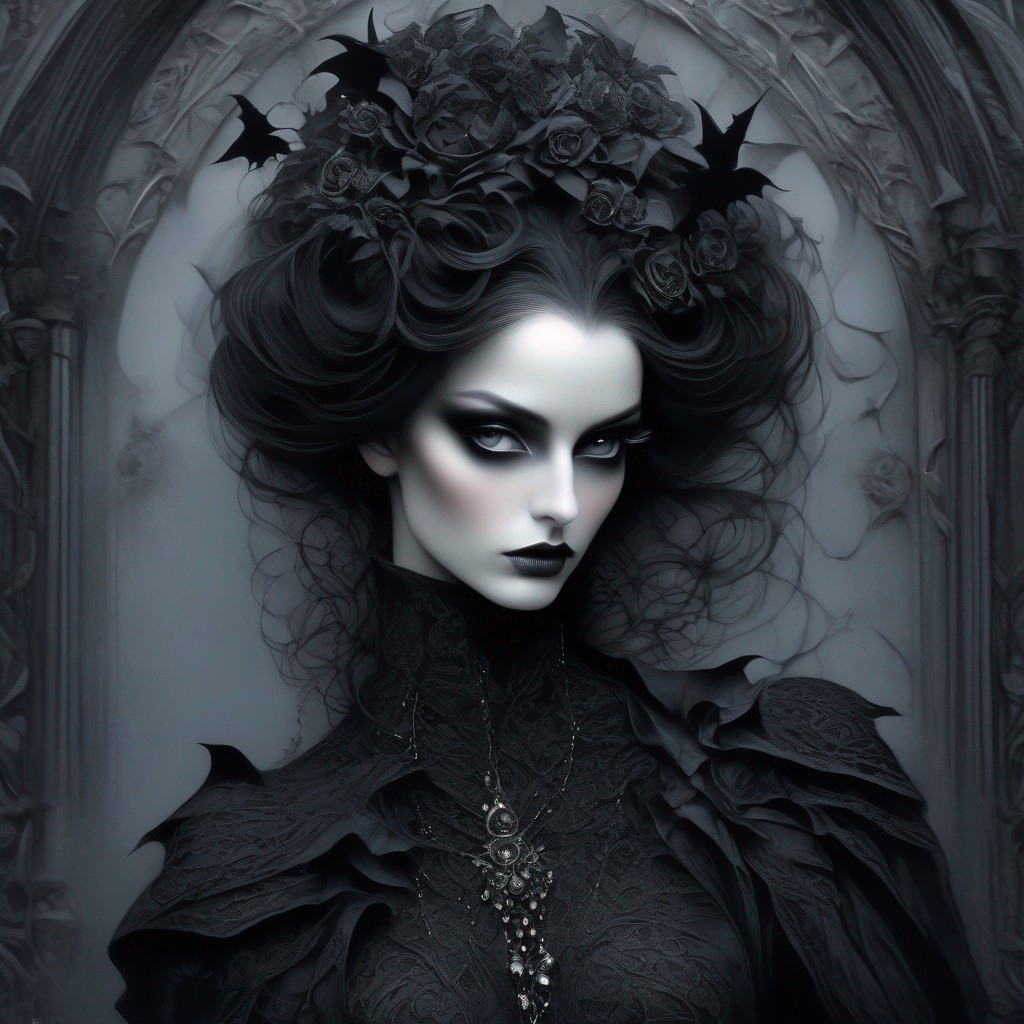
Prompt: beautiful woman, (gothic style:1.3) . mysterious, haunting, dramatic, ornate
Negative Prompt: cheerful, (deformed, distorted, disfigured:1.3), ugly, noisy, blurry, (worst quality, low quality, bad quality:1.4)
SDXL Niji
1024x1024

SDXL Niji can create very imaginative artworks, but sometimes you want the Niji creativity with a more photorealistic look.
This is easy to do by using the Niji render as an initial image and choosing Image to Image ICBINP as the model.
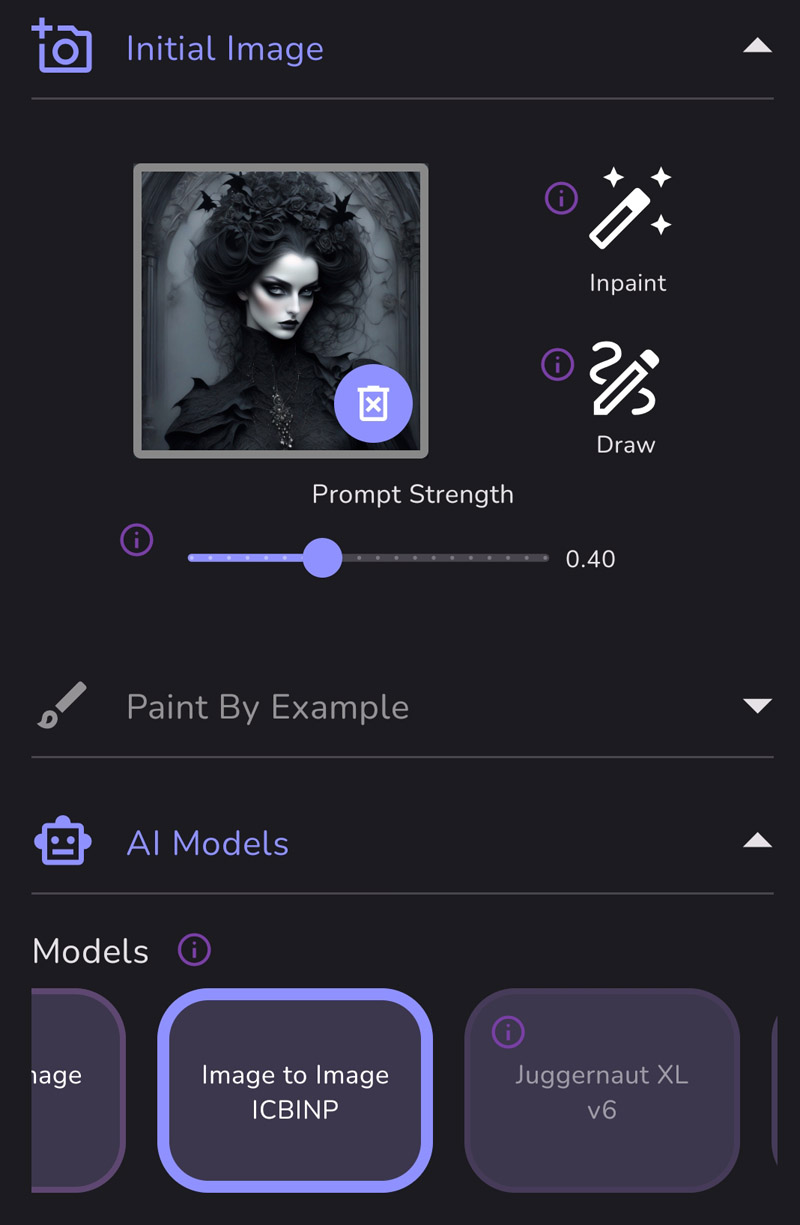
Without changing the prompt or negative prompt, I created these versions:
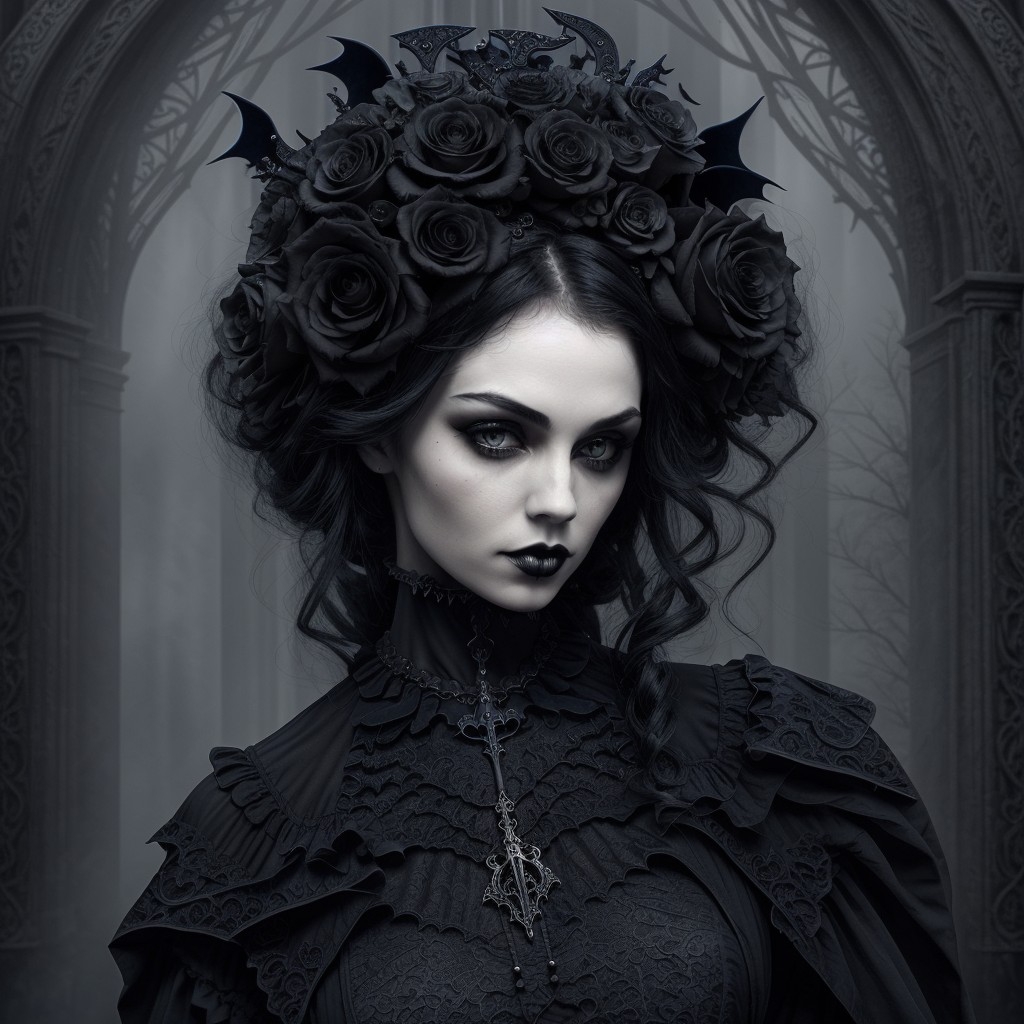
Steps: 30
Initial Image Prompt Strength: 0.40
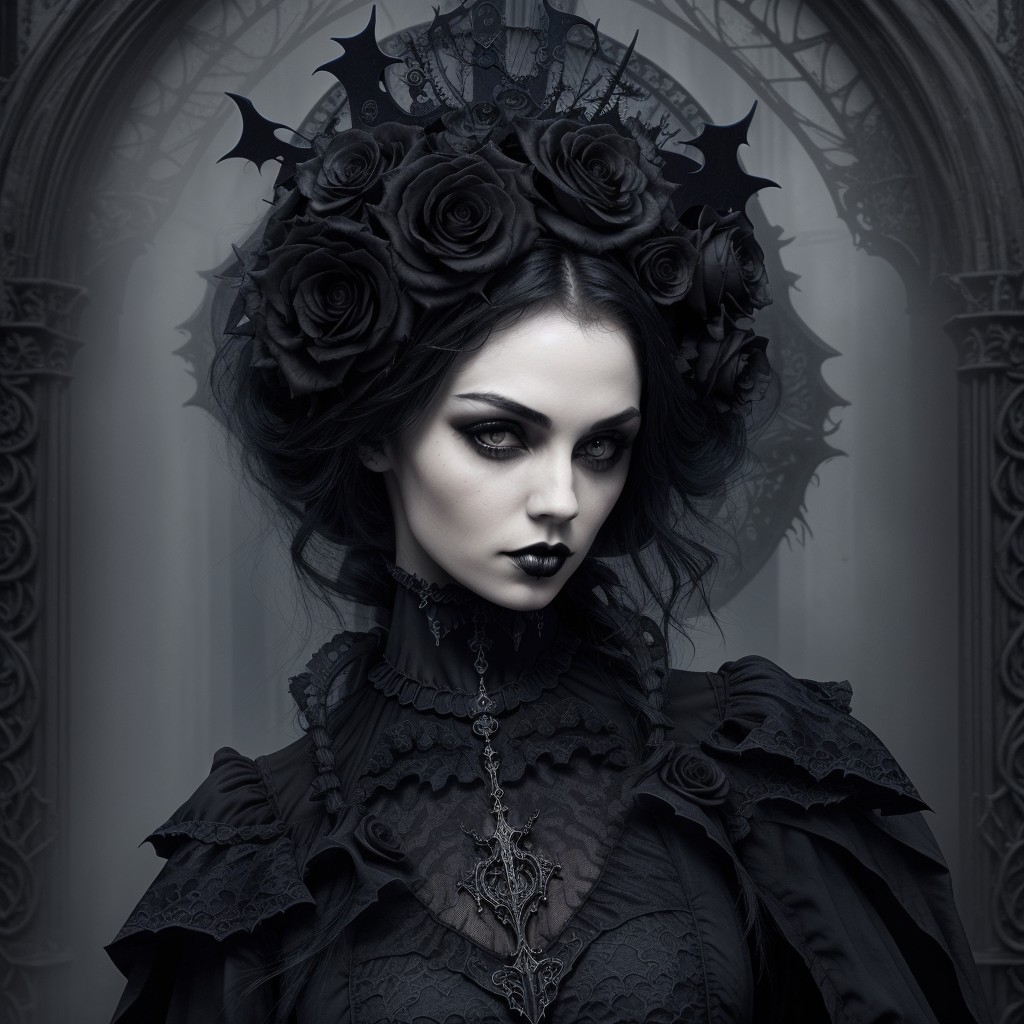
Steps: 30
Initial Image Prompt Strength: 0.40
A different seed than the image above
Steps: 50
Initial Image Prompt Strength: 0.40
- Change the prompt and negative prompt to make more drastic changes to the images.
- Shift the image to anime by selecting Image to Image Anime.
- Use the SDXL Refiner to make additional touchups if desired.
Source: the MonAI wiki · Updated · First published