¶ NSFW Content on the MonAI Home Page
The MonAI Home Page has an NSFW filter to omit sexual and explicit content. When using the default settings, you should not see NSFW content in the Home Page.
The filter makes mistakes and sometimes NSFW content slips through. If you are viewing the Home Page with the default settings and you see NSFW content, please report it.
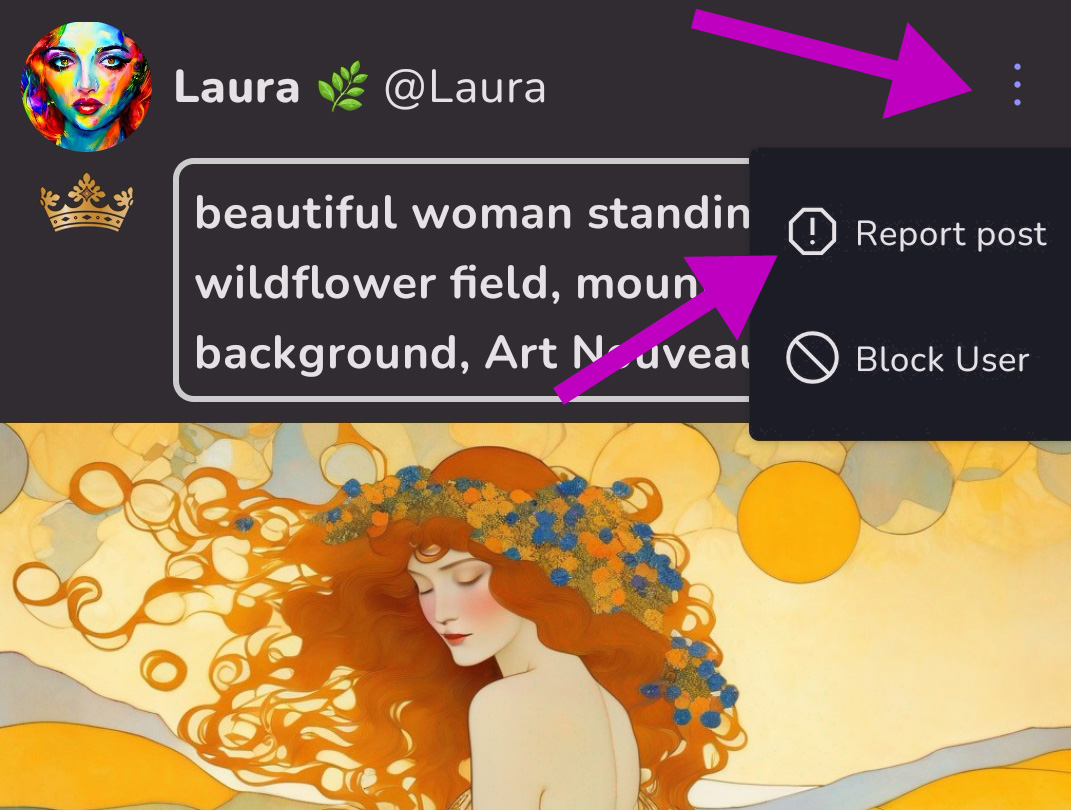
Tap the 3 dots menu, and then Report post. This will log the mismarked post in our systems so others won't see it in the home feed.
Thanks for helping to keep our Home Feed safe!
¶ Changing the NSFW Settings on the MonAI Home Page
The default settings of the NSFW filter WILL omit many images that are NOT sexual or explicit. Many artists have expressed frustration that their artworks can not be shared because of the NSFW filter. Our default settings were developed with safety as the primary concern. The filtering system is far from perfect, but it is the best system available at this time.
In order to give more options to our customers, we've added a new menu for you to control your Home Feed NSFW Filter Settings. Let's check it out.
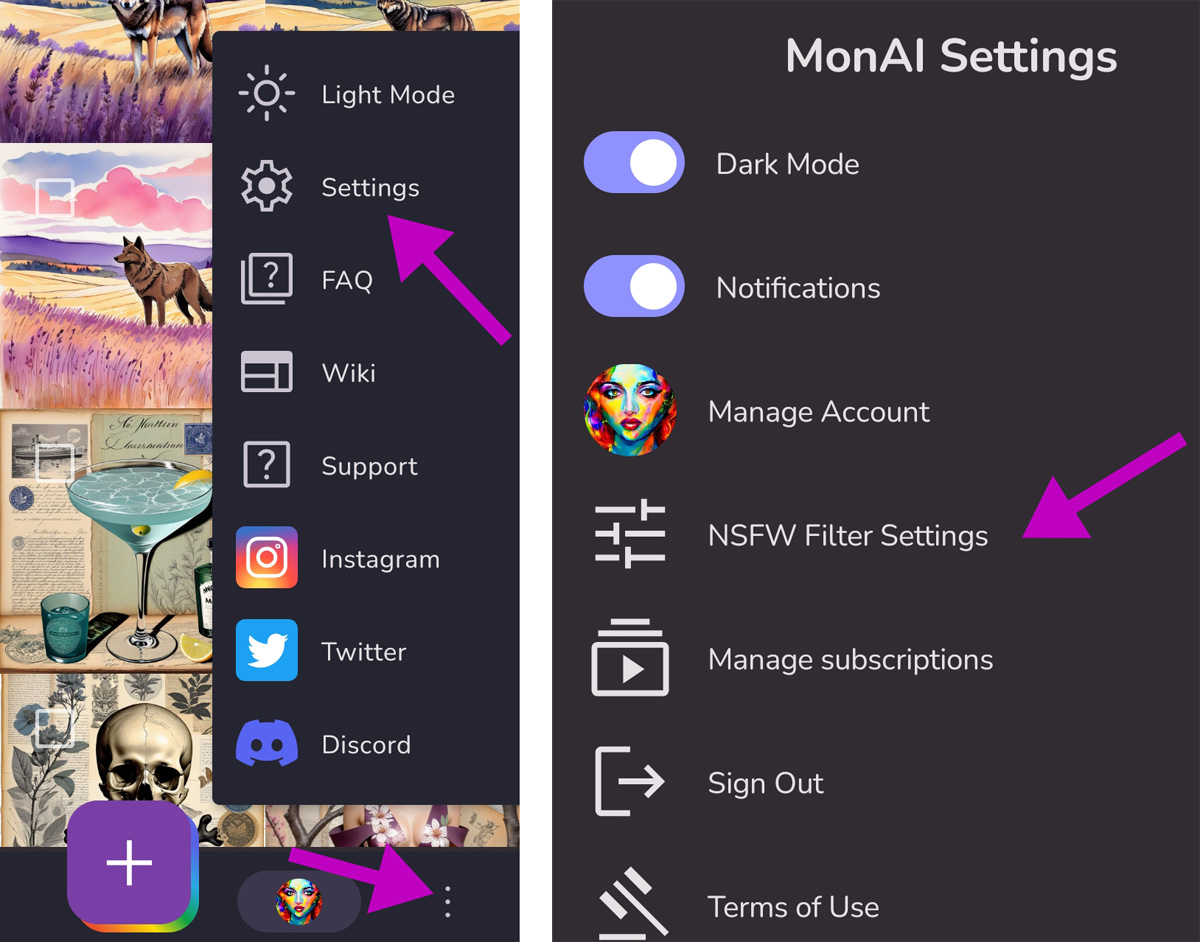
Find the NSFW Filter Settings by going to the 3 dots menu on the lower right > Settings > NSFW Filter Settings.
¶ Default Settings
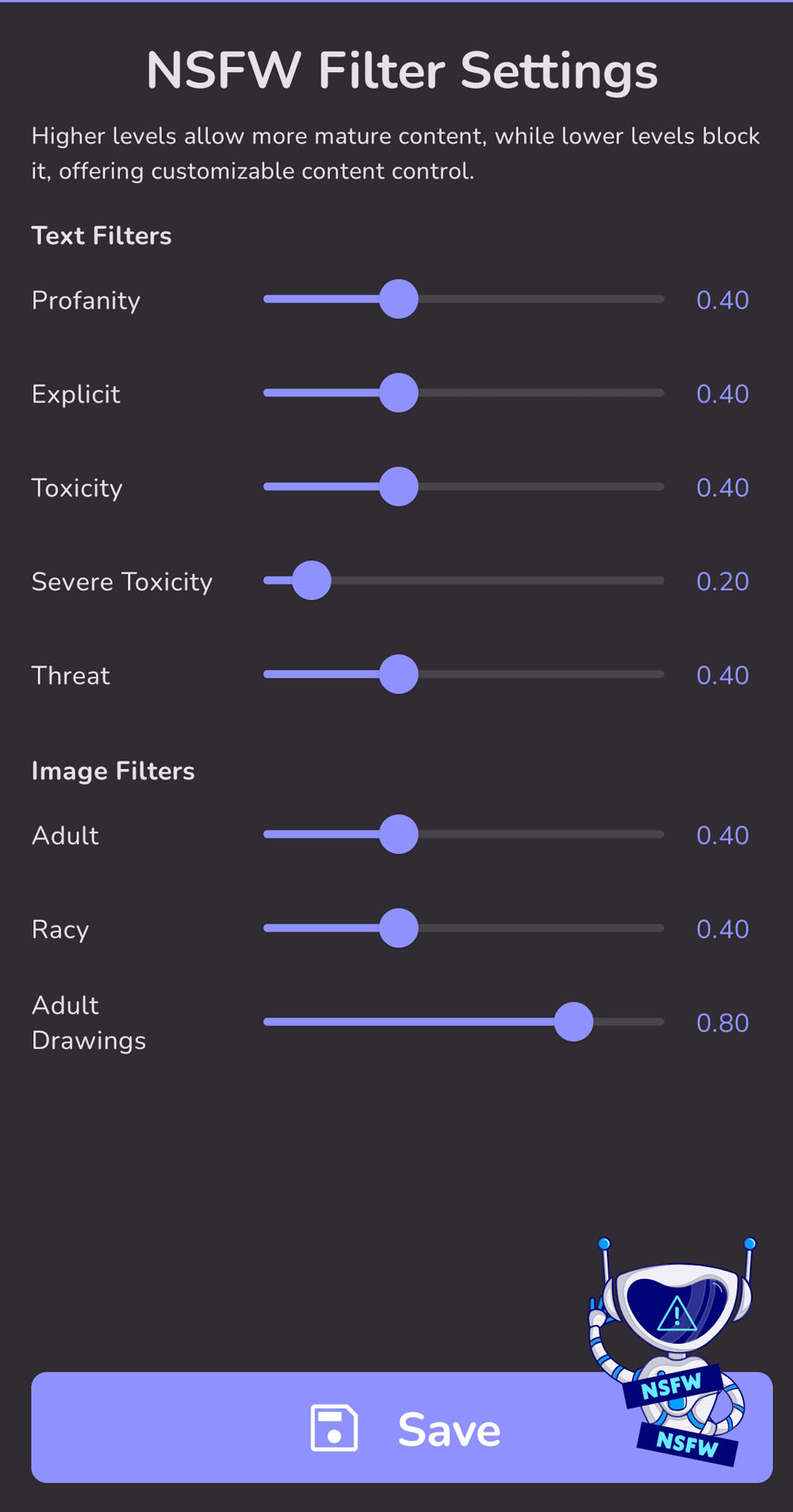
The text filters analyze the prompt text. The image filters analyze the artwork itself.
You can change the individual sliders to adjust what you see in the home page.
For example, let's take a look at the ratings for this artwork. Ratings can be found by tapping on the ( i ) at the lower right of the image.
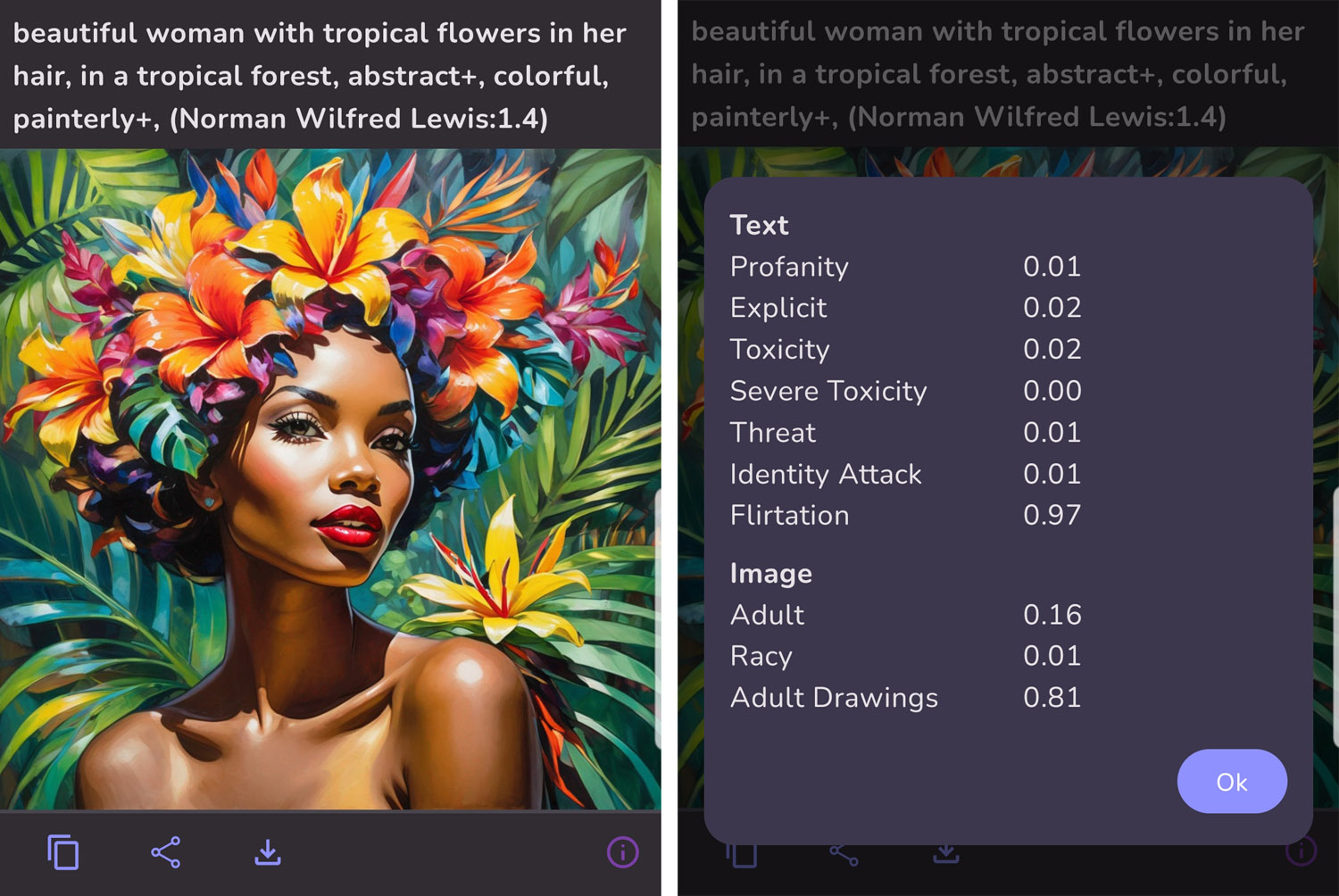
This image has a 0.81 in Adult Drawings. I shared it to the Home Page, but I couldn't see it in the Home Page. So I increased the Adult Drawings slider. After that, the artwork appeared in my Home Page. It would also appear in the Home Page of anyone else whose NSFW Filter Settings were set accordingly.
*Please note, the Identity Attack and Flirtation ratings are not used.
¶ Examples
Let's look at a few more artworks to get an idea of what these image ratings mean.
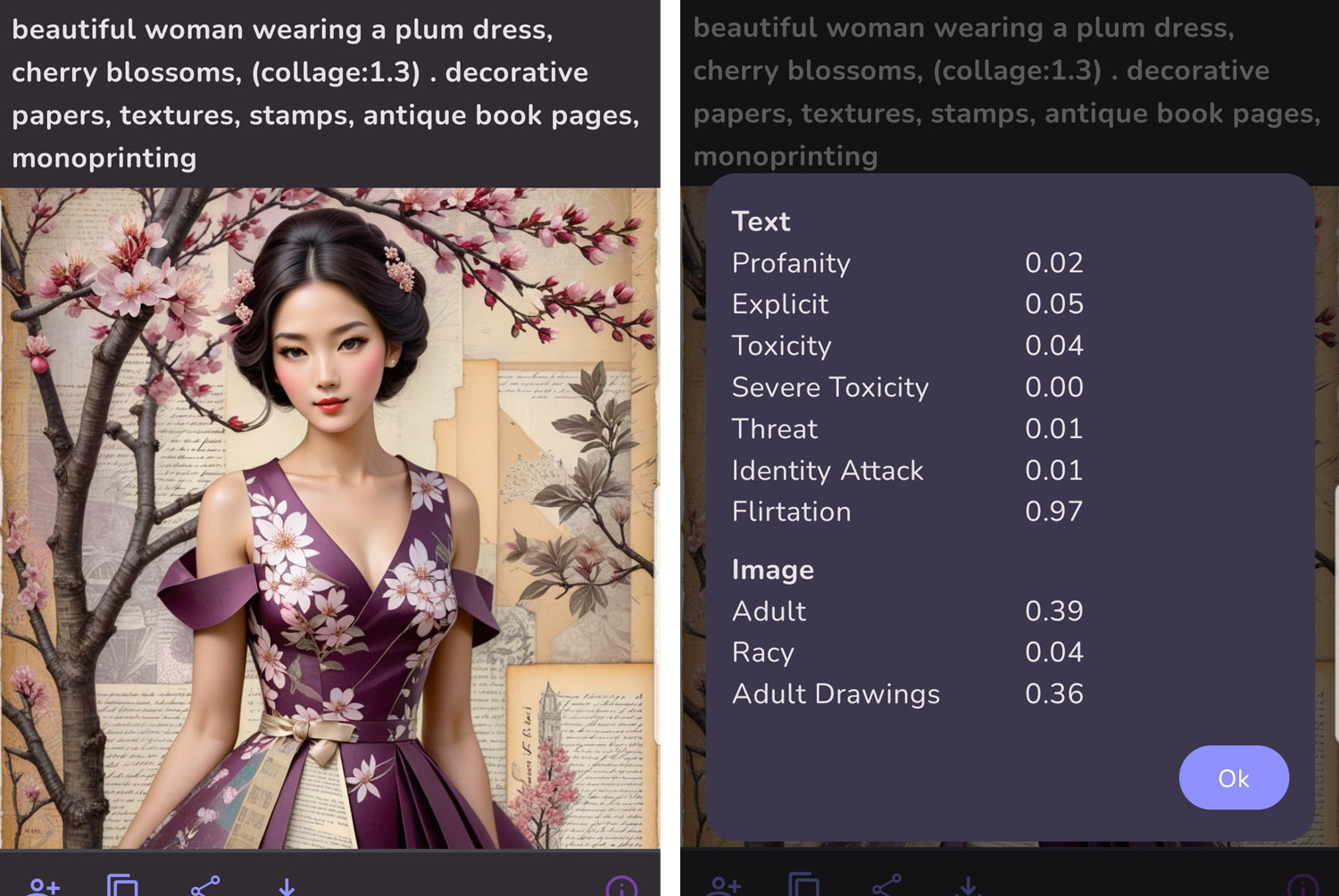
You might think that the image above isn't “Adult” at all, but any artwork that includes a human should get higher image ratings than one with no human, like the artwork below.
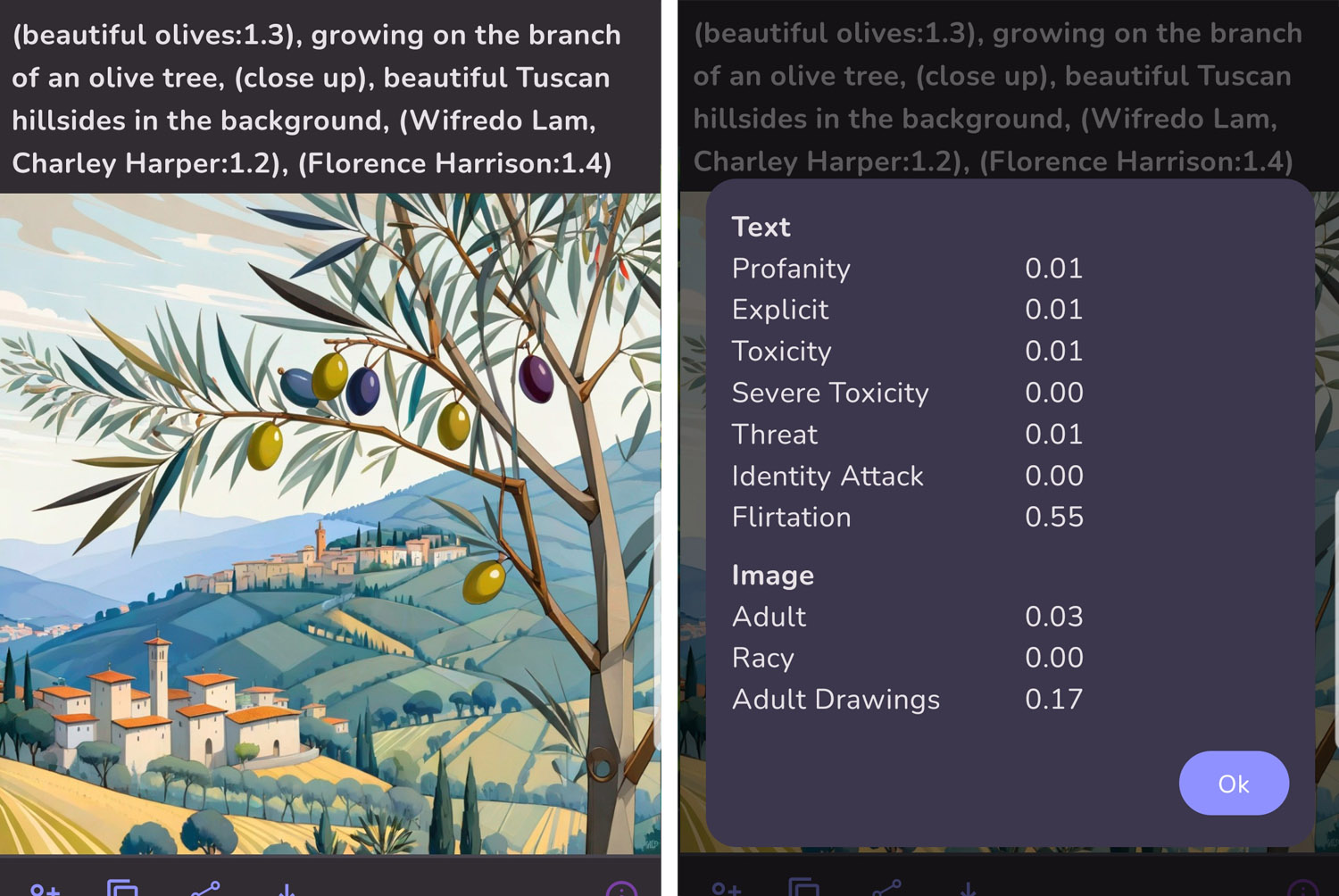
Adult Drawings is a category that should identify NSFW anime and cartoon images. Some things that don't seem adult at all still register in the Adult Drawings category.
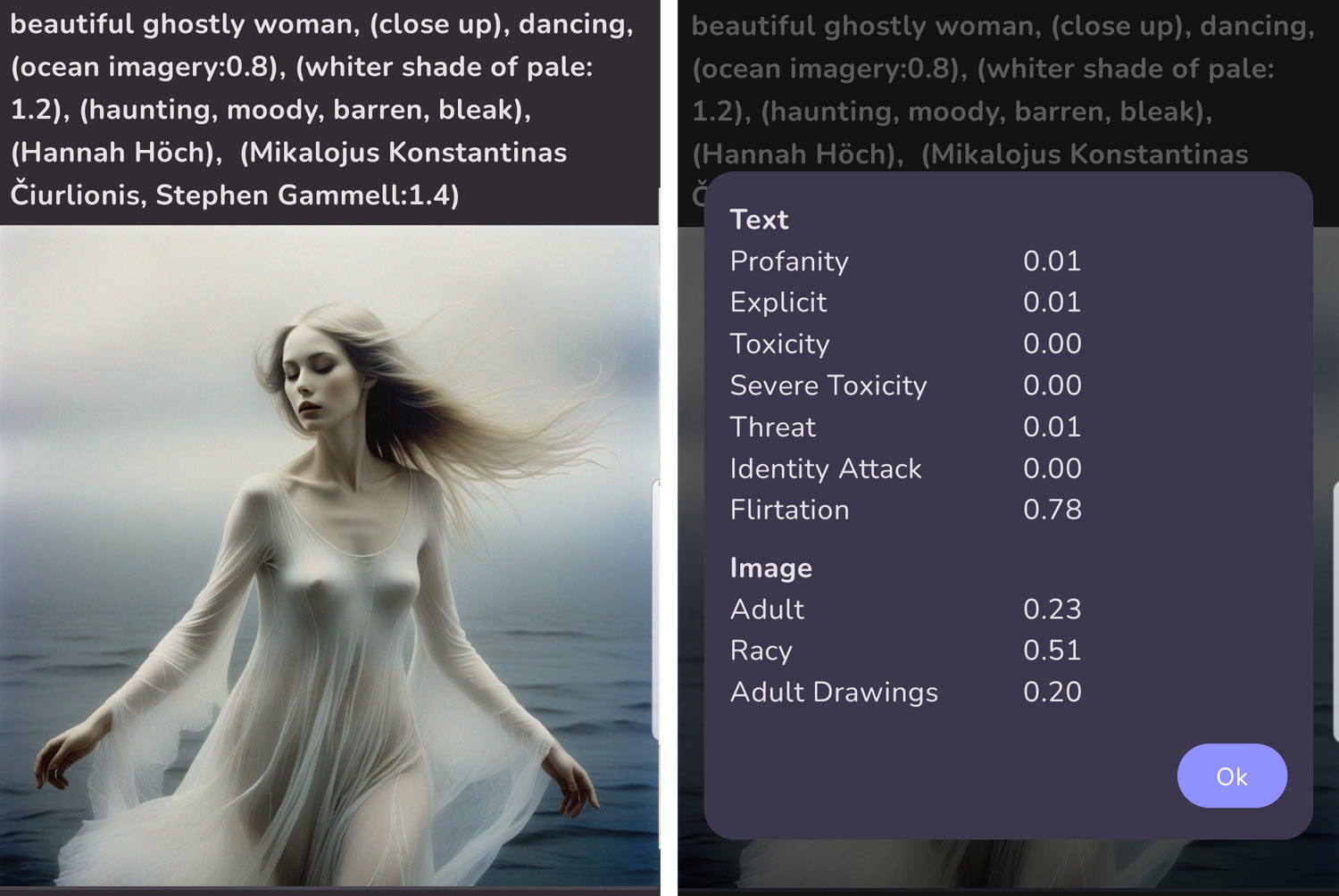
This image rates high in the Racy category. Even though it was not designed to be erotic, the garment is rather revealing.
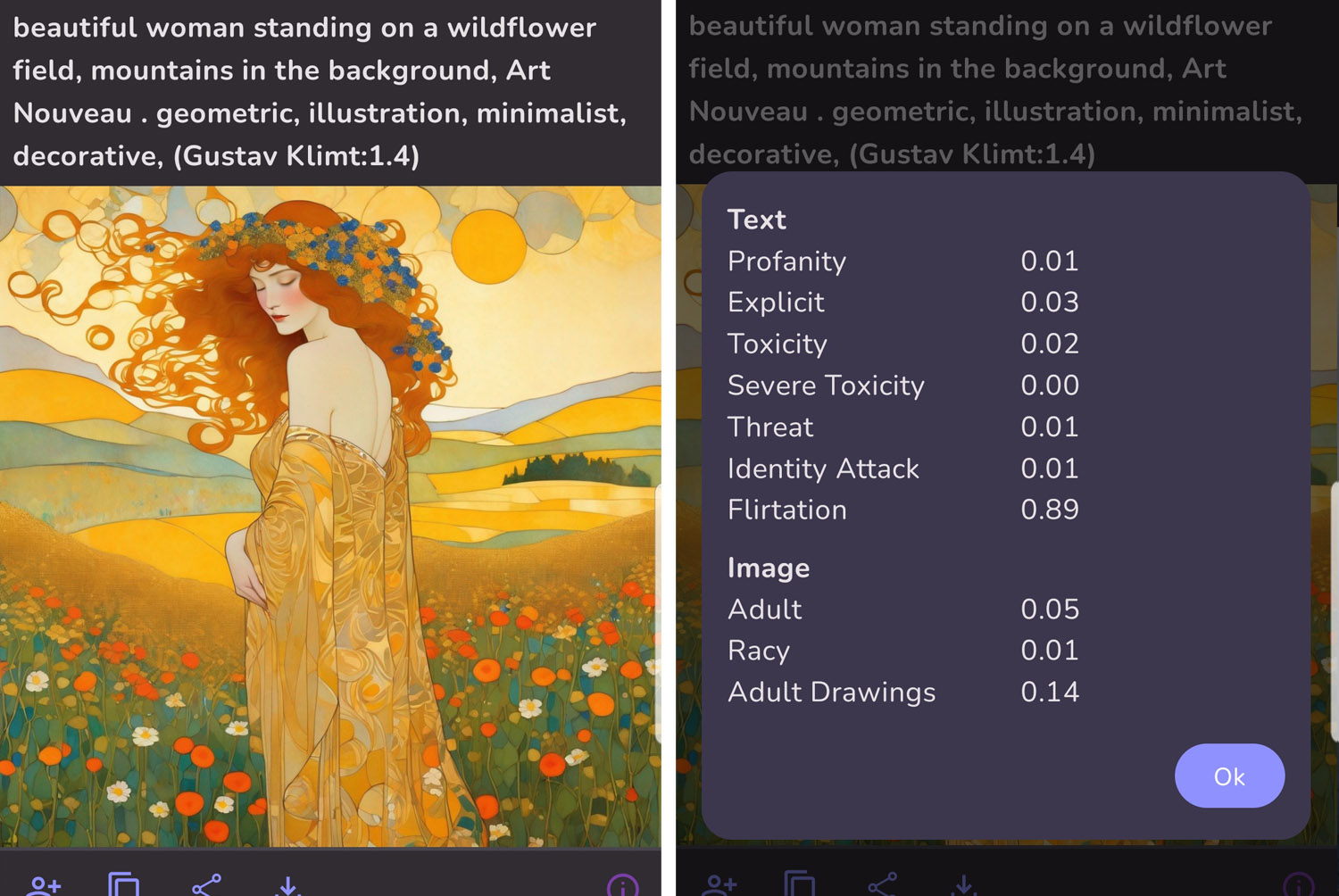
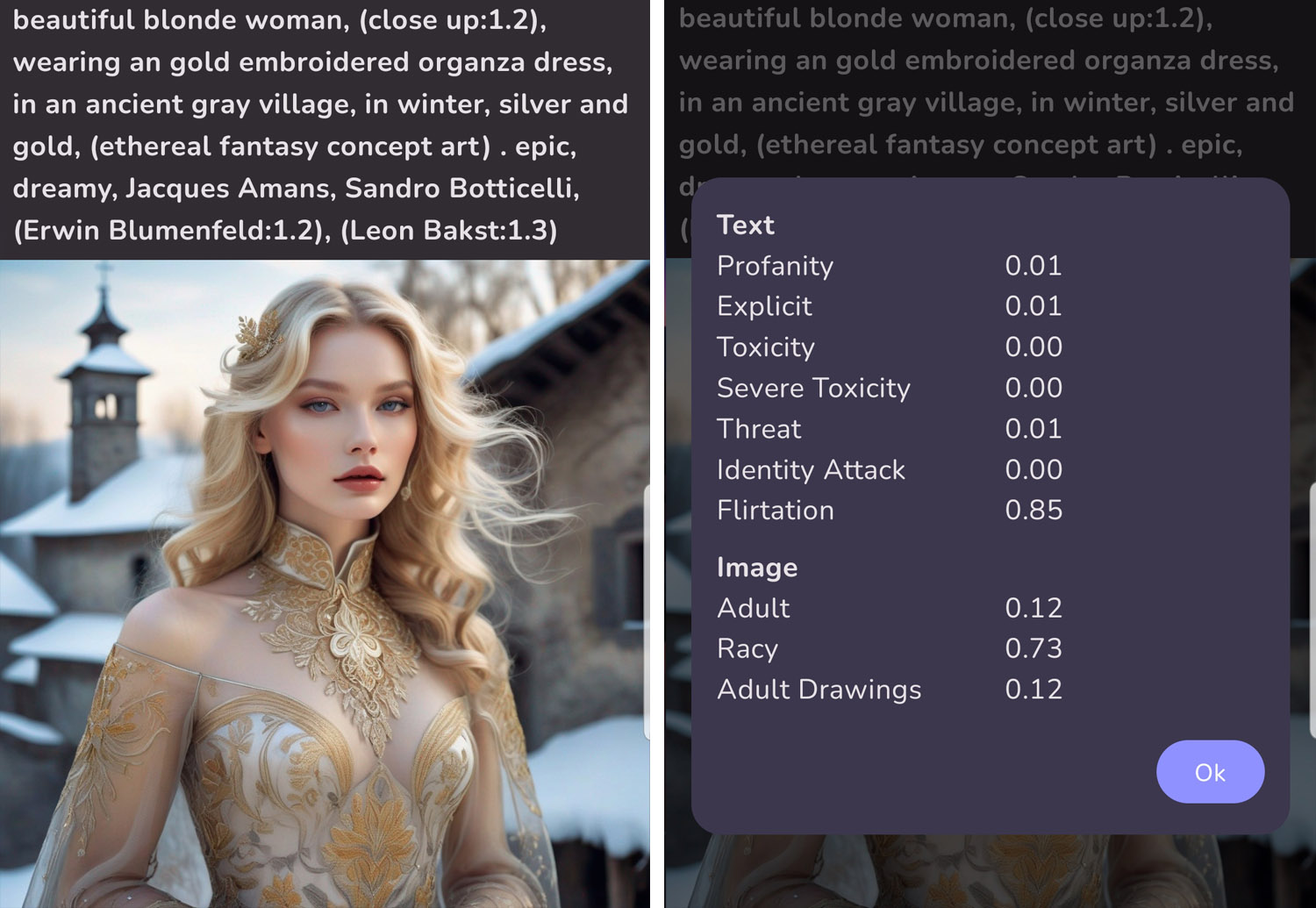
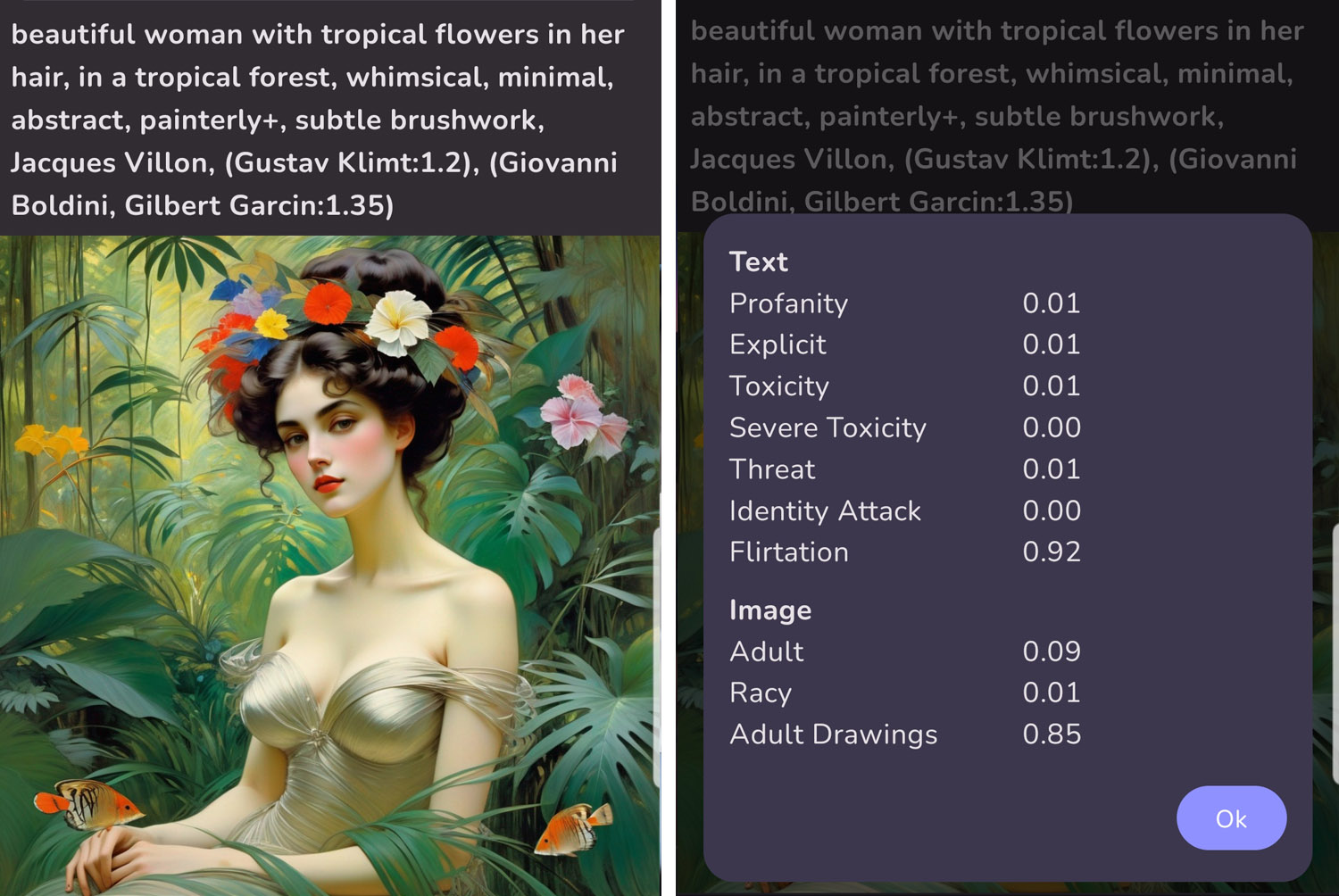
These are just a few examples of images and their ratings to give you some familiarity with the system.
If you customize the Home Feed to allow more artworks with higher NSFW ratings, you will see more artworks than you were able to see before. Some of these artworks may be offensive to you. If you would prefer to avoid these potentially offensive images, please return your NSFW Filter Settings to the defaults shown above.
Source: the MonAI wiki · Updated · First published