
¶ Example 1 - Adding a Face to an Image with Image Prompts
I'm using Image Prompts to create a modern photorealistic version of the famous Rococo painting The Swing by Jean-Honoré Fragonard.
I cropped the artwork because I want to focus on the woman.
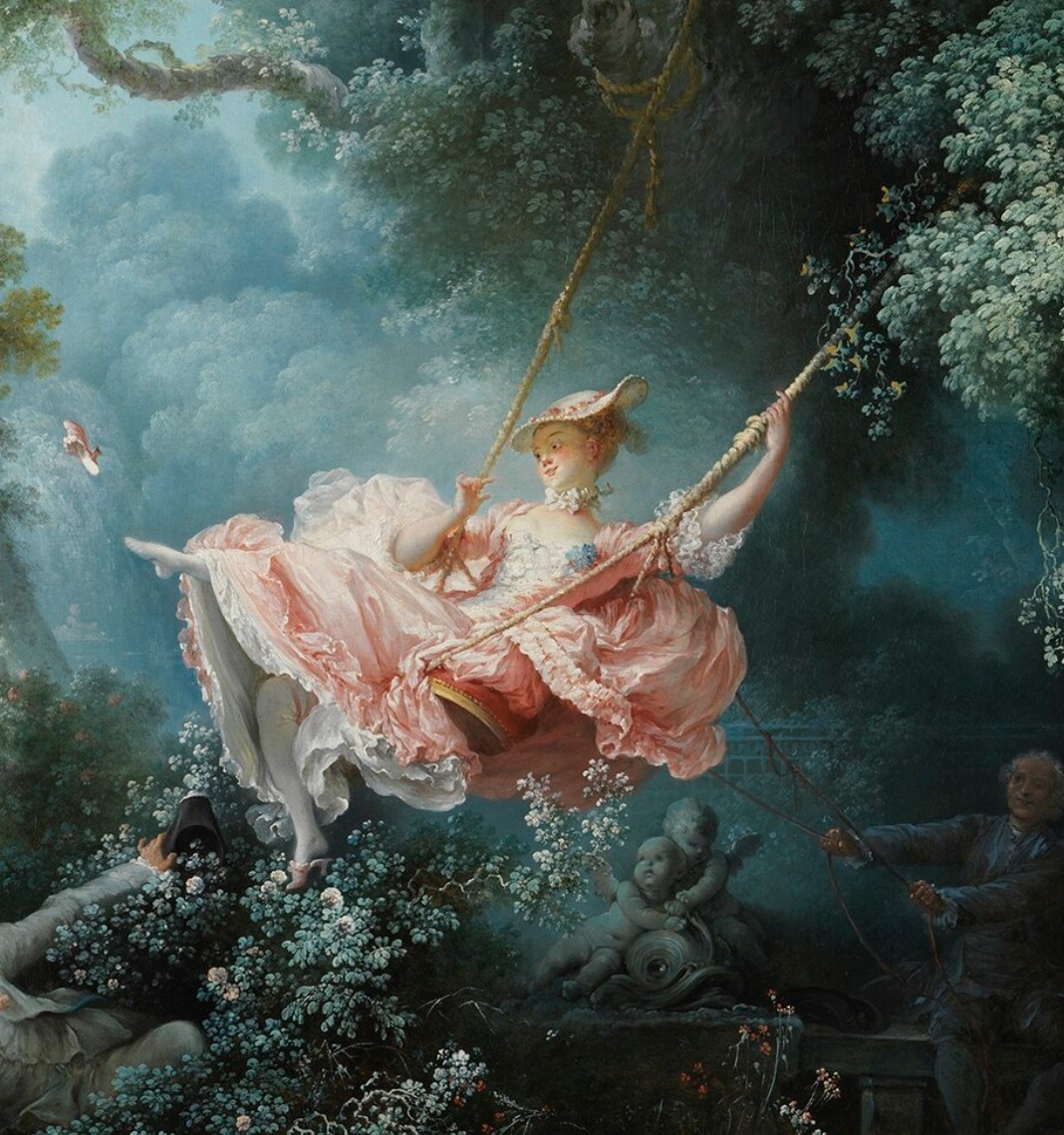
And I chose an earlier render as a face image.
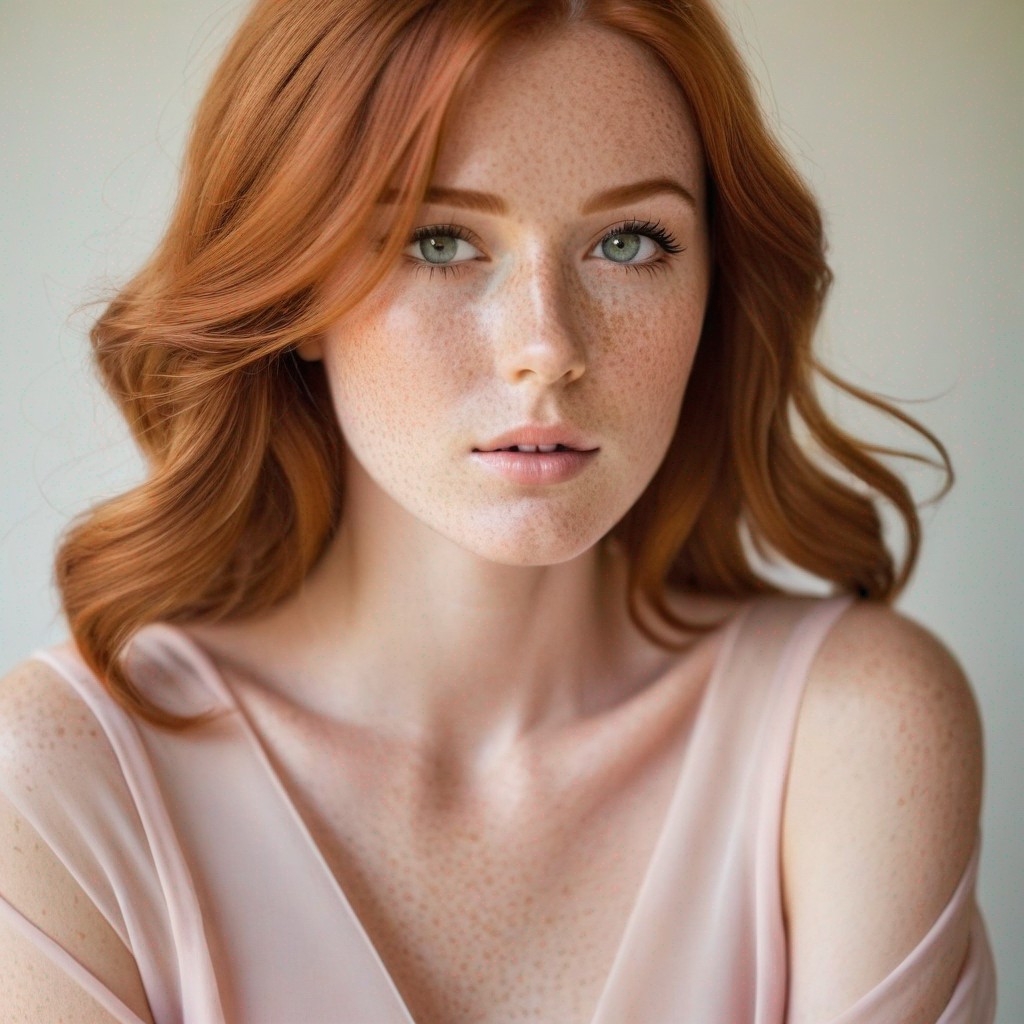
Image Prompts can incorporate a face into your AI artwork, even changing the style or pose. It's perfect if you want to see a particular person in a historic image, a sci-fi scene, or an action shot.
¶ Prompting
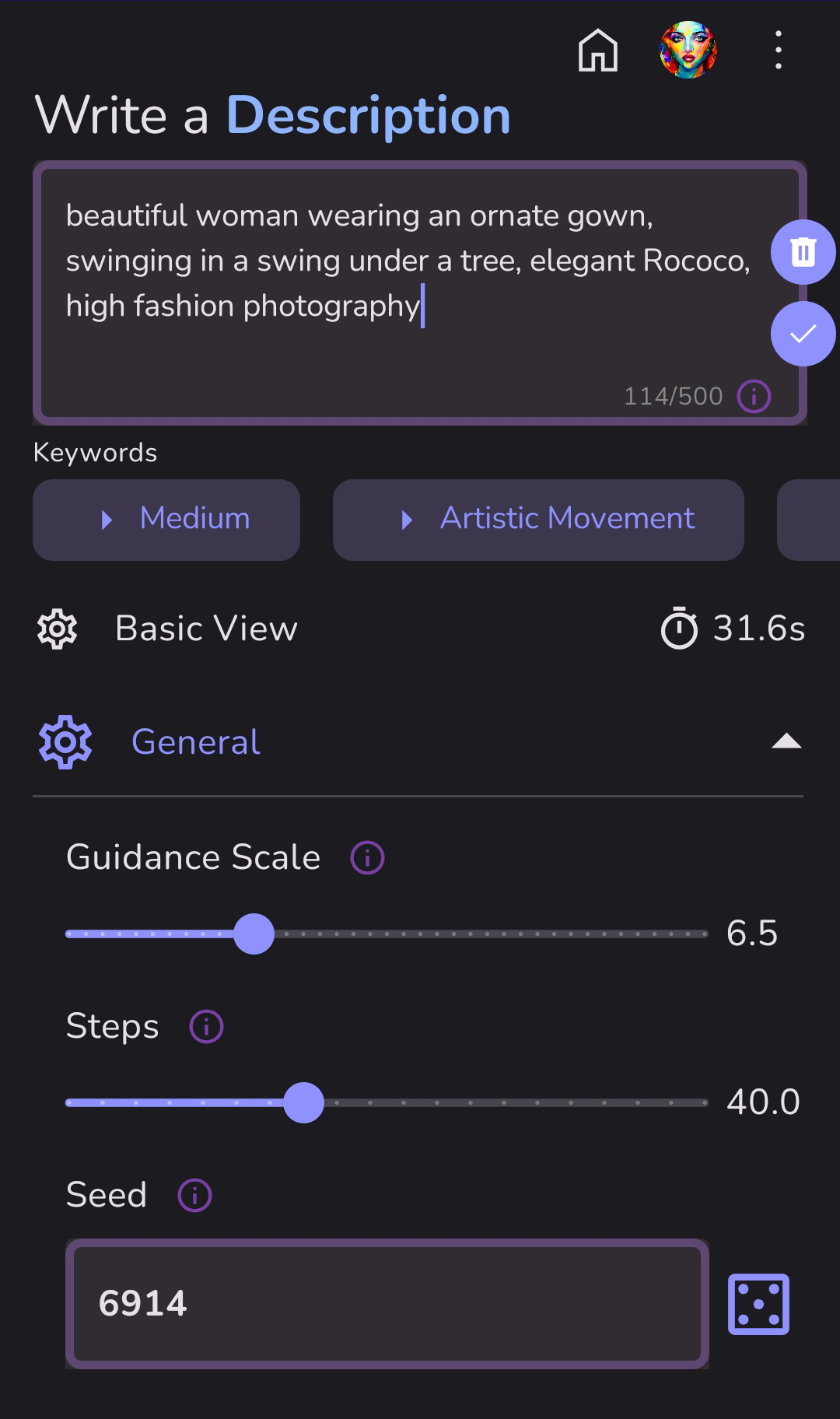
Prompt: beautiful woman wearing an ornate gown, swinging in a swing under a tree, elegant Rococo, high fashion photography
Negative Prompt: (deformed, distorted, disfigured:1.2), ugly, blurry, (worst quality, low quality, bad quality:1.3), mutation
Model: Juggernaut + Run Diffusion v8
Why? Juggernaut is a photorealistic model, and I wanted a photorealistic result. I'm trying to capture the stunning fashions and frivolity of Rococo artwork with a more modern look.
¶ Image Prompts Setup:
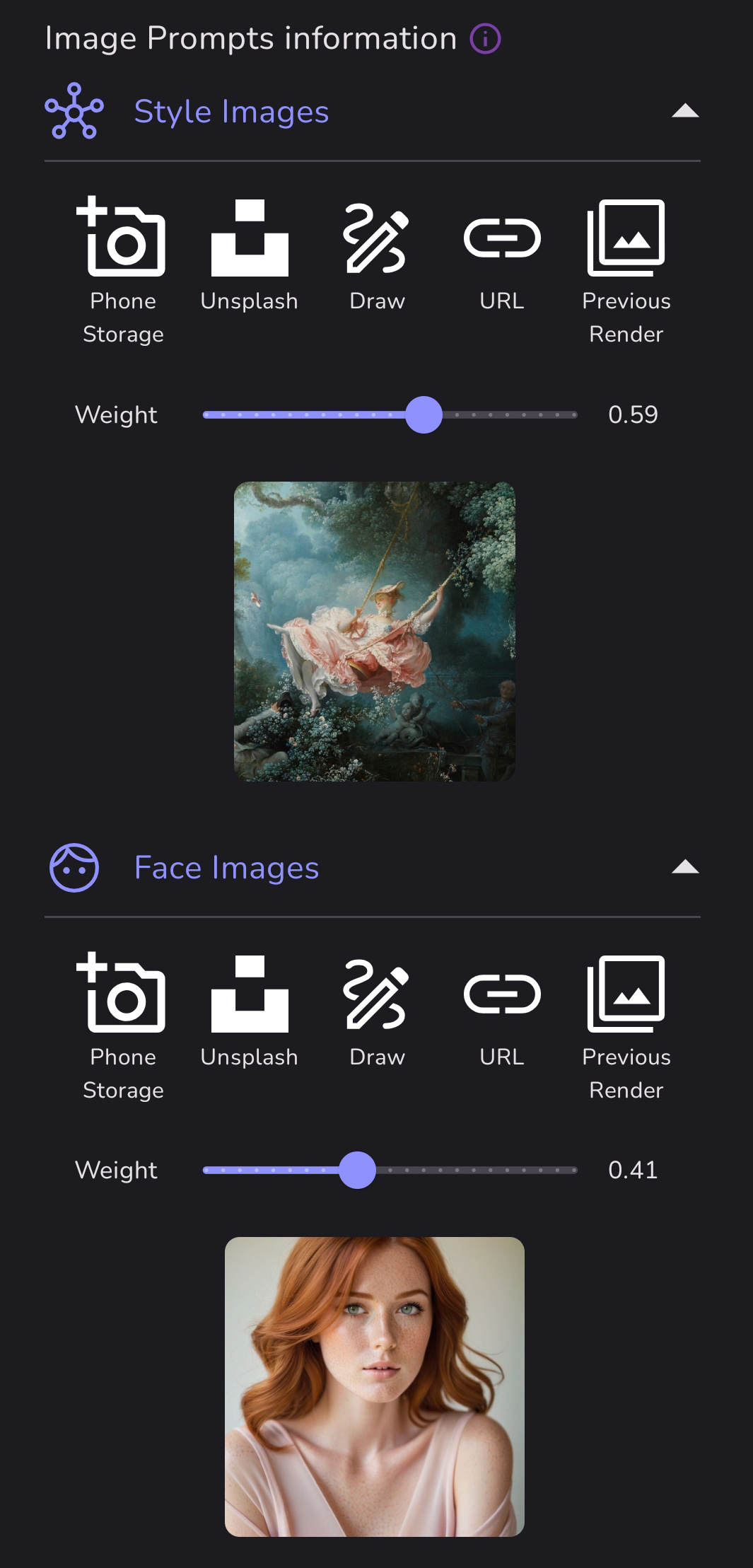
The Swing is my style image (I only used one in this example) and the redheaded girl is my face image. The default weight of 0.50 is usually perfect, but in this case, I increased the weight on the style image and decreased the weight on the face image after some trial and error.
¶ Results:
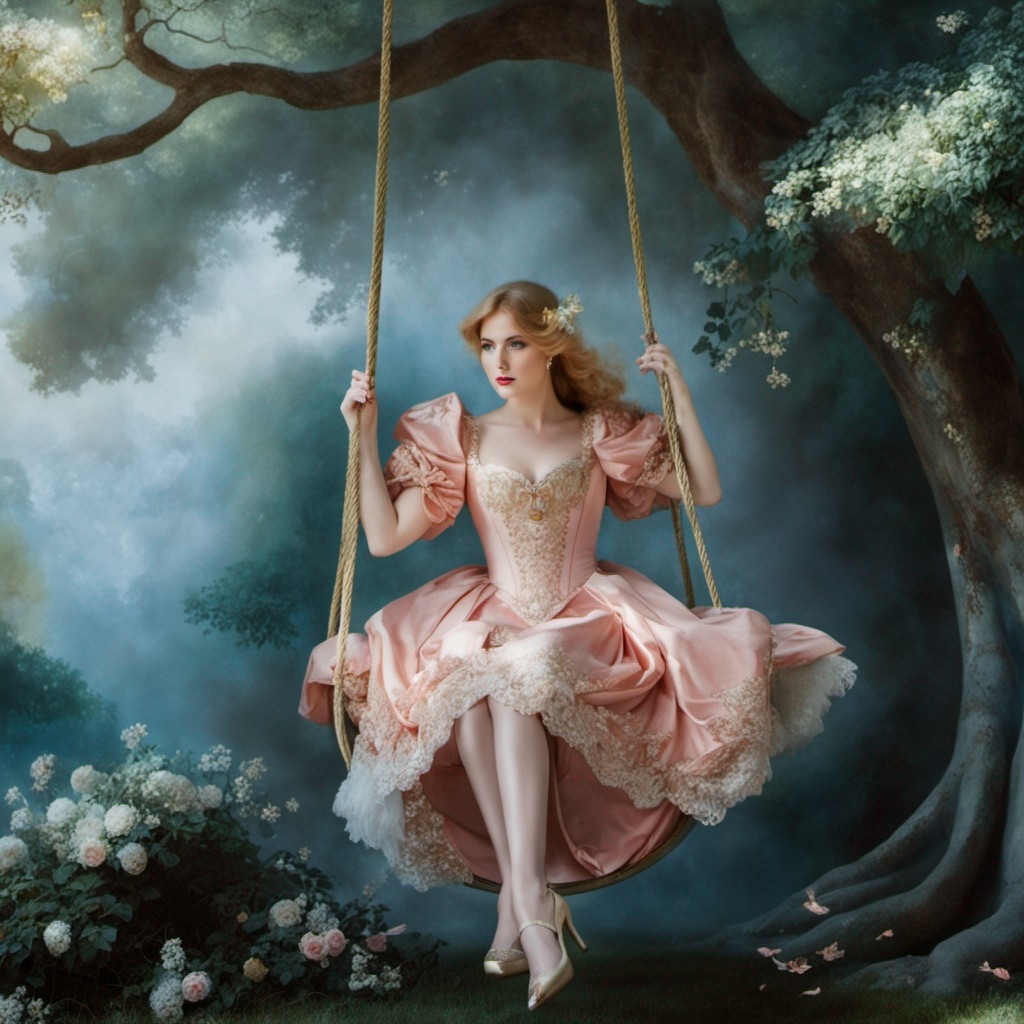
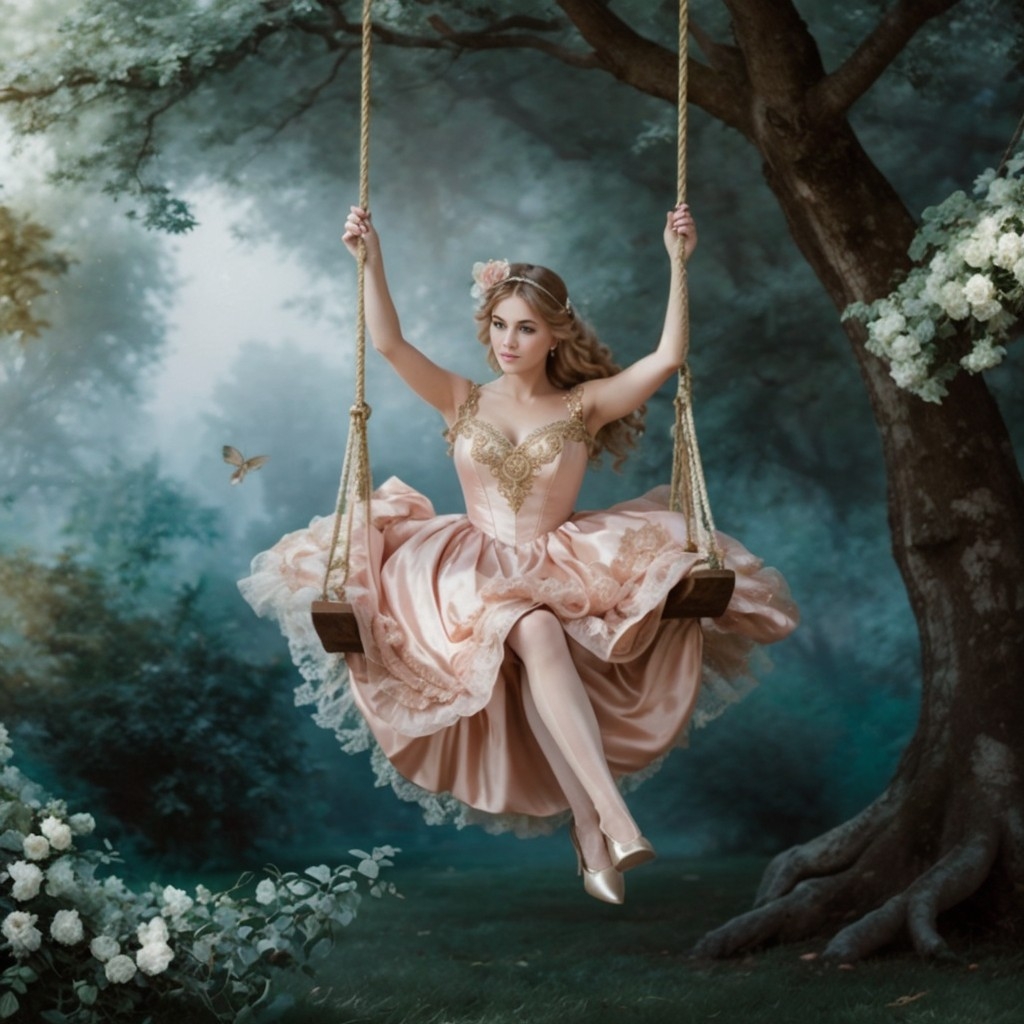
You can see the colors of the trees and the dress are similar to The Swing while the girl has a more modern appearance.
¶ Example 2 - Creating a Style with Image Prompts
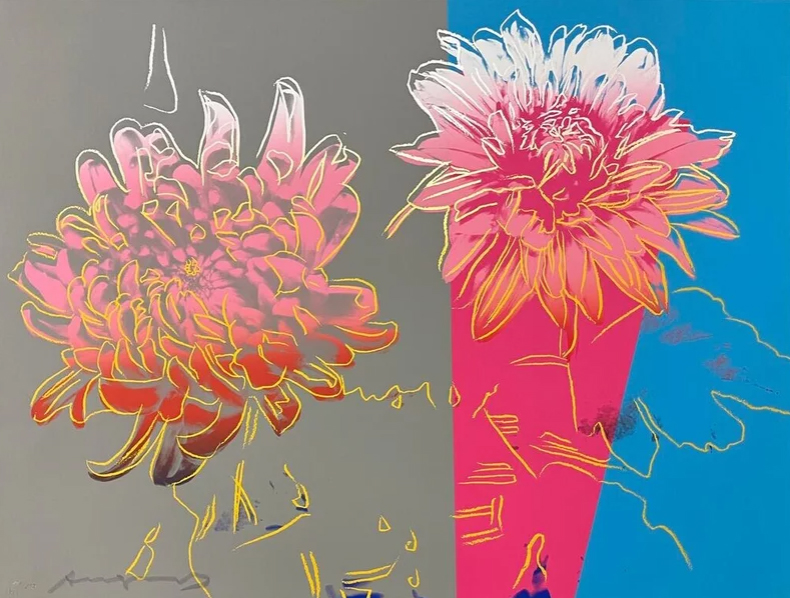
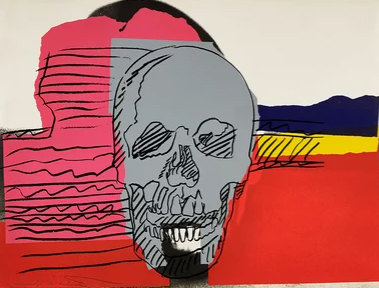
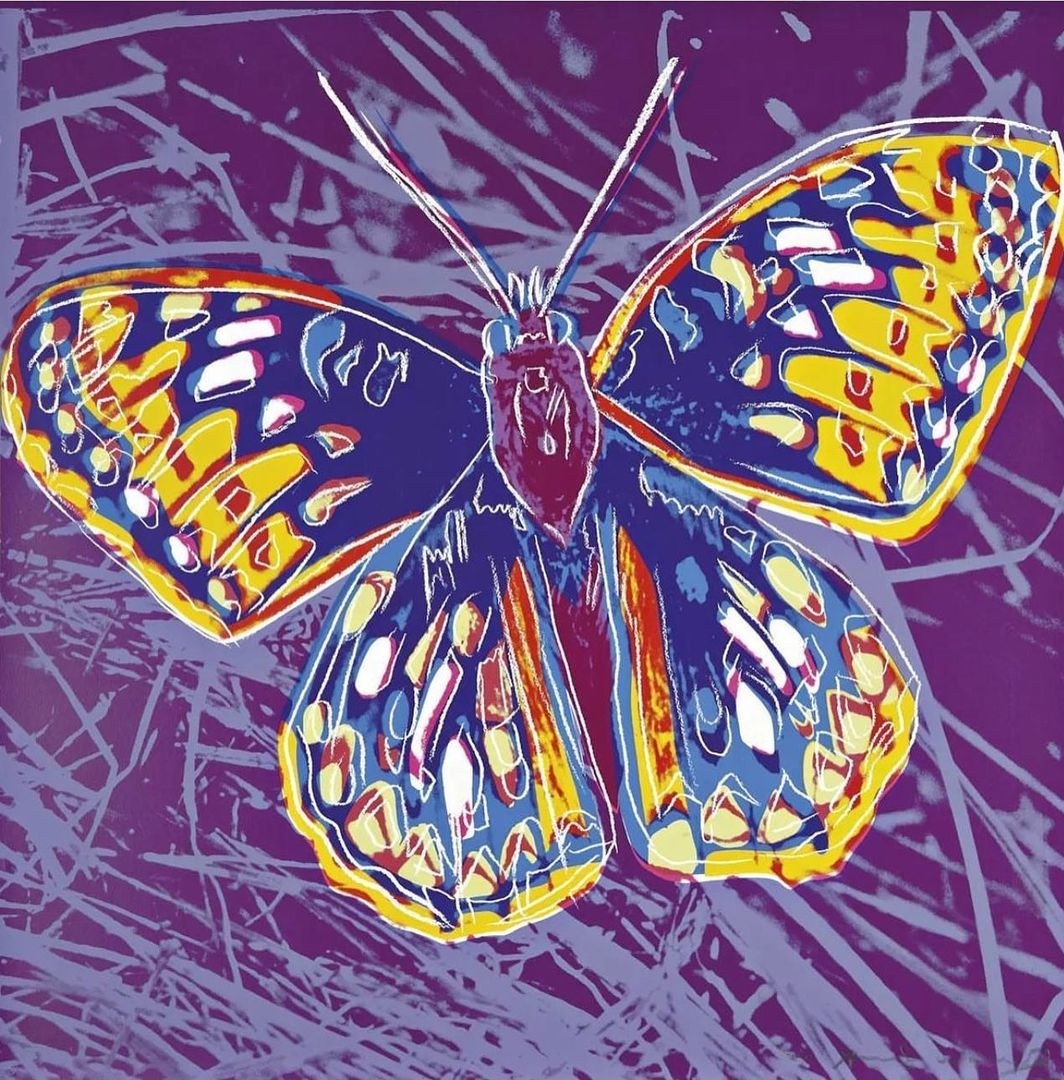
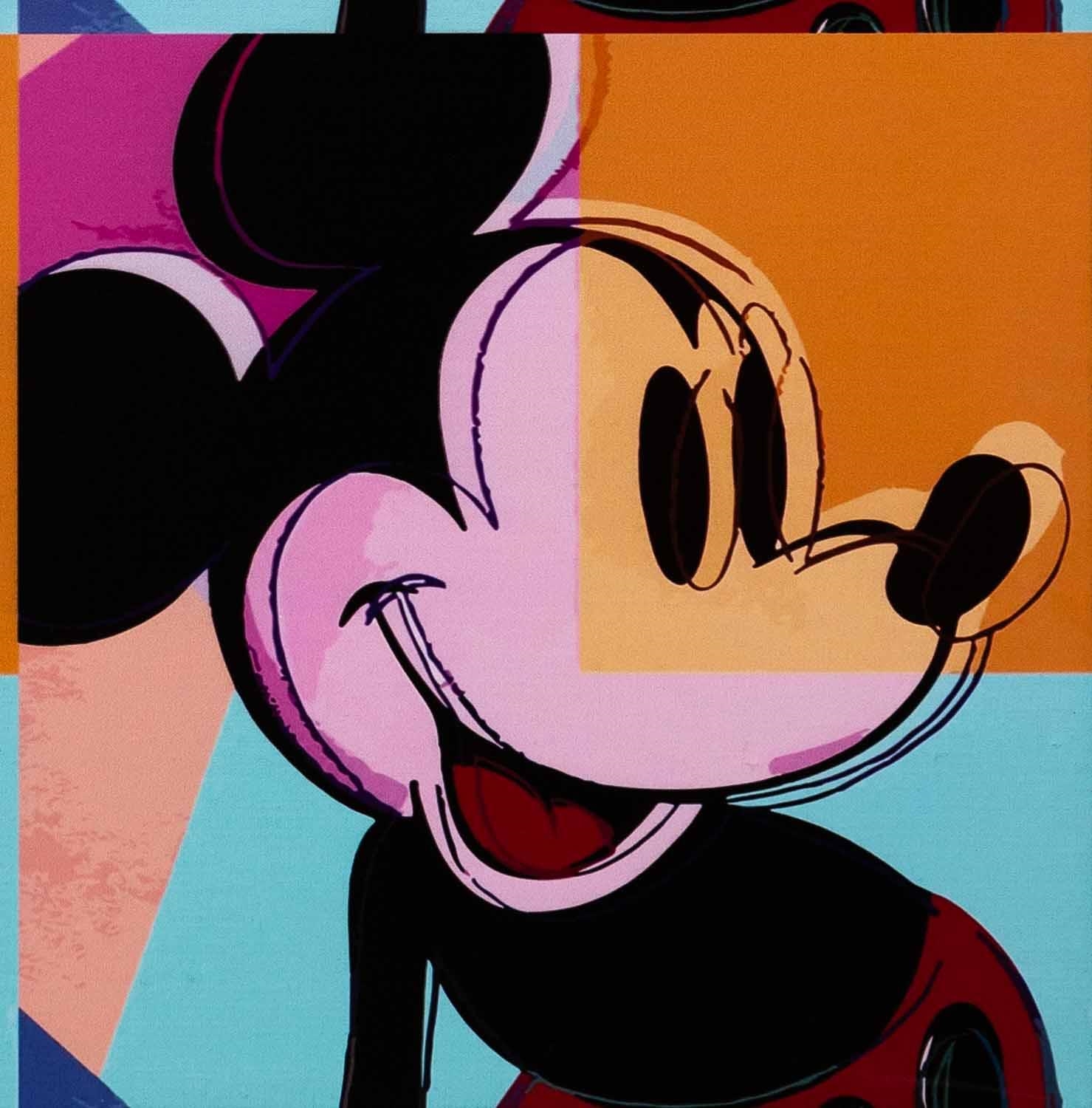
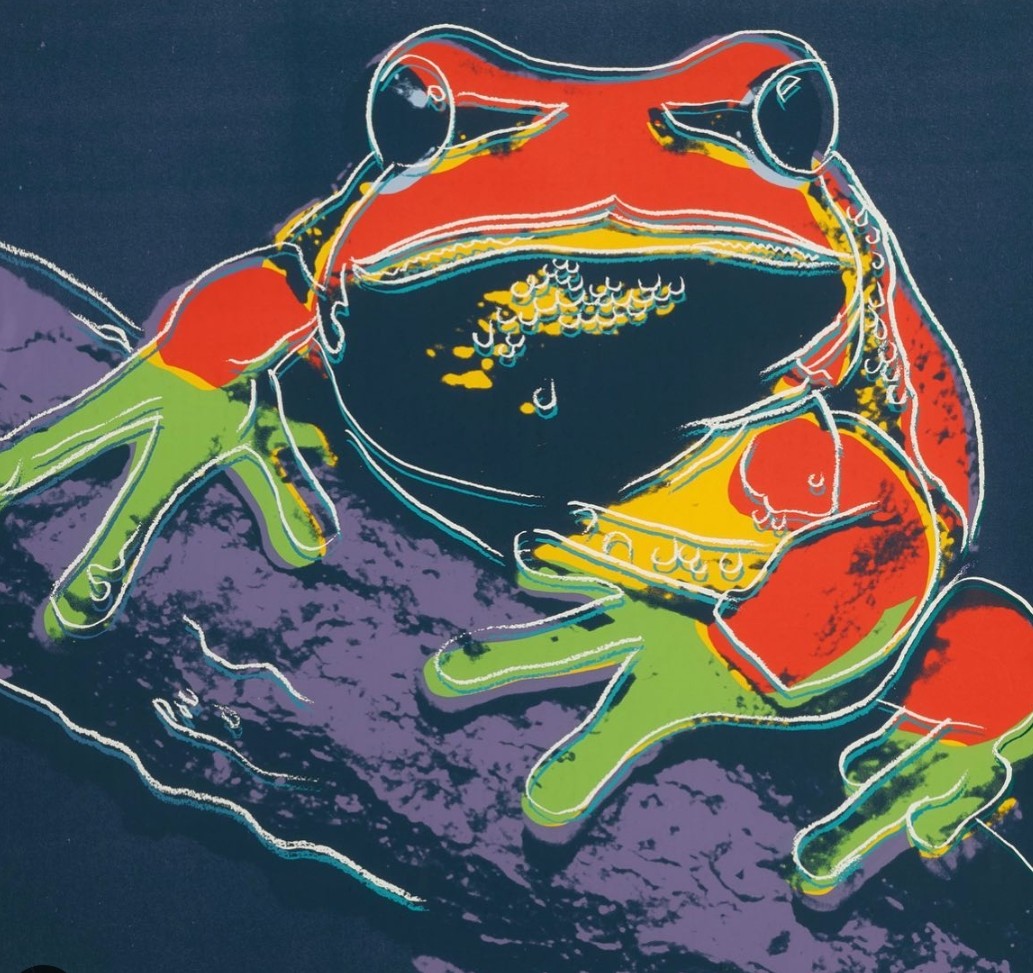
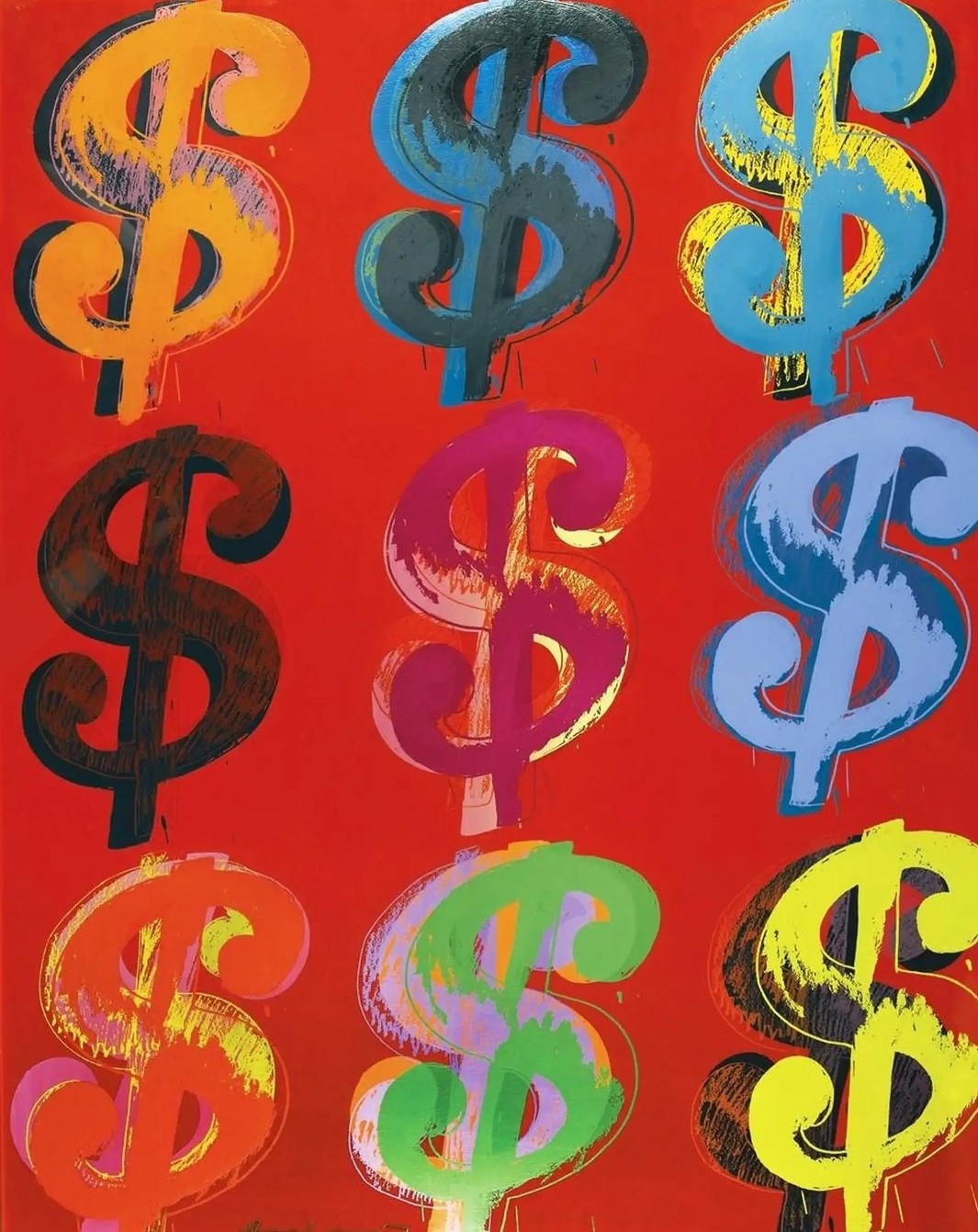
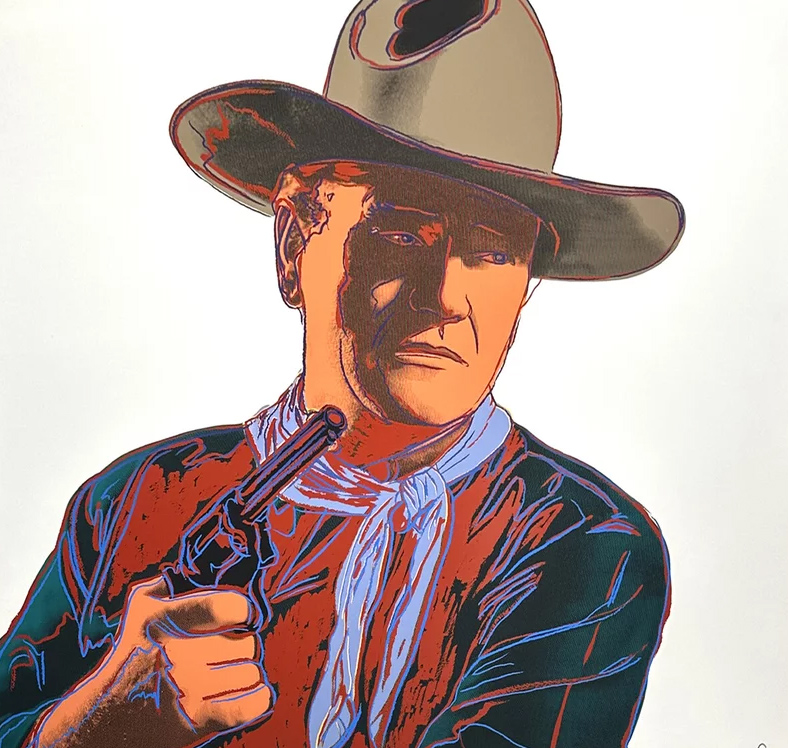
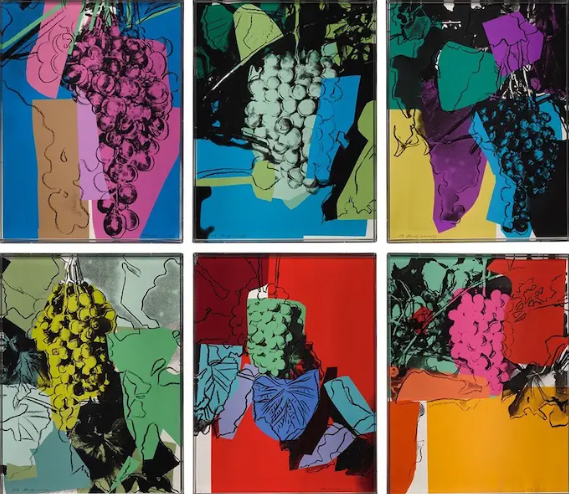
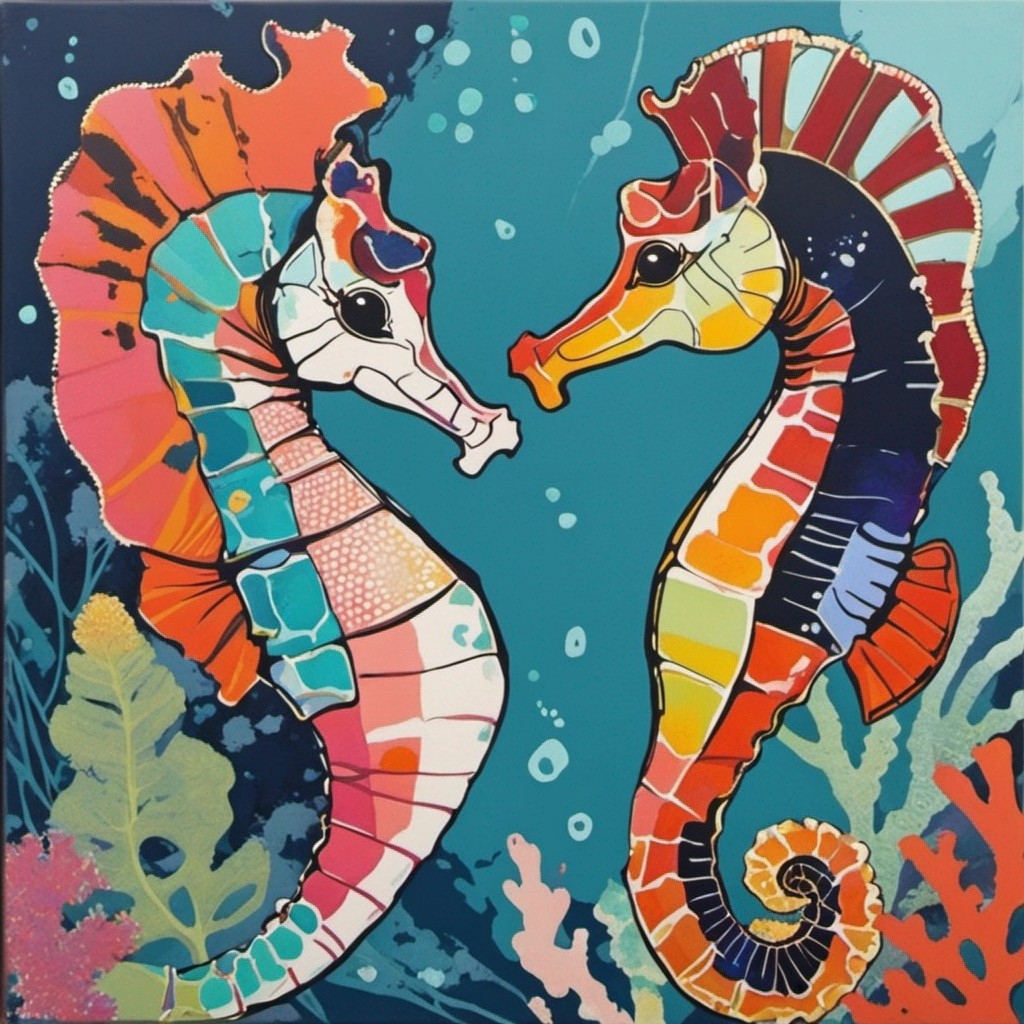
I want to create a certain kind of Pop Art Andy Warhol style that I haven't been able to achieve with prompting, so I'll download some Andy Warhol images and use them as Image Prompt Style Images for a seahorse artwork.
These are the images I'm using:
 |
 |
 |
 |
 |
 |
 |
 |
|
They all have a sketchy colorblock style and a wide array of subjects.
NOTE: If all your style images have a similar subject, that subject is likely to appear in your final artwork. So, if all your style images are portraits, you will probably get a portrait in your results, even if you are prompting for a landscape or an animal.
¶ Prompting
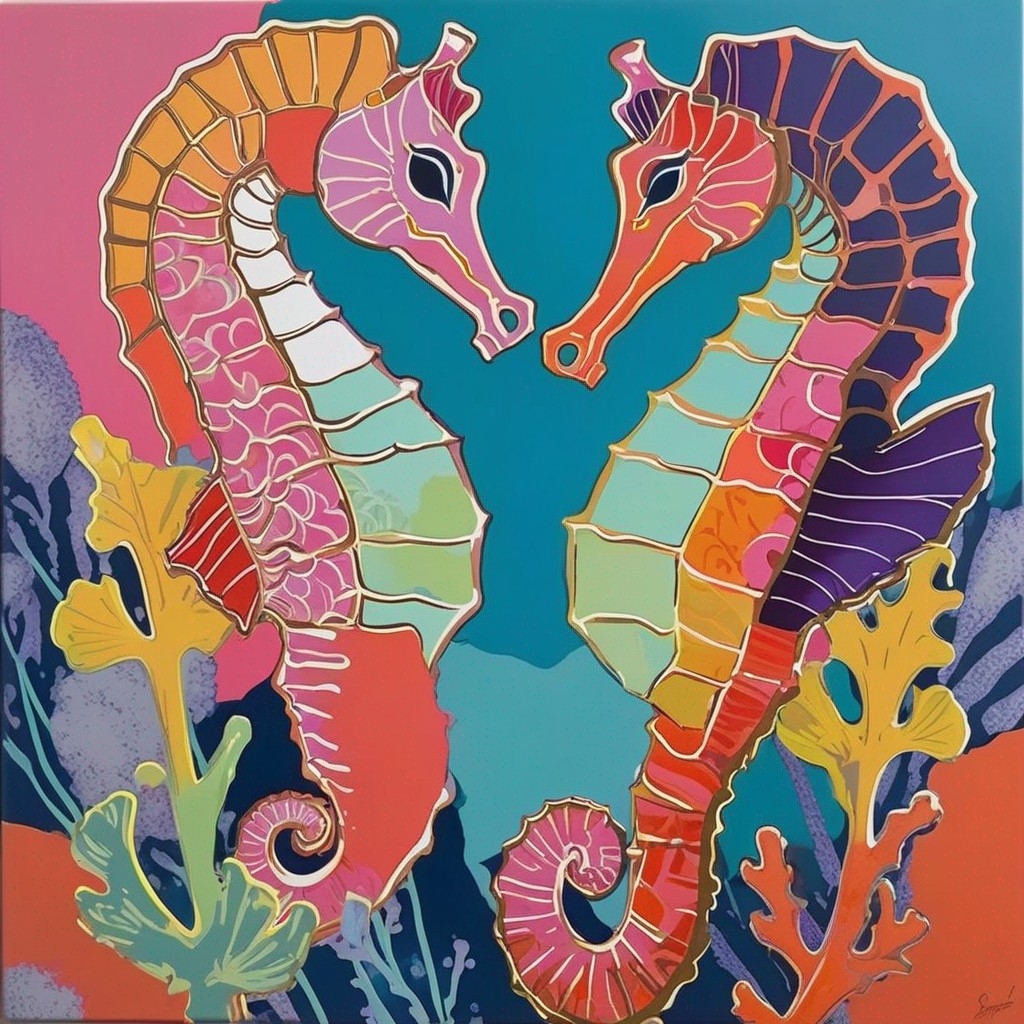
Prompt: (beautiful seahorses in love) in a coral reef, subtle hues, pop art, textures
Negative Prompt: (deformed, distorted, disfigured:1.4), ugly, blurry, (worst quality, low quality, bad quality:1.4), mutation
Model: SDXL Unstable Diffusers v11
Why? The prompt (beautiful seahorses in love) because I wanted 2 seahorses looking at each other. The model SDXL Unstable Diffusers is good with creative concepts like this.
¶ Image Prompts Setup:
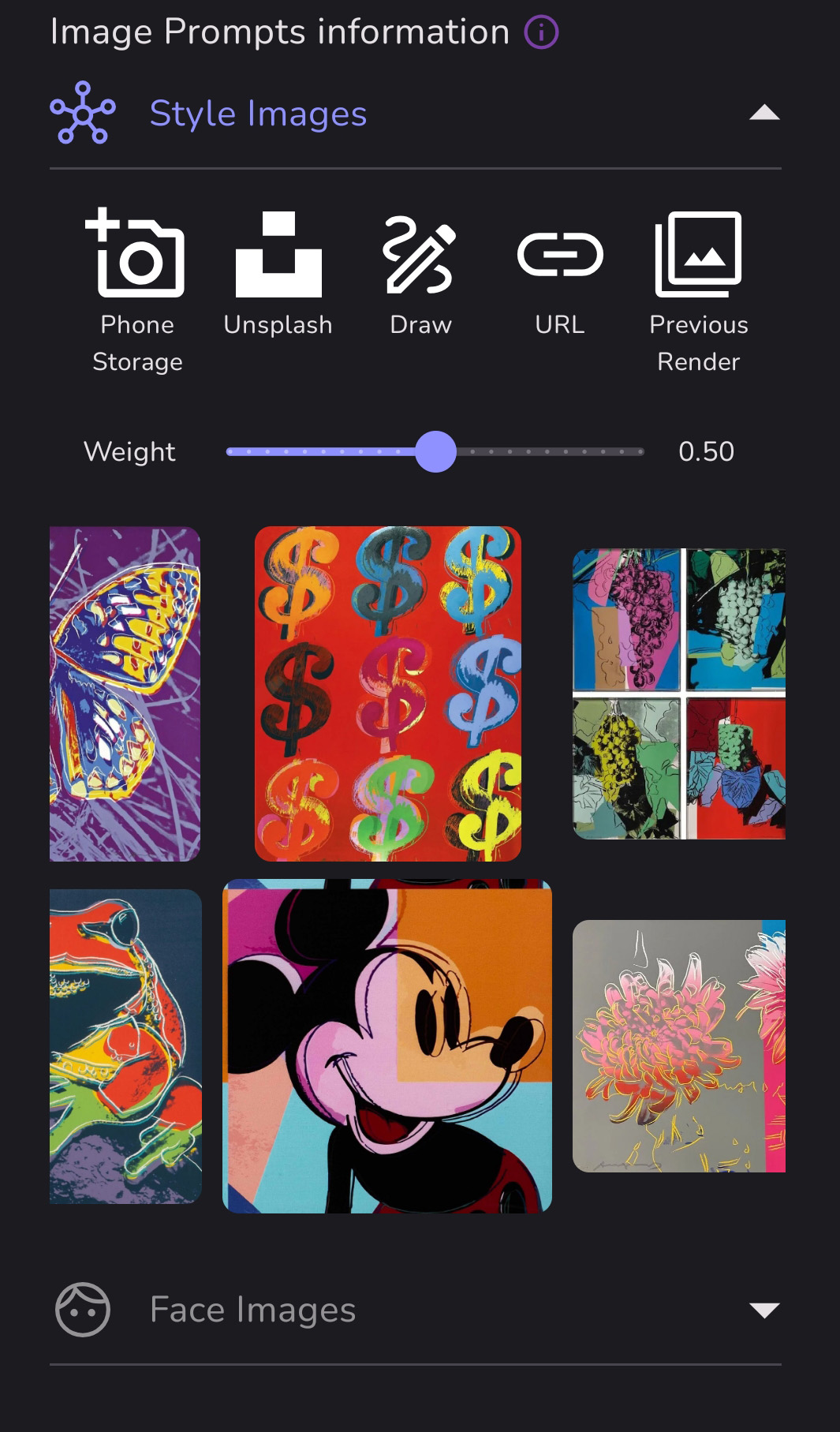
All 8 style images are there. You can add up to 10. If you don't like your results, it's a good idea to remove or replace one or more of your style images, or add more to try to fill out the look.
¶ Results:
Source: the MonAI wiki · Updated · First published