
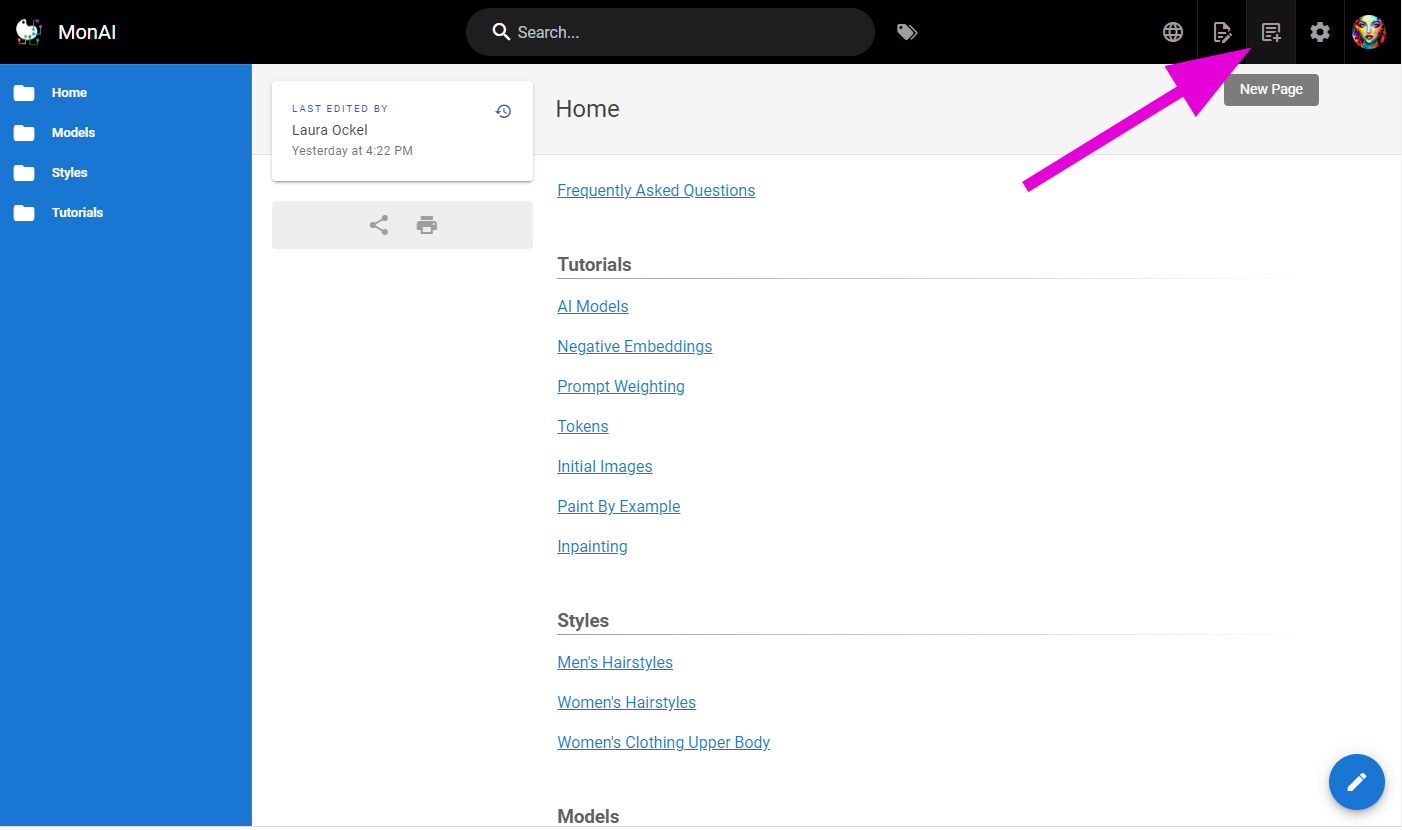
¶ Click this button to create a new page
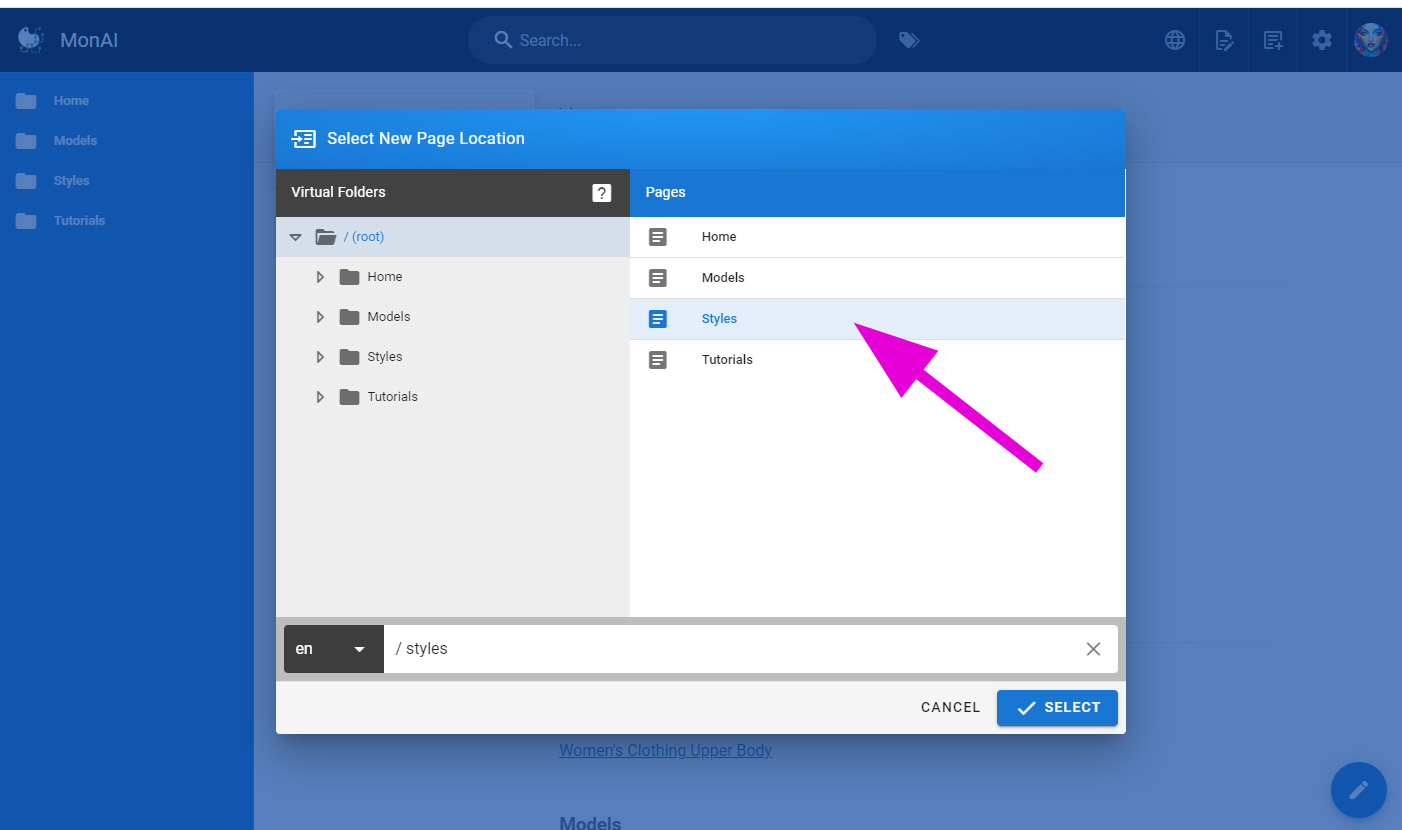
¶ Click on the category for the page.
Styles is for prompts and keywords.
Models is for AI models available in MonAI.
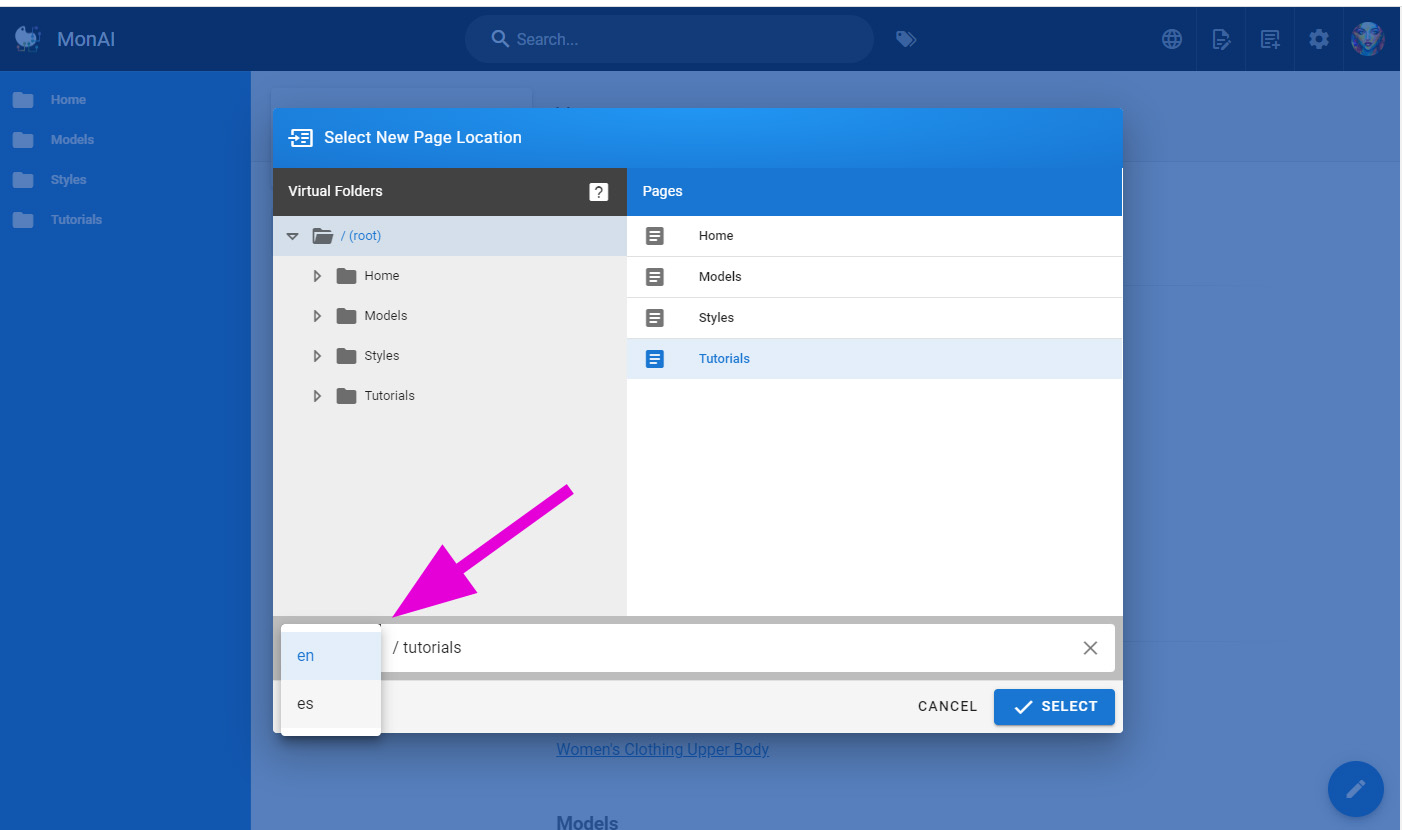
¶ If you are doing a translation, click for the language.
Please let me know if you are translating to a language we haven't set up yet and I'll get it set up.
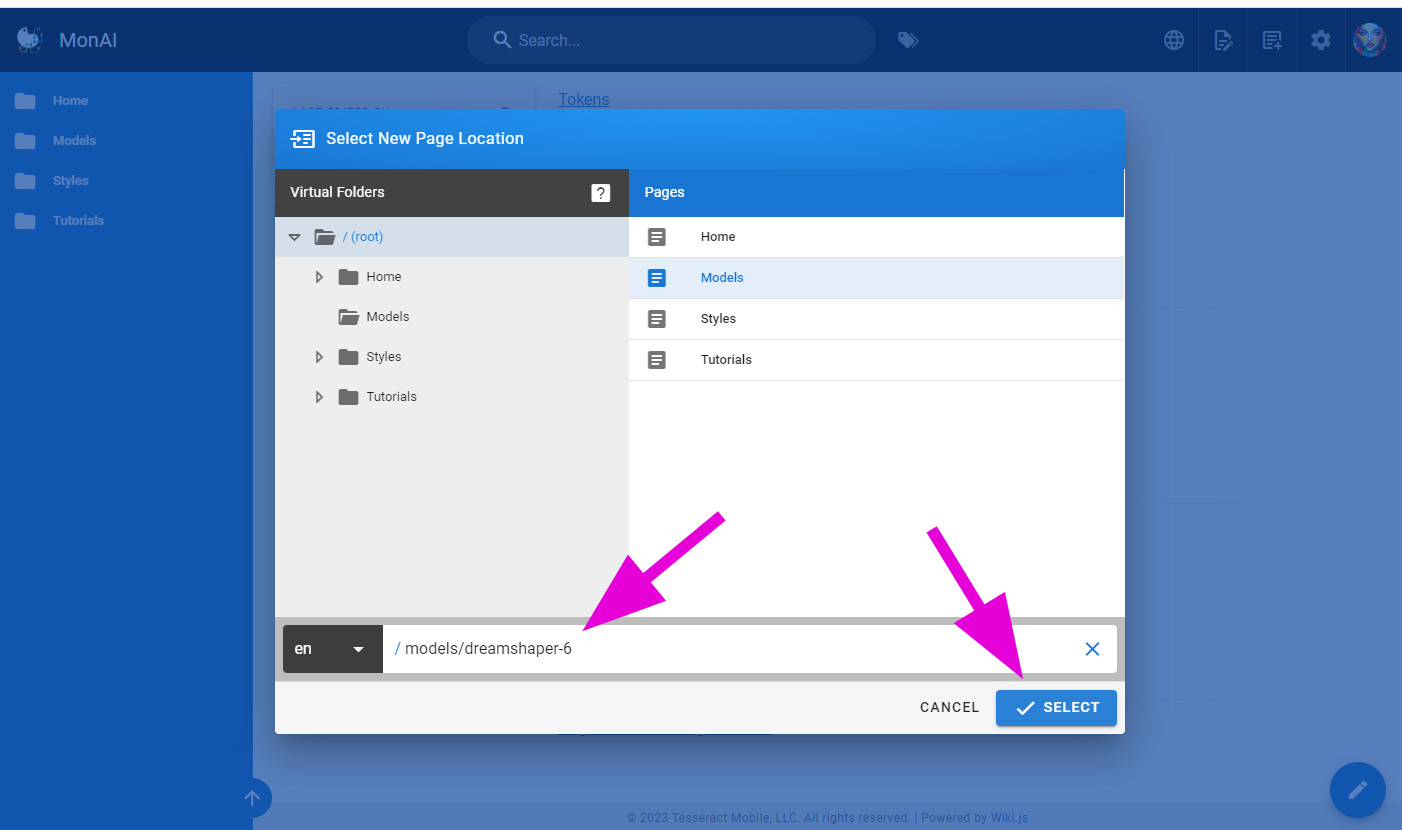
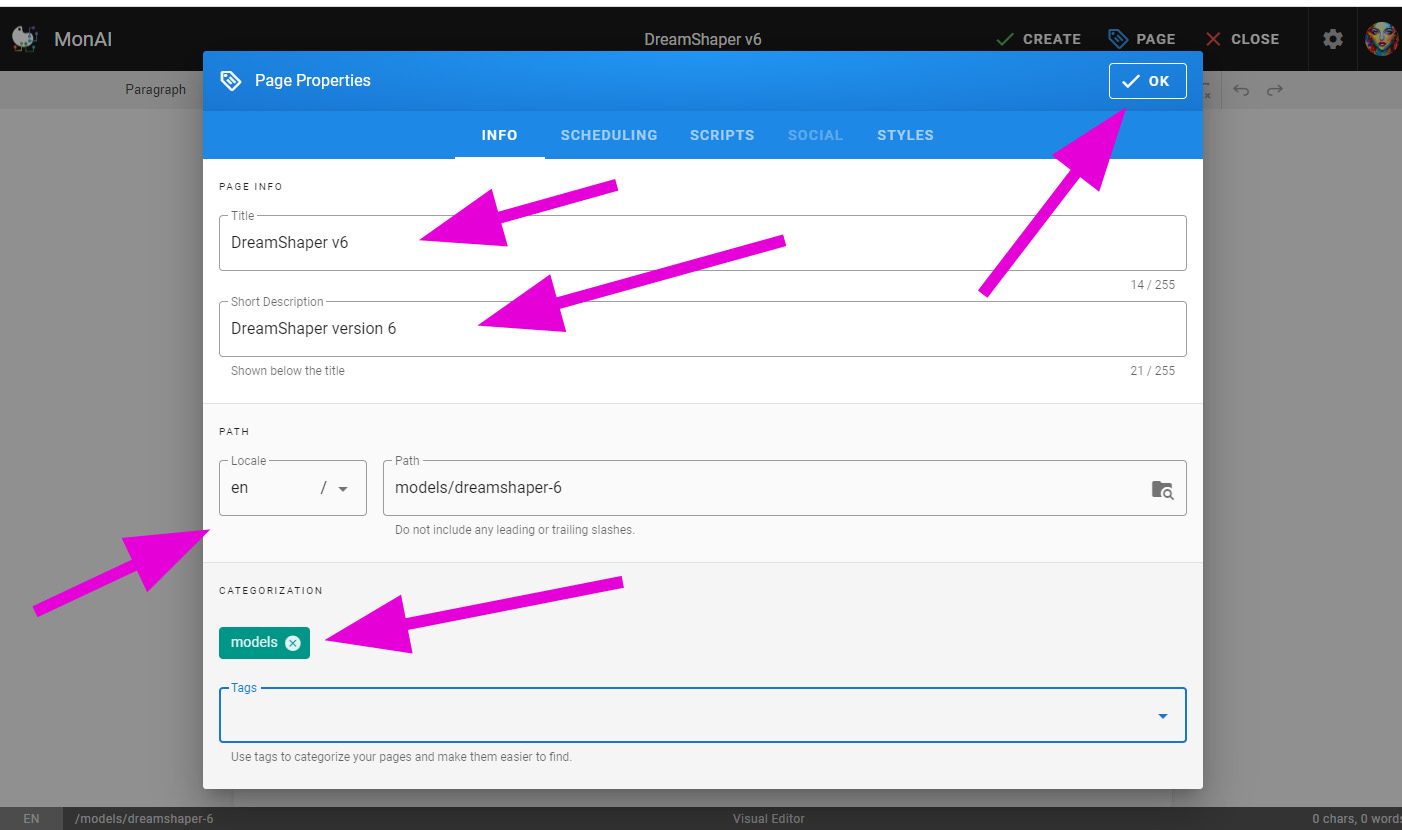
¶ Add the page name
- The path should contain no spaces (use dashes instead), no periods and consists of URL-safe characters.
- DO NOT put a trailing slash.
¶ Click SELECT
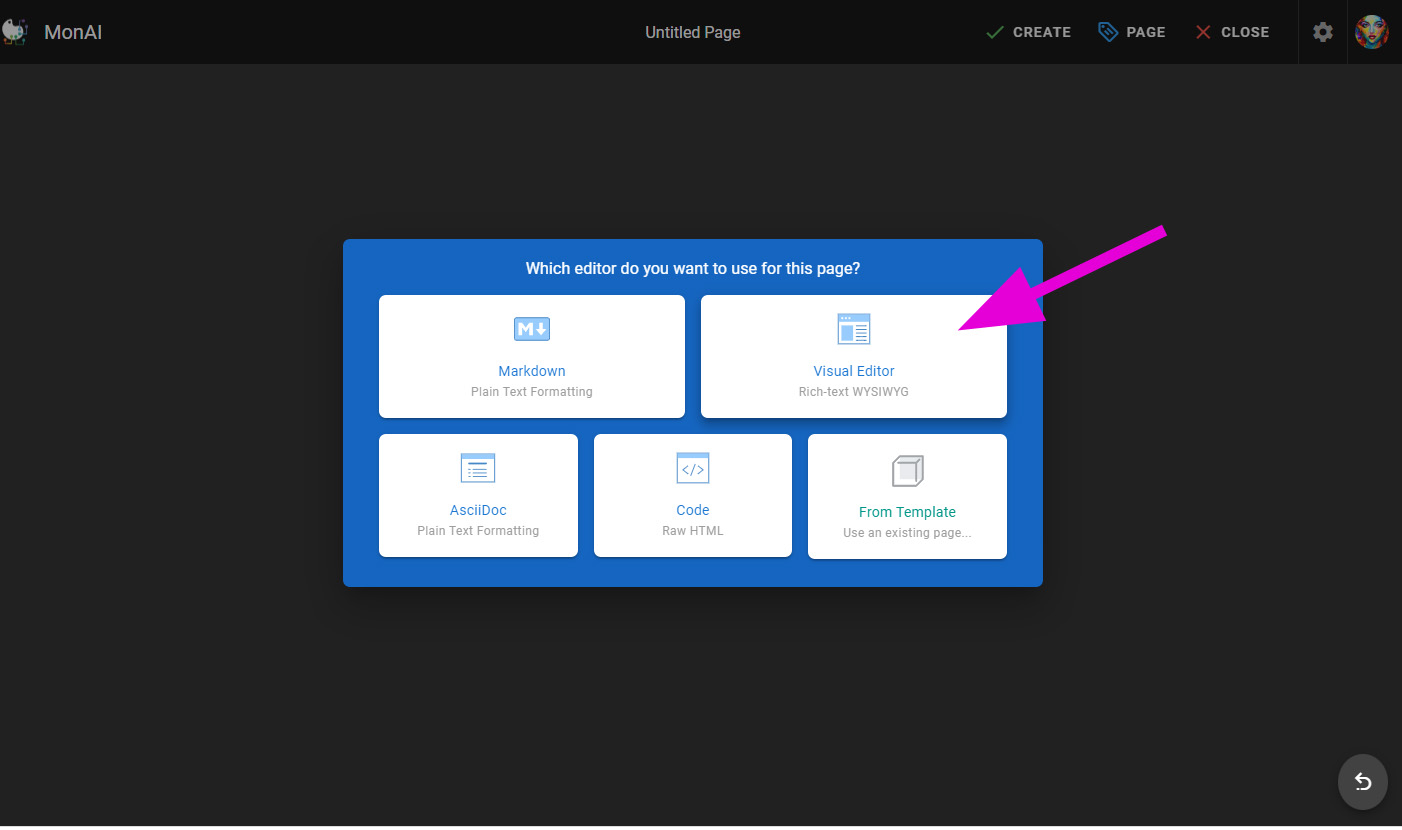
¶ Visual Editor is easy to use
¶ Add a Title, Short Description, Tag (if desired), and click OK
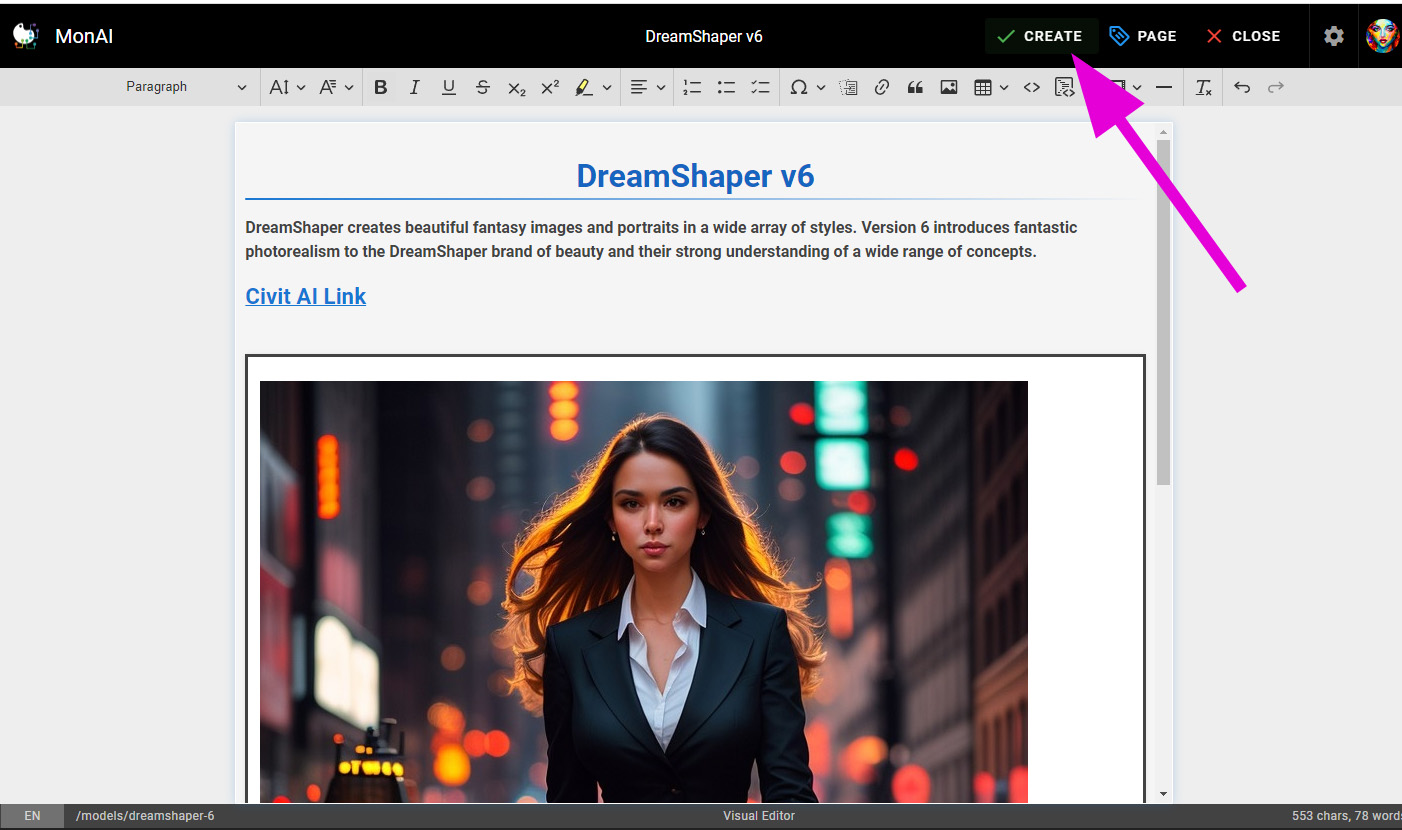
¶ Once you've added content to the page, click CREATE button.
Your page can not be created without content.
Source: the MonAI wiki · Updated · First published