
- Make sure you have created an account first! Otherwise all your images will be lost.
- You will need to sign back in to your account after clearing the data.
¶ Method 1 - App Icon
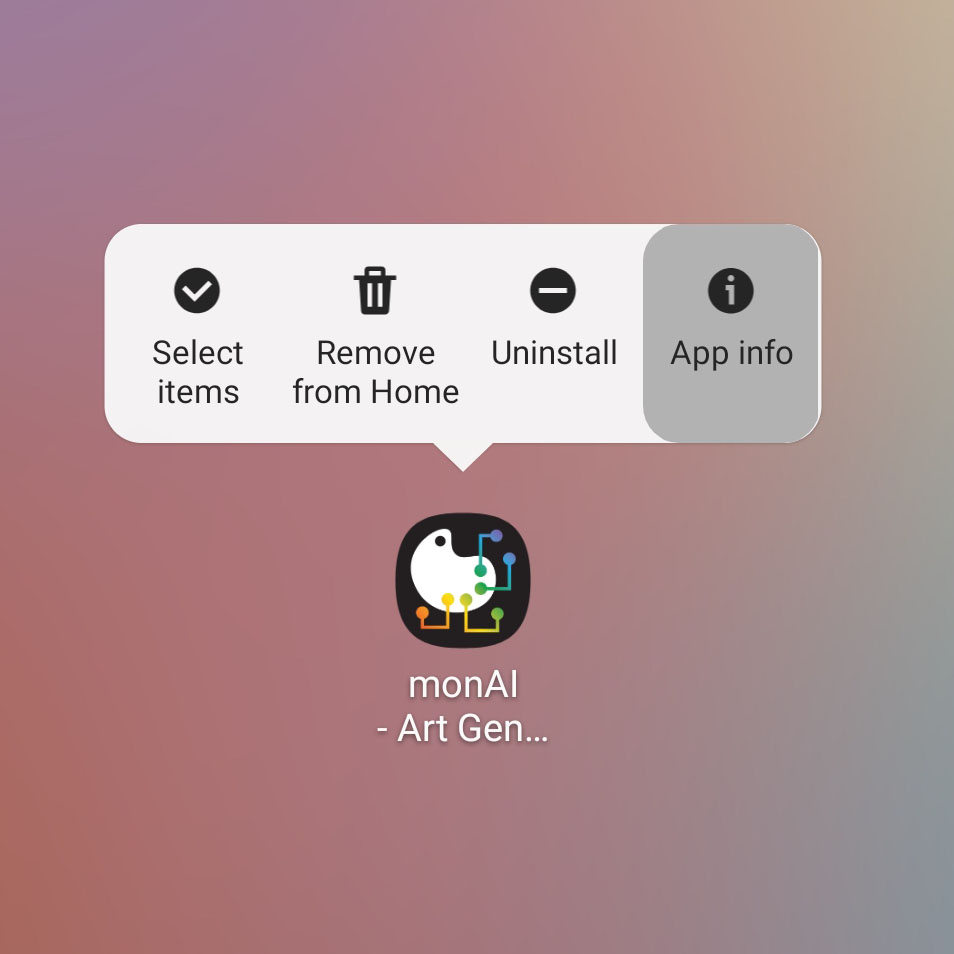
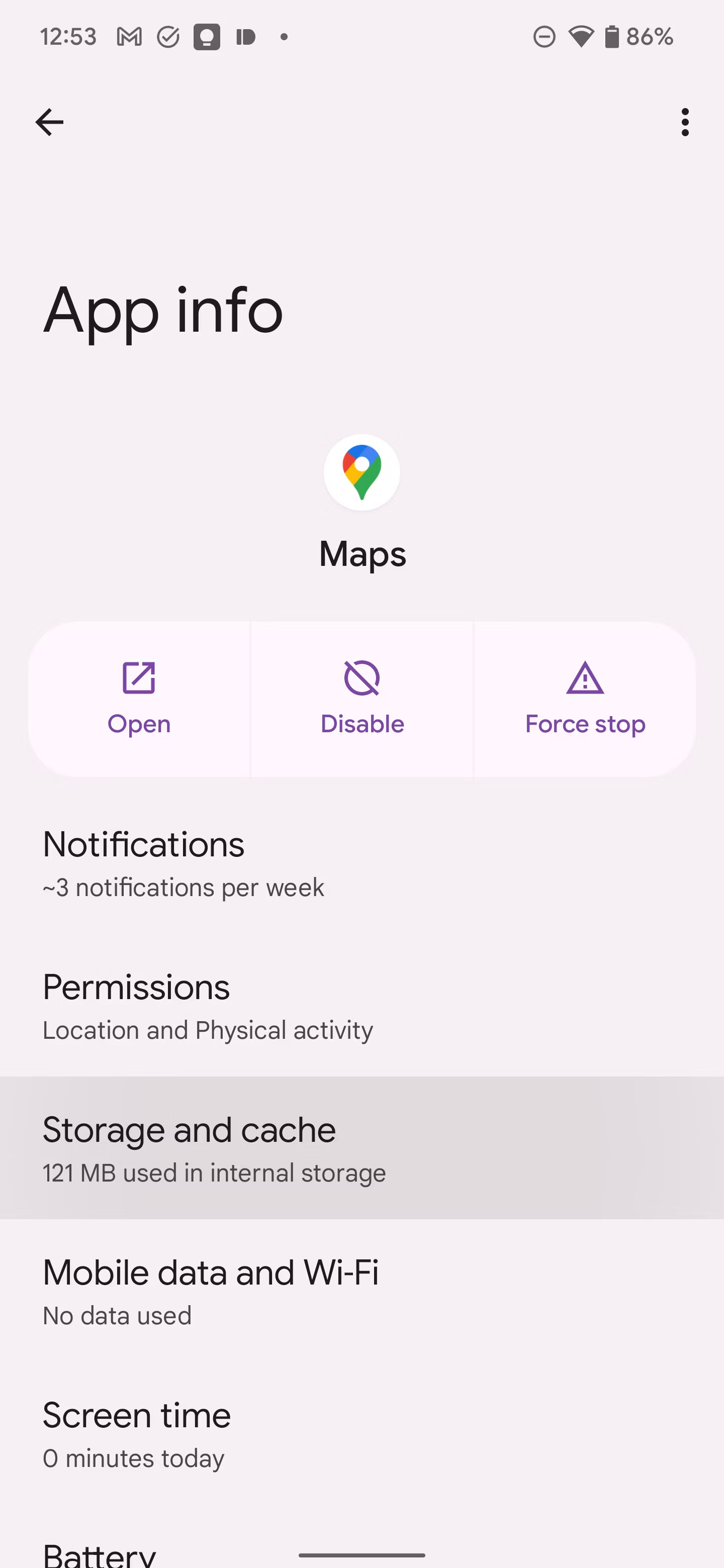
¶ 1. Long Press App Icon and tap App Info
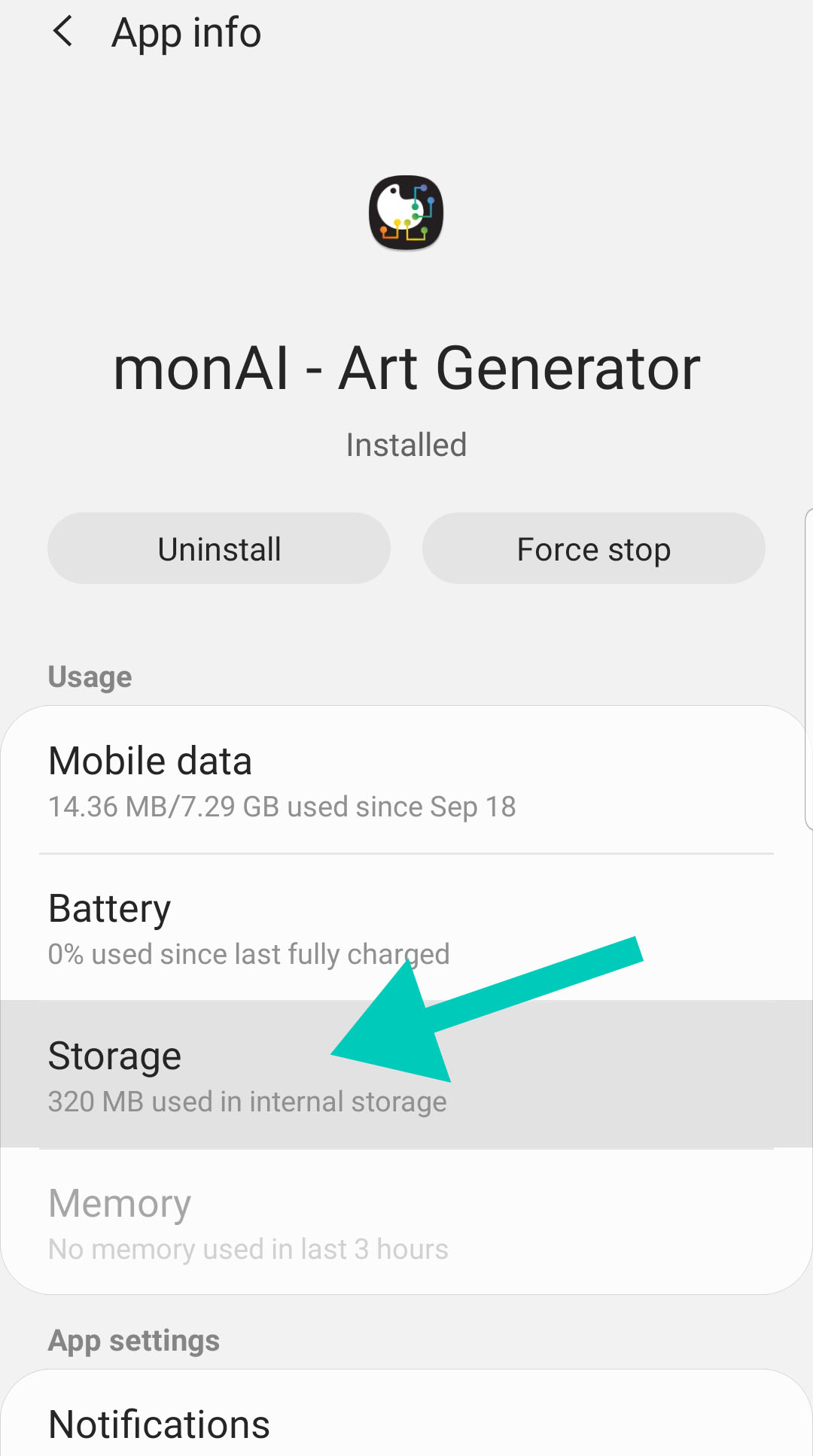
¶ 2. Tap Storage
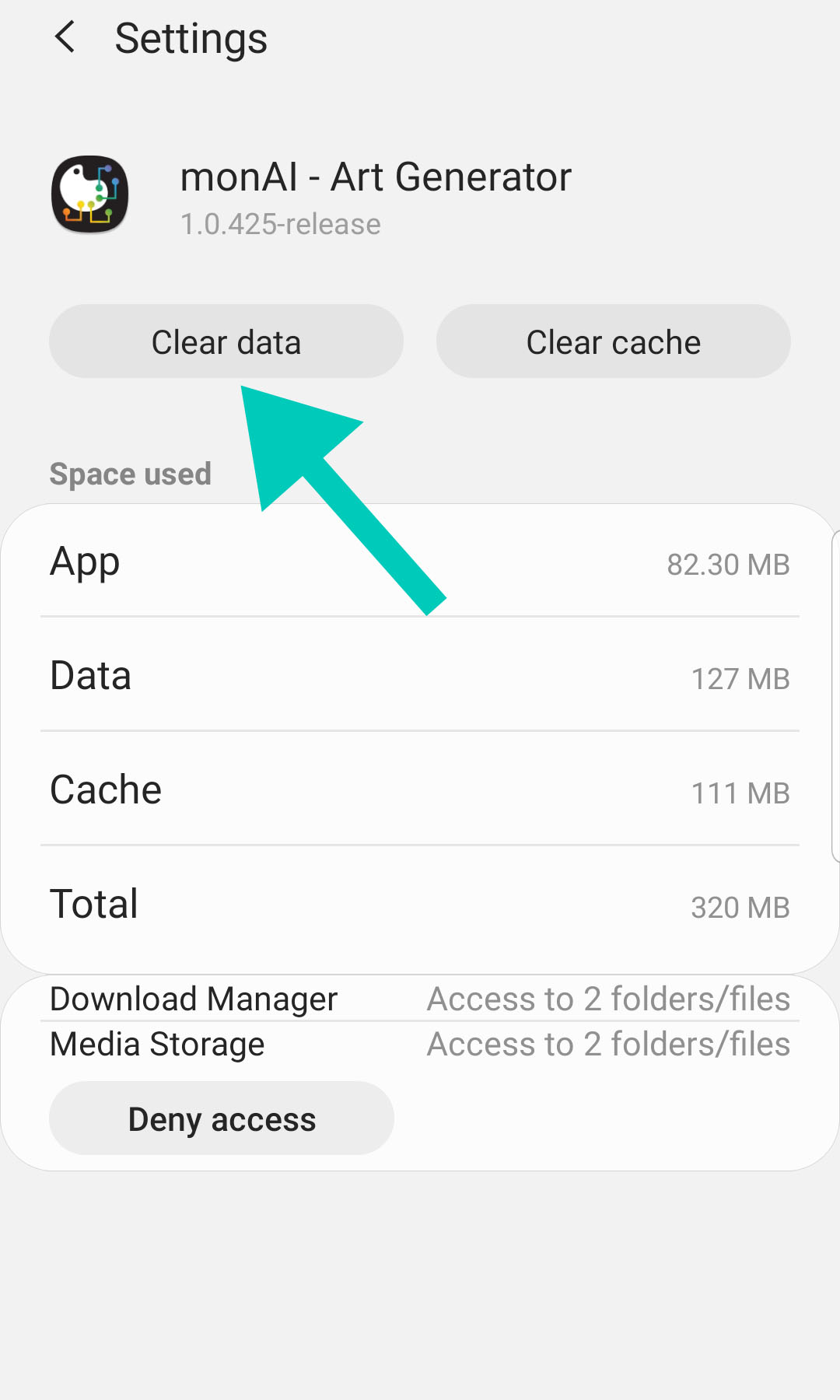
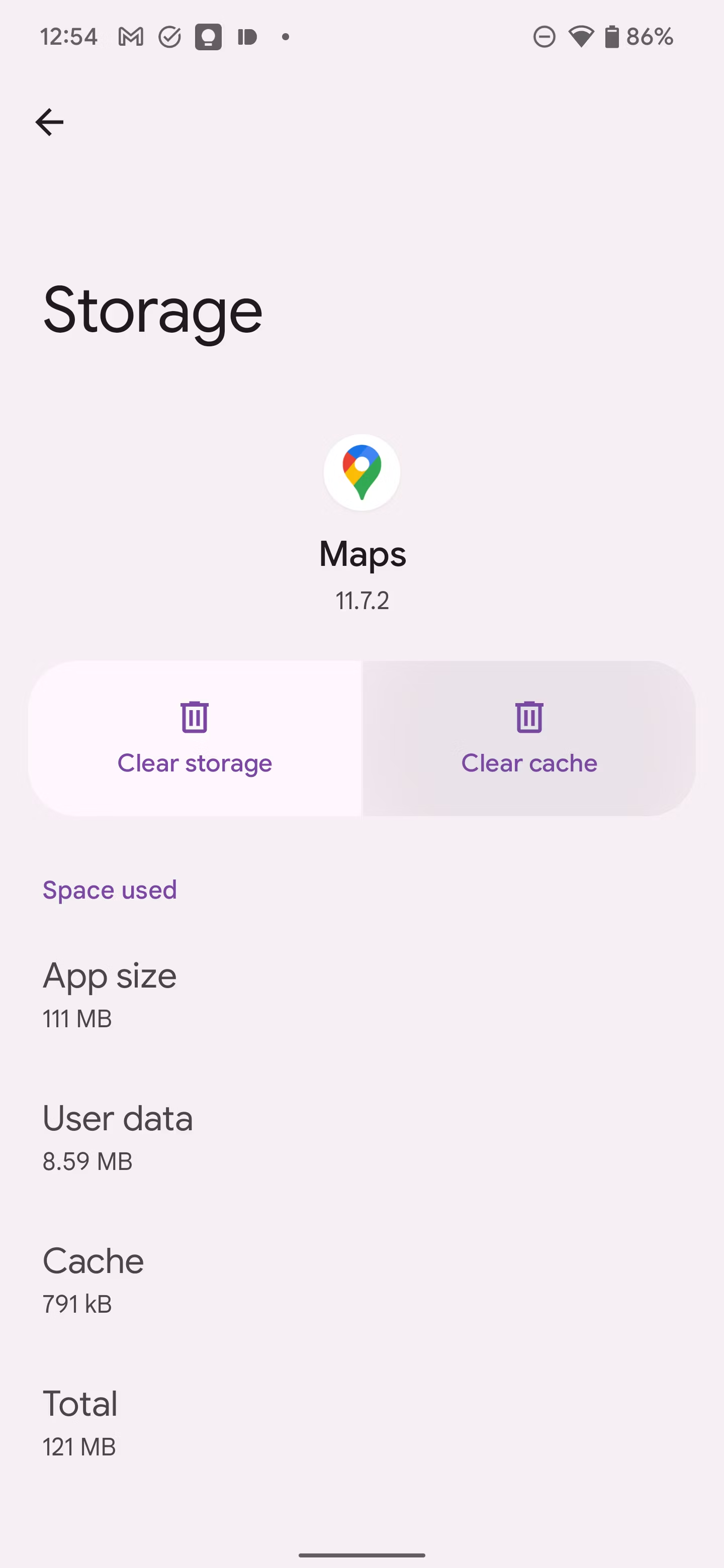
¶ 3. Tap Clear Data
¶ Method 2 - Settings Menu
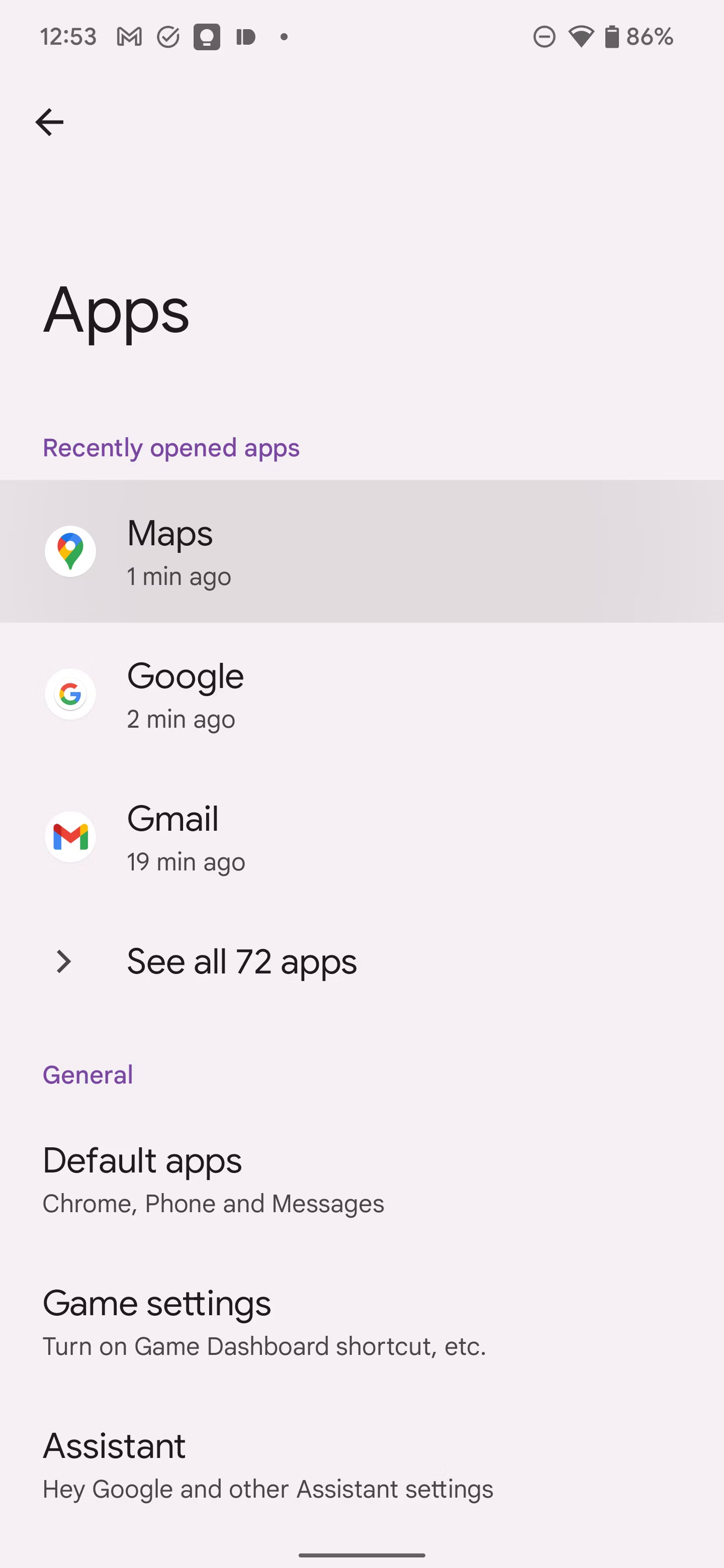
- Open Settings.
- Scroll down and select Apps.
- Tap the See all option at the bottom.
- Tap the app name whose app cache you want to clear.
- Tap Storage and cache.
- Select Clear cache.
- Tap Clear storage to clear data and cache.
Source: the MonAI wiki · Updated · First published