¶ How to sign up as an Alpha tester (by invitation only)
¶ 1) Go into the MonAI app
a: Make sure you are signed in to your MonAI account

2) Go to the 3 dots menu and down to Support
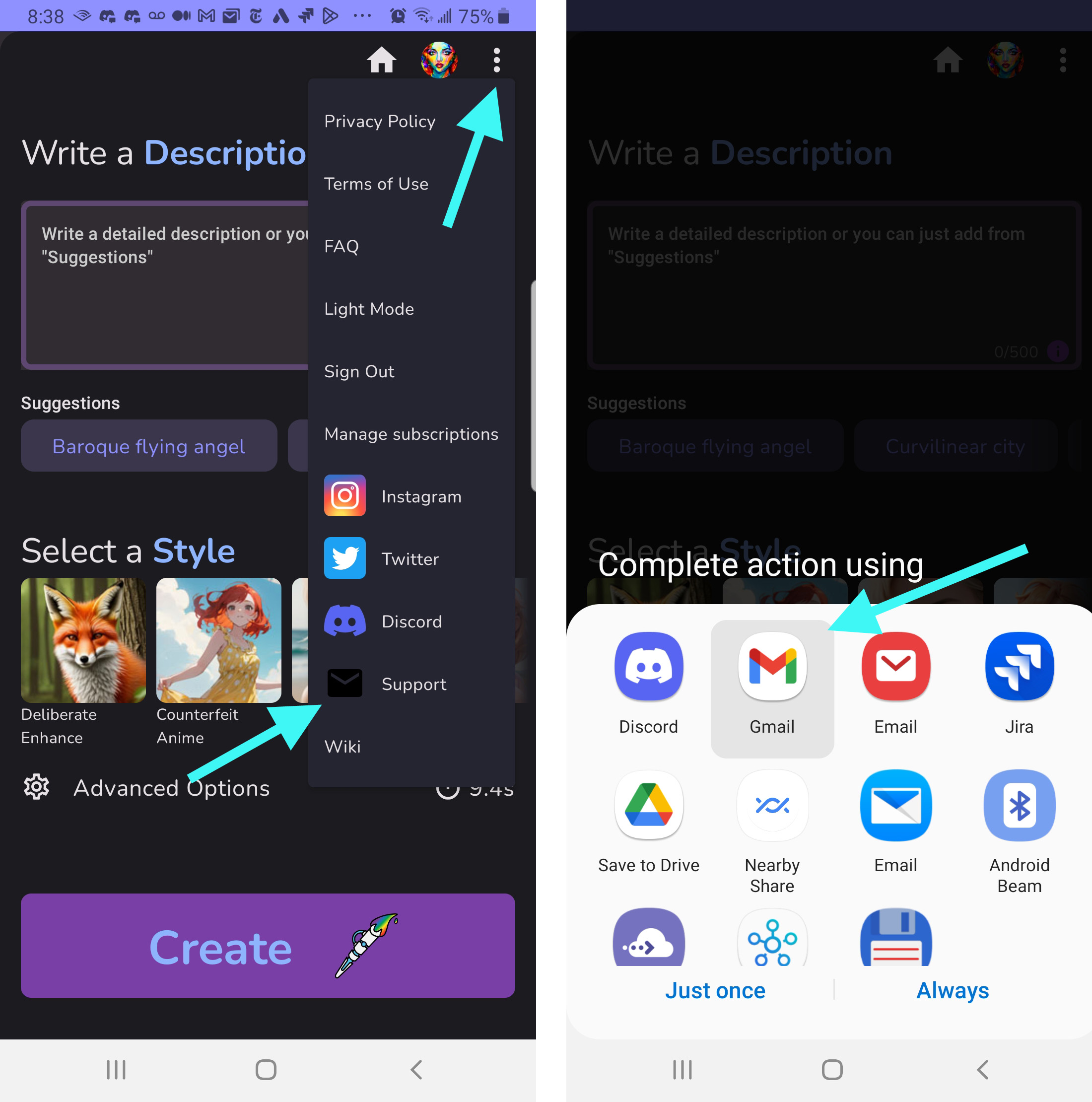

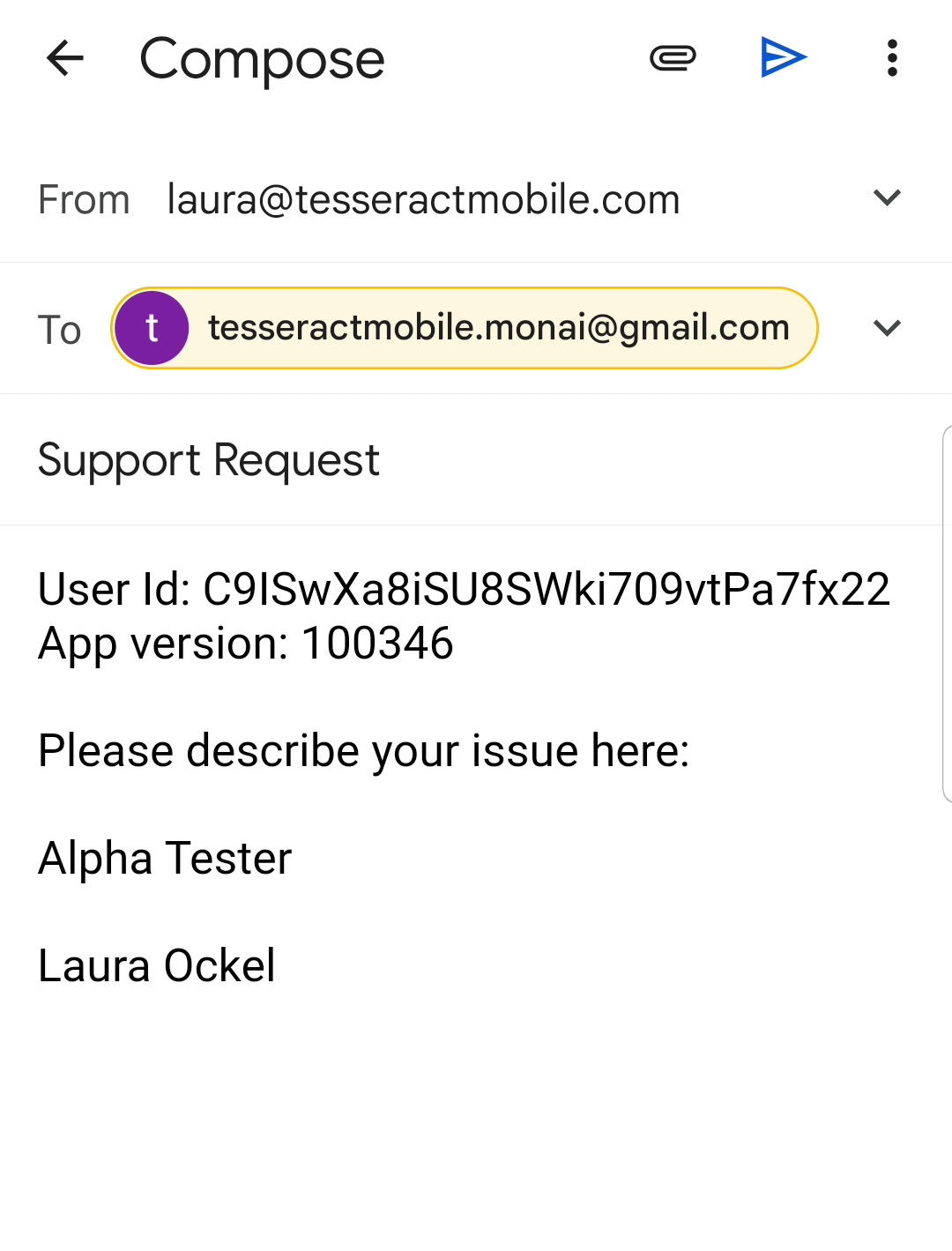
3) Send a message through that system that says
a: That you want to be an Alpha tester
b: Your identity on Discord
c: DON'T delete the user code that's in the message
¶ 4) Later, download the apps using these links:
Art Generator
app.monai.art (MonAI is now on the web)
Canvas
https://play.google.com/apps/internaltest/4701510247164856233
Upscaler
https://play.google.com/apps/internaltest/4701642087618578168
Background Remover
https://play.google.com/apps/internaltest/4701645428887225002
Inpainter
https://play.google.com/apps/internaltest/4701739414291444621
Outpainter
https://play.google.com/apps/internaltest/4699846667245754124
(After you send the email, Josh will add your information to the database and the link will work. Give him a day or so to get your email and process it.)
¶ 5) Download the app and updates through the Play Store
Try to keep the app updated and current. Sometimes, there is a new update available every day.
Once you sign on as an Alpha tester, you'll be invited to the Alpha channels in Discord. Sometimes, I'll mention that an update is available if it is important, but usually, I don't mention them.
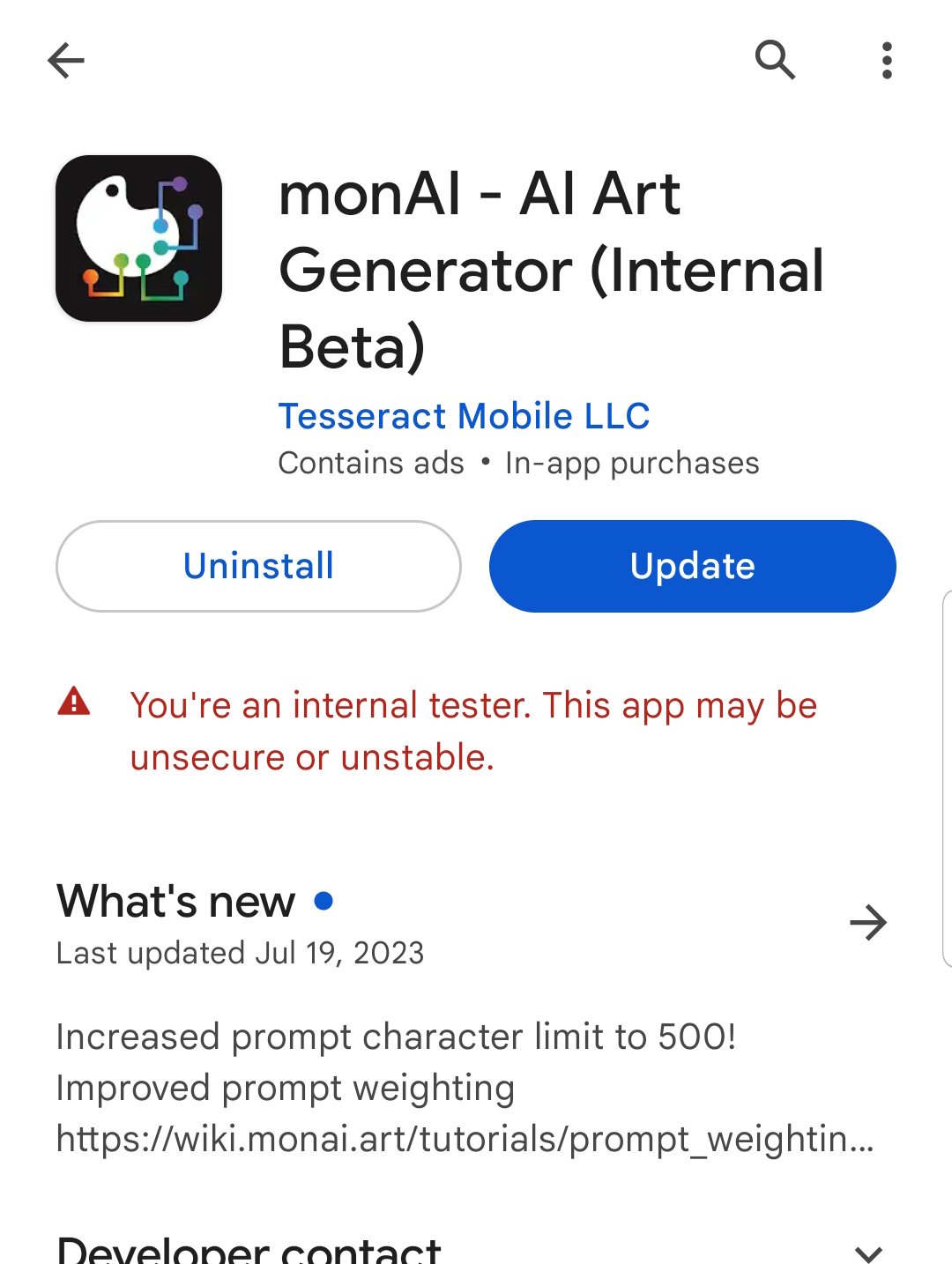
This is what the Alpha download looks like. Yes, I know it says (Internal Beta).
Source: the MonAI wiki · Updated · First published