
The next generation in Stable Diffusion AI technology, SDXL uses a 2 step process to create your AI art.
For the first step, render your artwork in SDXL. This AI model has an amazing capability to imagine concepts that have been out of reach with other AI models. Check out the SDXLv1.0 page for prompt ideas.
However, SDXL renders may be a bit blurry or lacking in details, which brings us to the second step.
The SDXL Refiner is used to clarify your images, adding details and fixing flaws. To do this,
1) Select the image you want to refine and open the Advanced Options.
2) Tap Initial Image and Previous Render
3) Tap AI Models and SDXL Refiner
You can achieve different refining results by changing your Prompt Strength and Steps.
- When images are nearly perfect, a low Prompt Strength like 0.15 and fewer steps are recommended.
- Looking at the images below, you can see what different Prompt Strength can do. The higher the Prompt Strength, the more detail appears.
- The recommended level of Prompt Strength is between 0.25 and 0.50.
- Going from 25 steps to 50 doesn't appear to make a difference.
The SDXL Refiner can also be used to refine images created in other AI models.

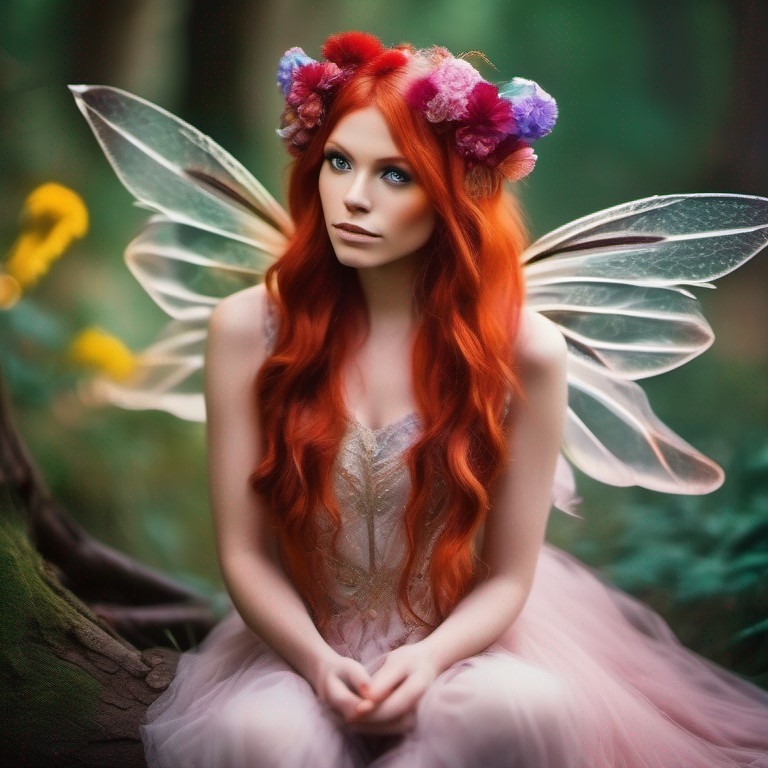 Prompt: beautiful fairy with big delicate wings, colorful flowers in her red hair, sitting in an enchanted forest, photograph Negative Prompt: Guidance Scale: 7.5 Steps: 25 |
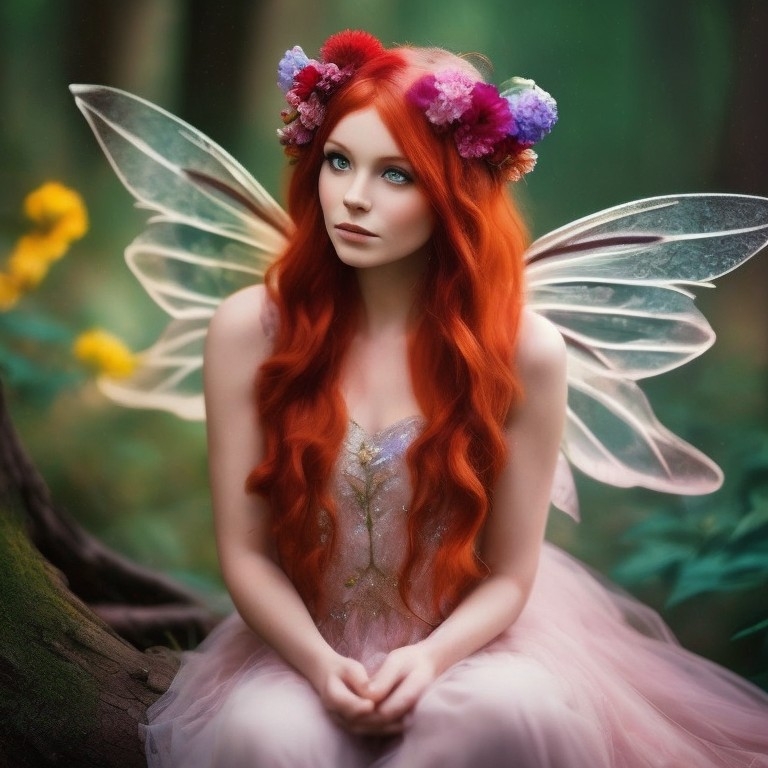 Prompt Strength: 0.15 Steps: 15 |
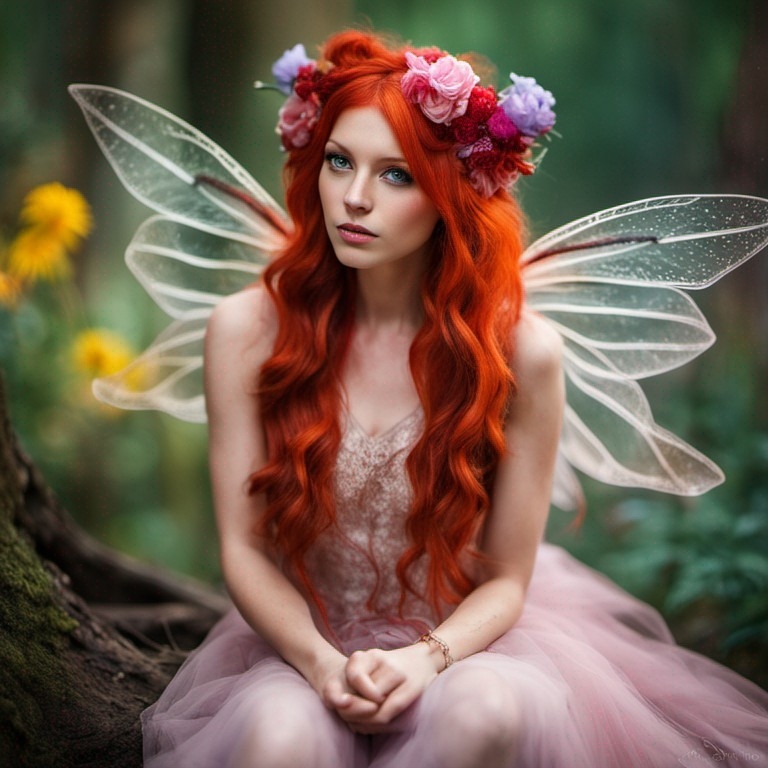 Prompt Strength: 0.25 Steps: 25 |
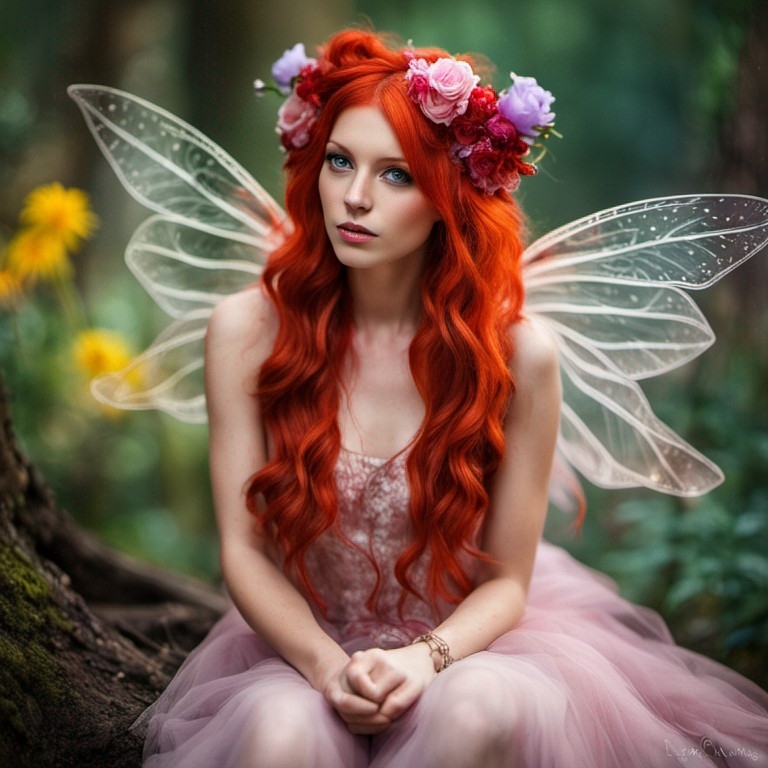 Prompt Strength: 0.35 Steps: 25 |
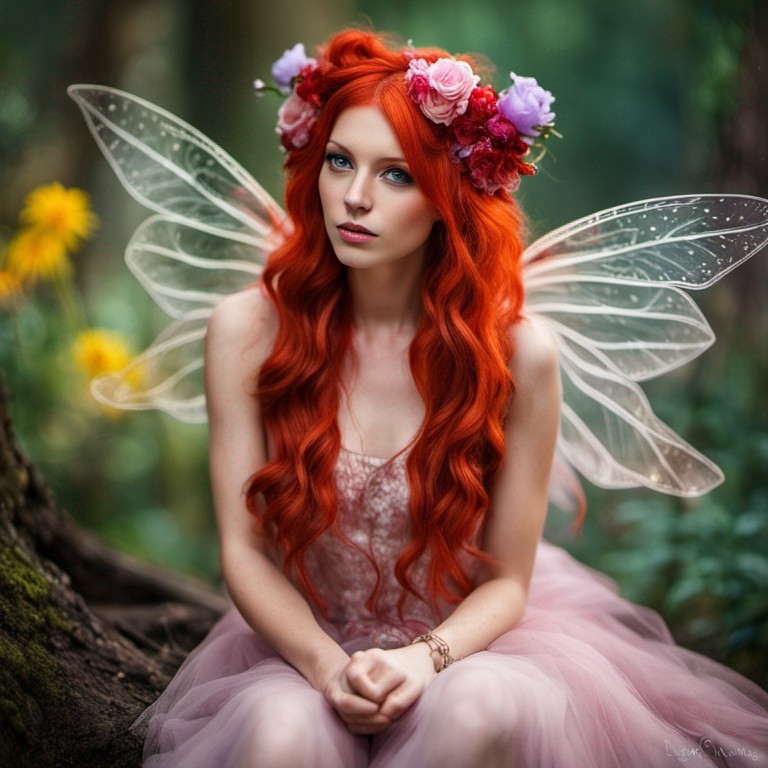 Prompt Strength: 0.35 Steps: 40 |
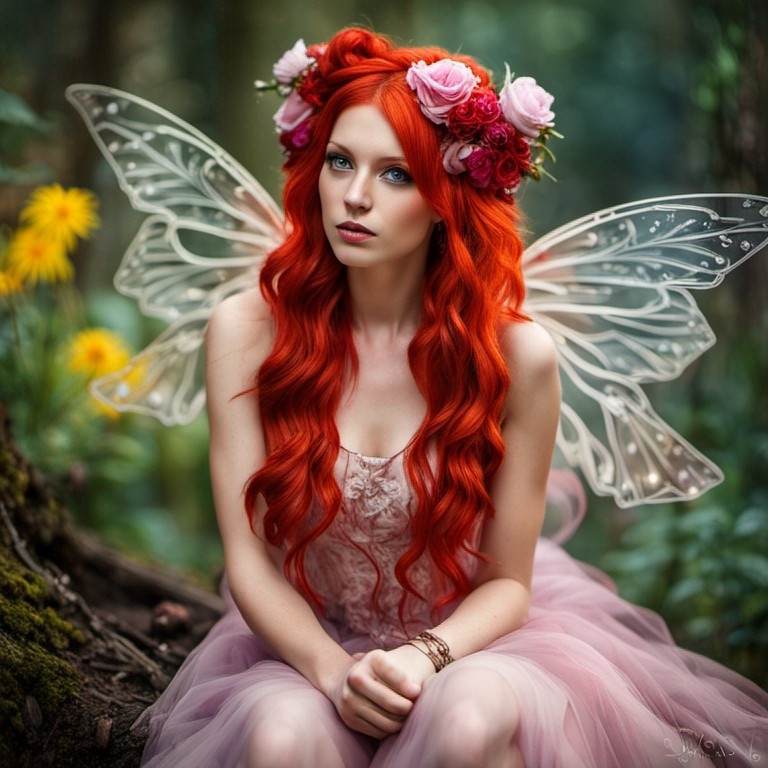 Prompt Strength: 0.50 Steps: 50 |
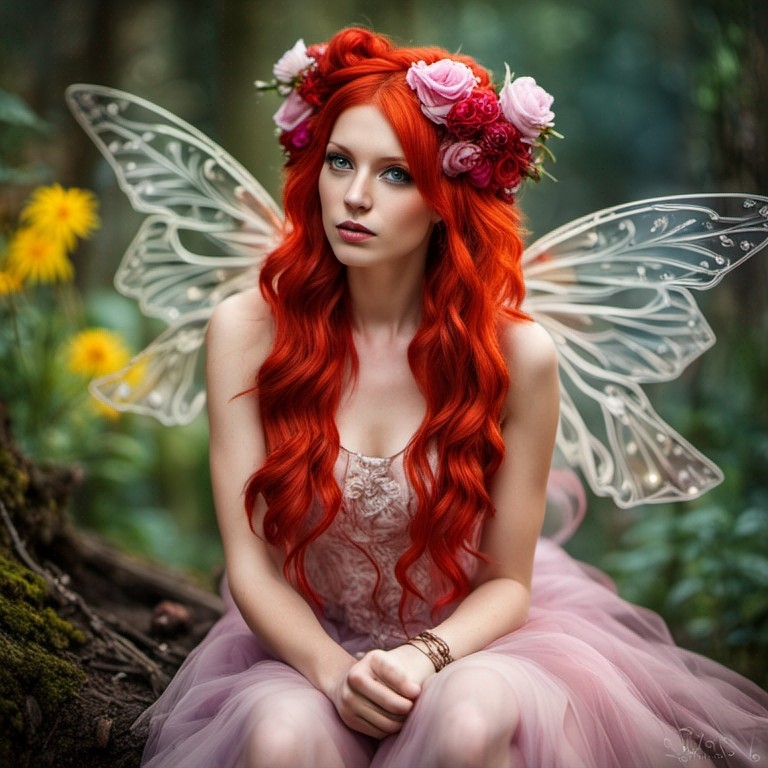 Prompt Strength: 0.50 Steps: 25 |
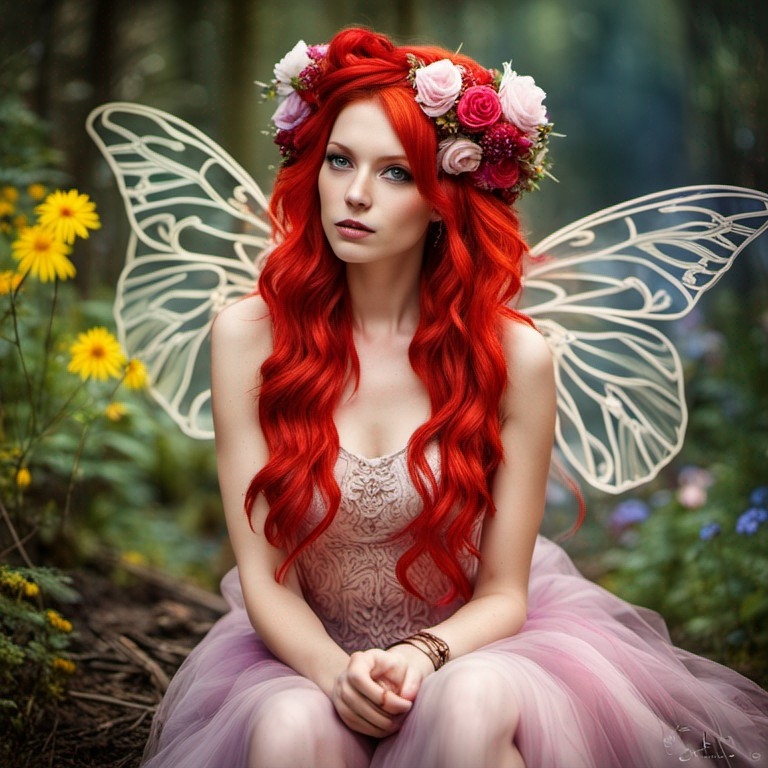 Prompt Strength: 0.70 Steps: 25 |
Source: the MonAI wiki · Updated · First published