
Version: 2511
If you're not familiar with Qwen, you may want to check out this handy guide to the Qwen Lighting model.
¶ What's new in Qwen Edit v2511:
¶ 1) Improvements to portrait edits.
Version 2509 tended to make unwanted changes to the appearance or pose of the person in a portrait during an edit. That problem has been fixed in version 2511. Here's some tips for portrait edits.
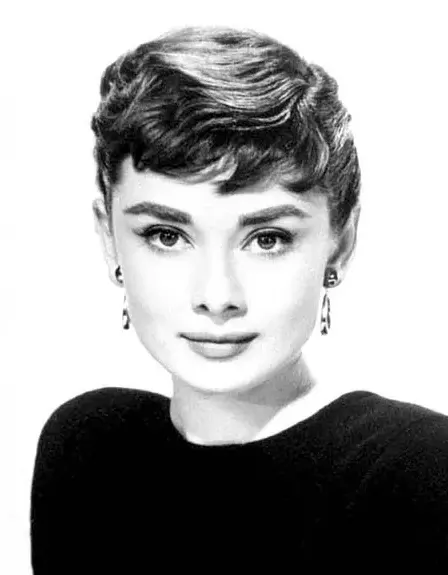 (Original image, Audrey Hepburn) |
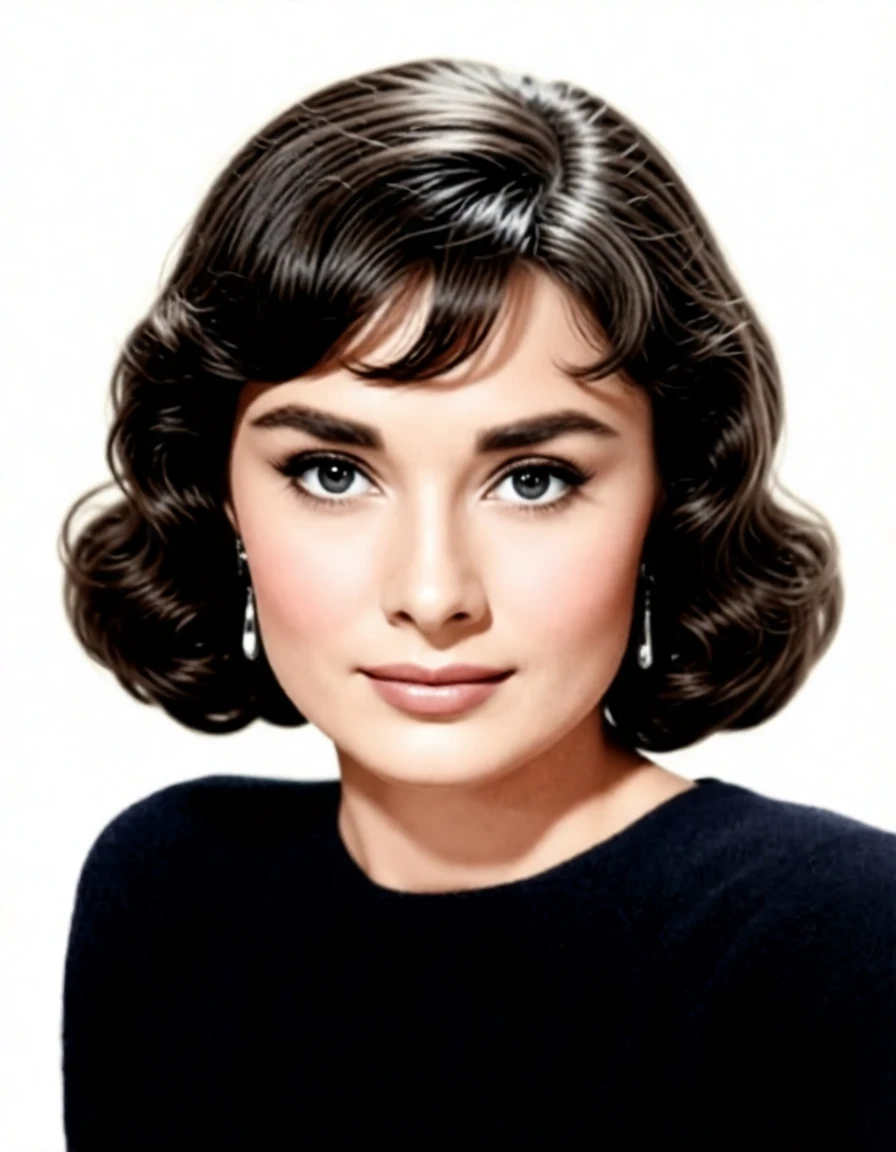 Prompt: color this photo and show her with a wavy bob haircut |
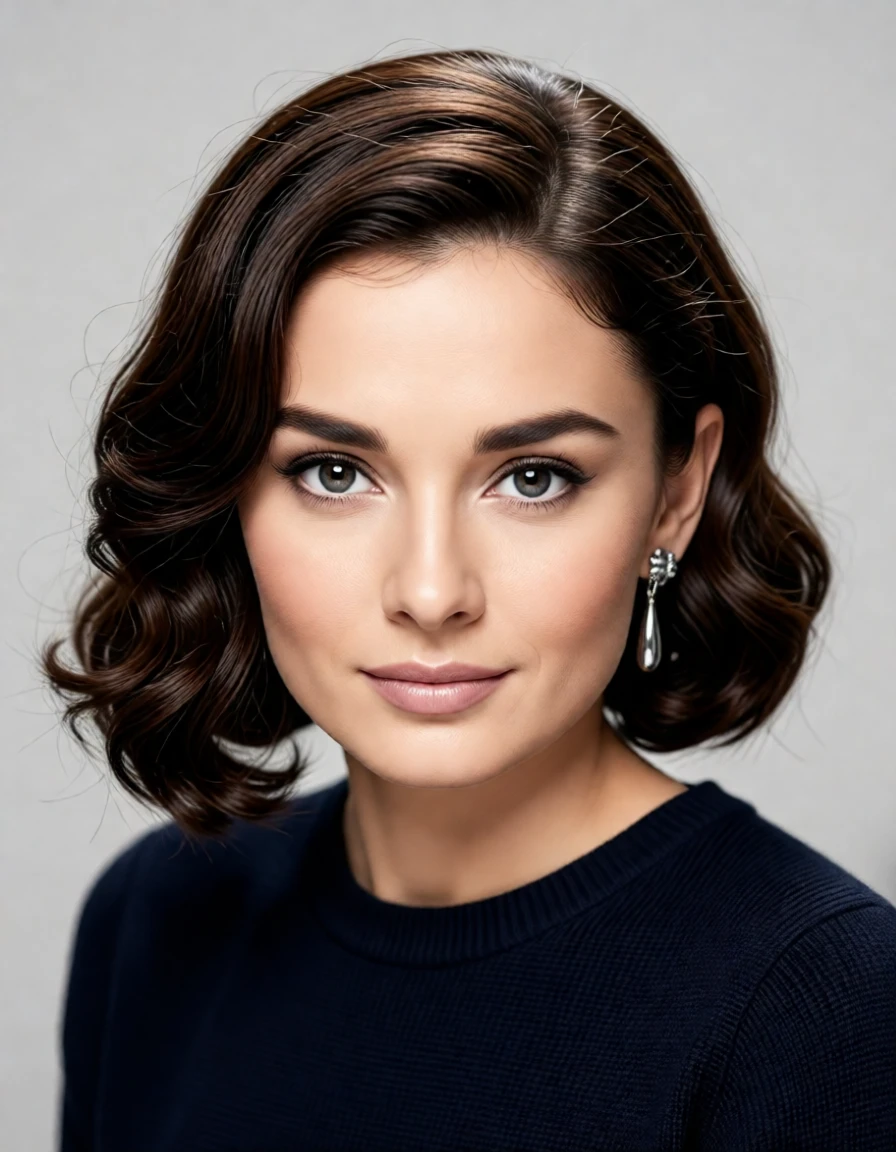 Prompt: color this photo, make it a modern high-resolution digital photograph, and show her with a modern wavy bob haircut |
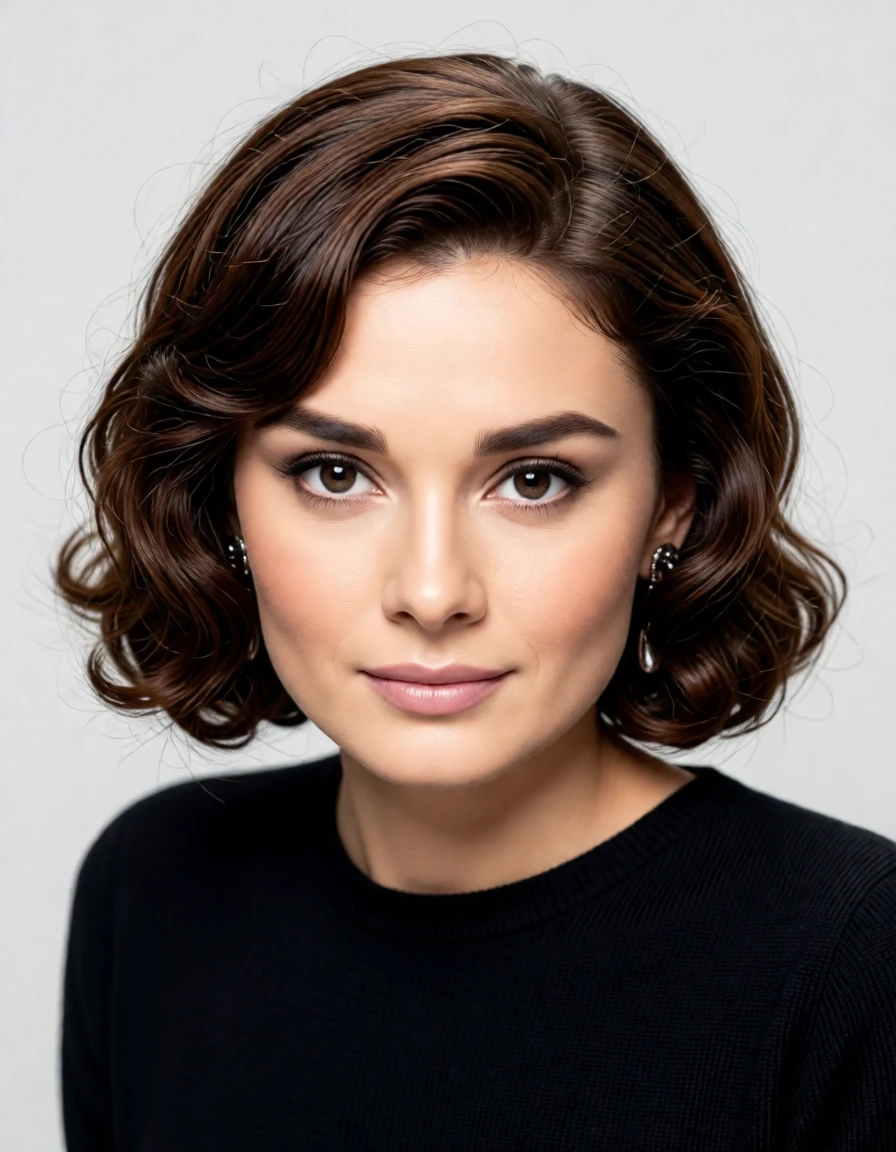 Guidance Scale: 1.2 |
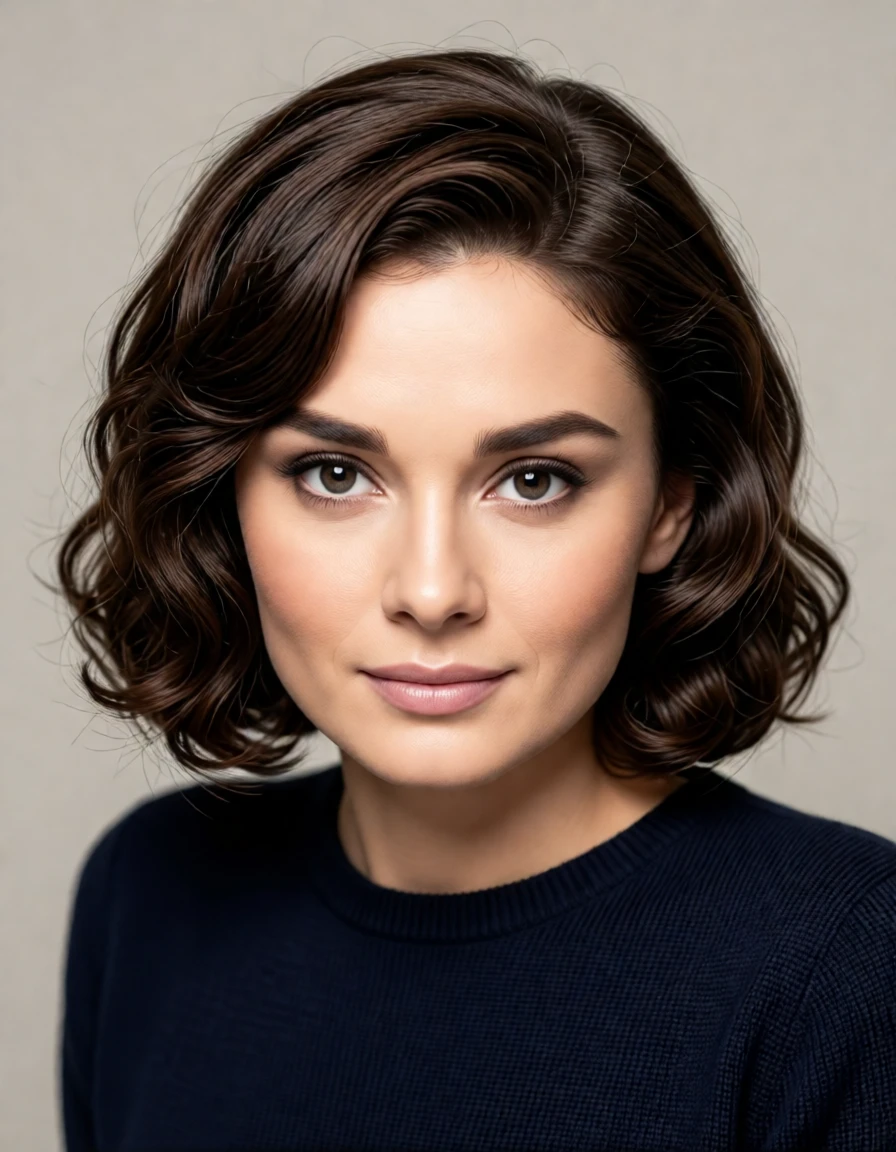 Guidance Scale: 1.8 |
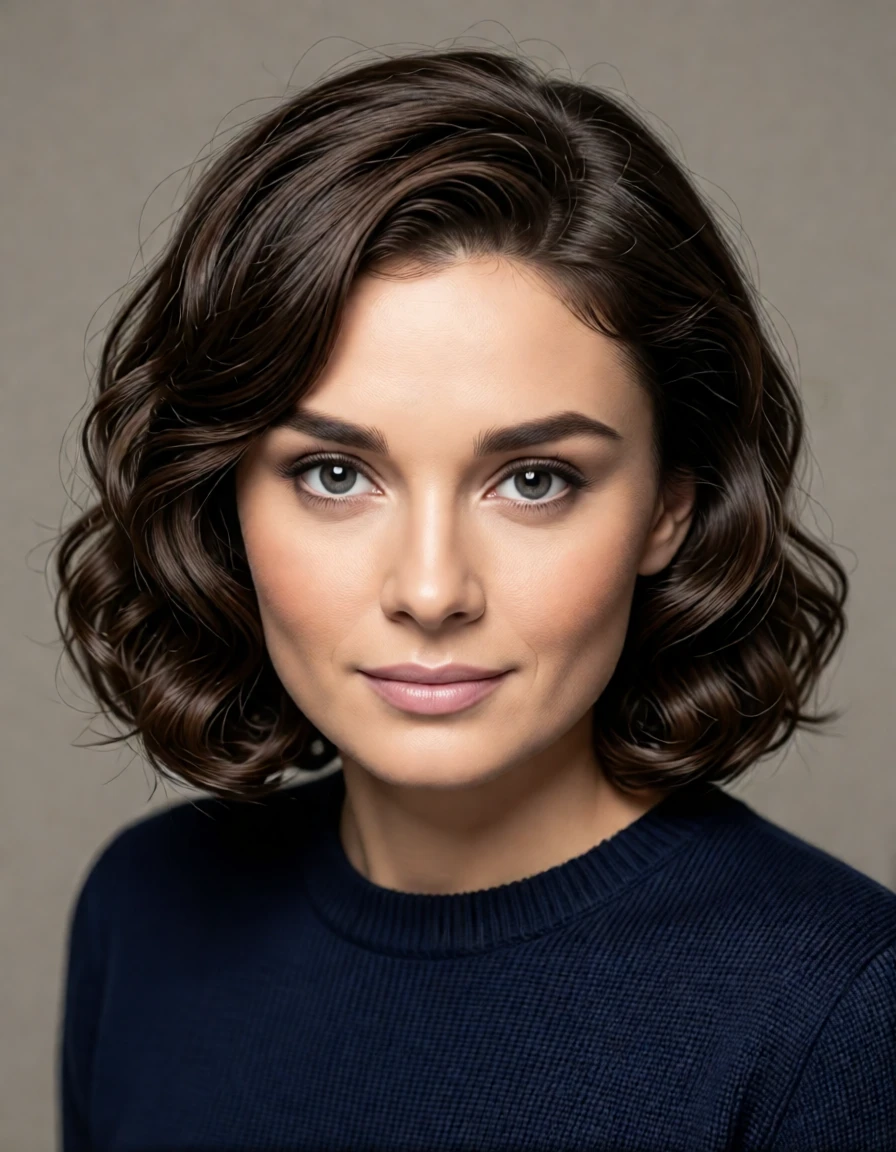 Guidance Scale: 2.5 |
| All 3 of the images above use the same prompt. The only difference is the guidance scale. Prompt: color this photo, make it a modern high-resolution digital photograph without changing her facial features, and show her with a modern wavy bob haircut |
||
¶ 2) Better character combinations.
Qwen 2511 can combine up to 3 characters beautifully. In this example, 2 anime characters are combined with a photorealistic woman using a simple prompt, yet all 3 characters have the correct features and look great together.
| Prompt: put all 3 characters together in the same scene. they should be gathering flowers from a wildflower field. | ||
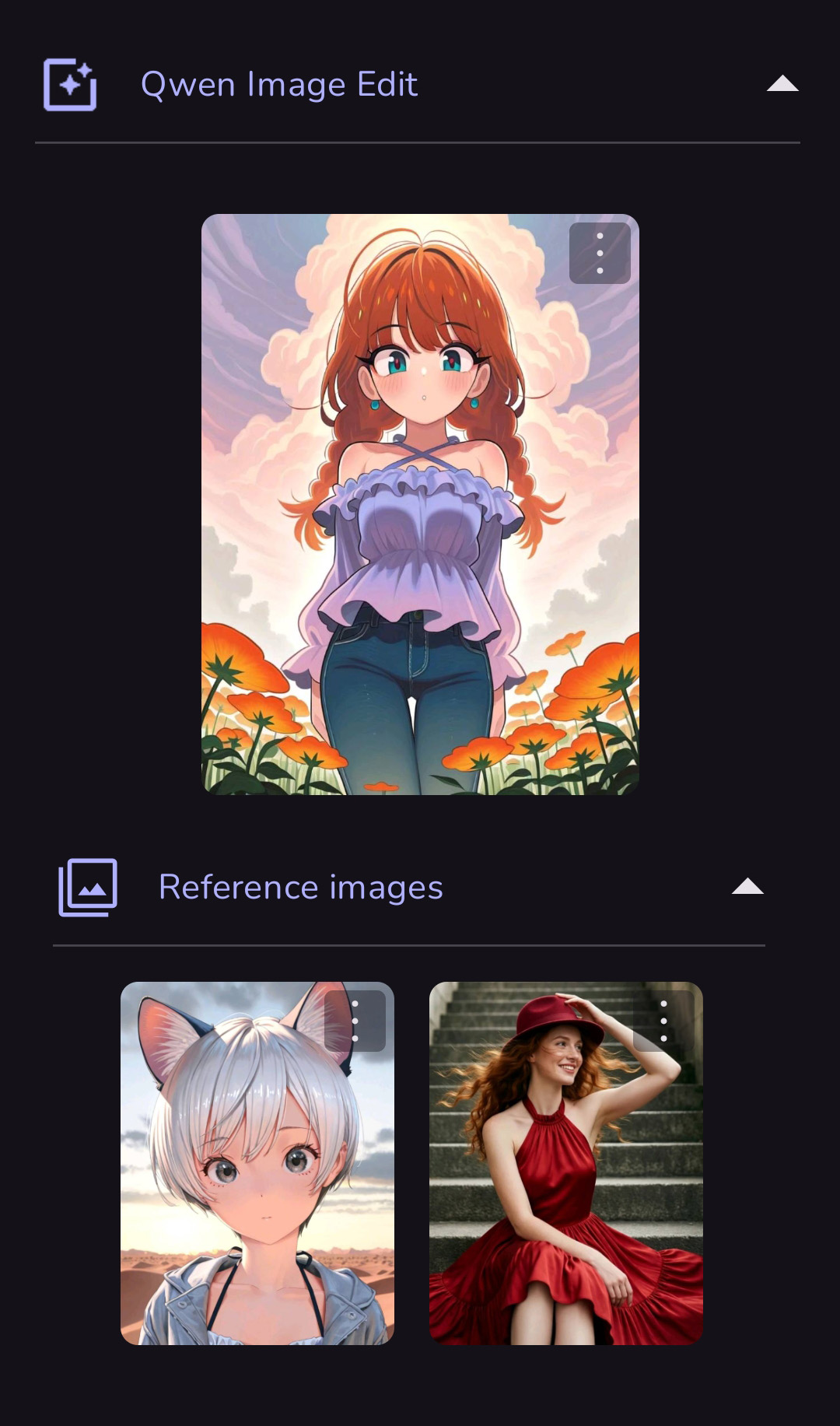 |
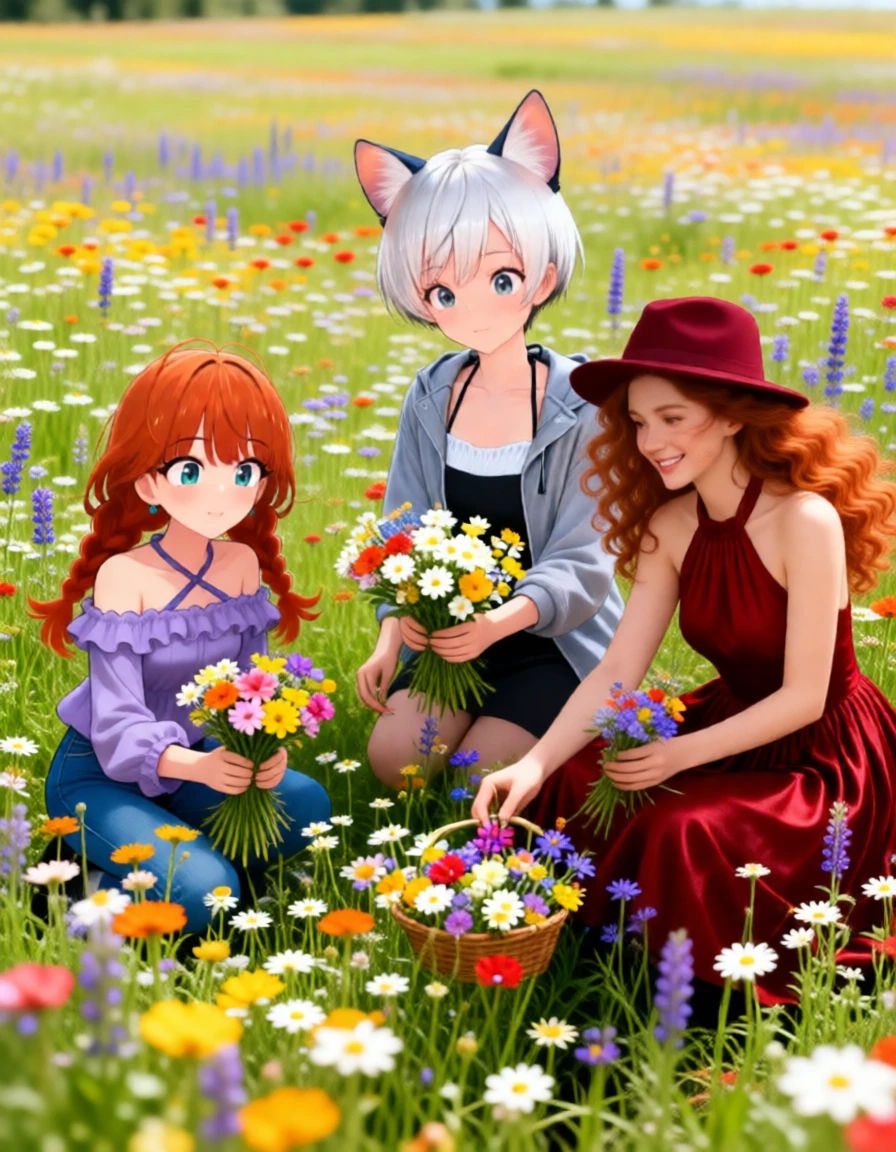 Guidance Scale: 1.0 |
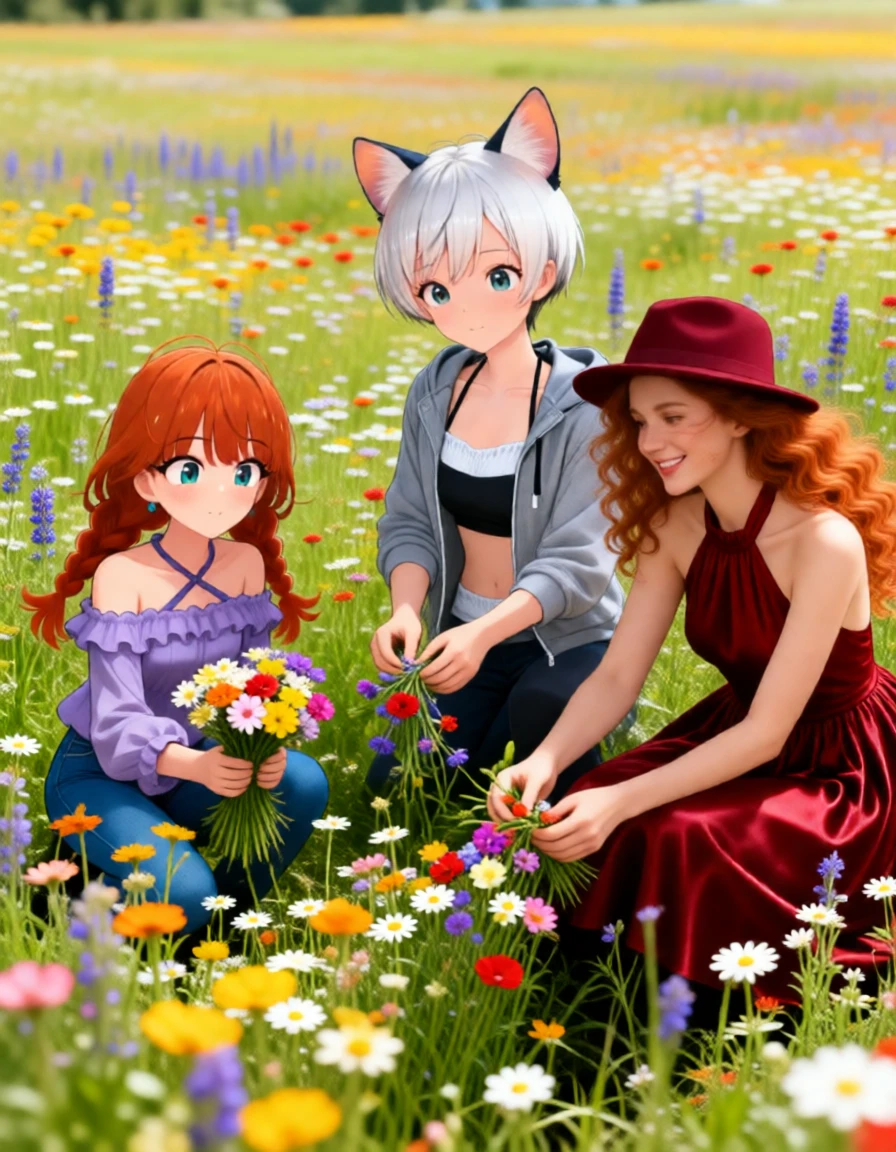 Guidance Scale: 1.3 |
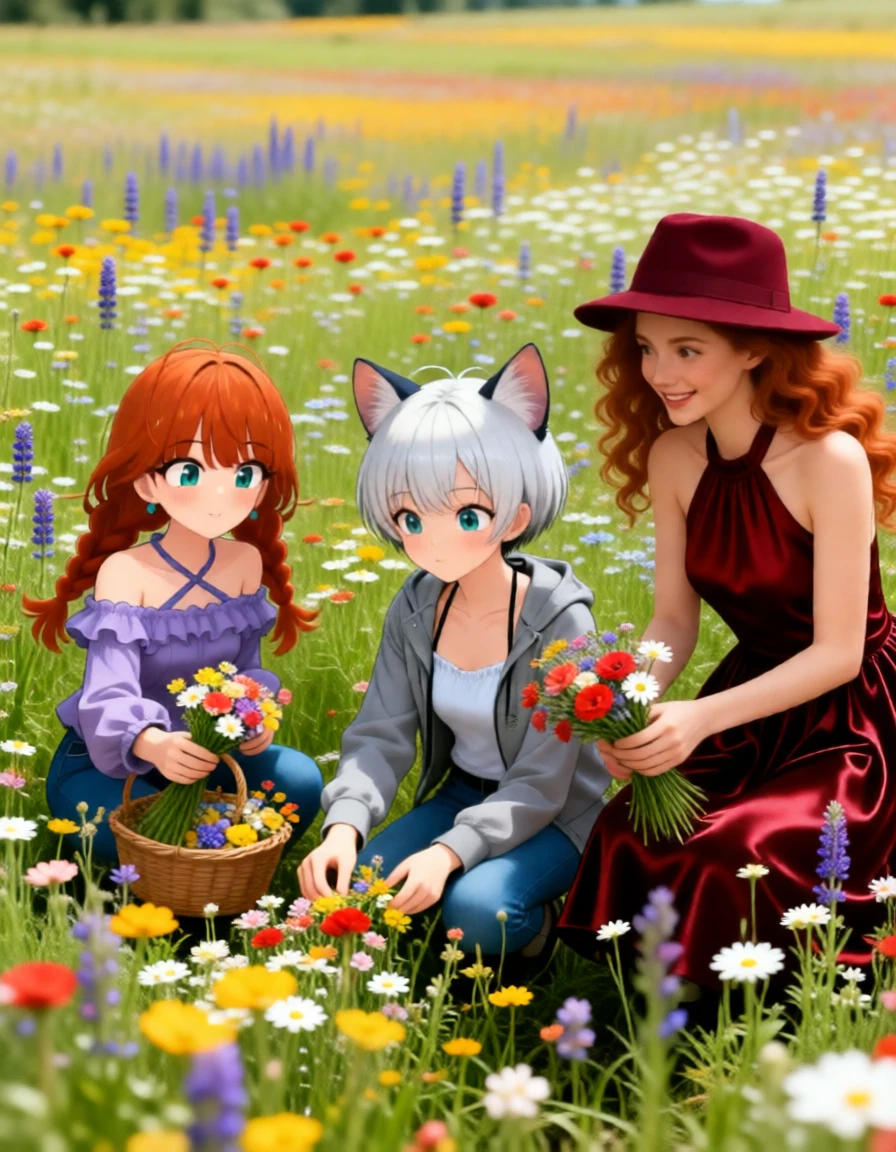 Guidance Scale: 2.0 |
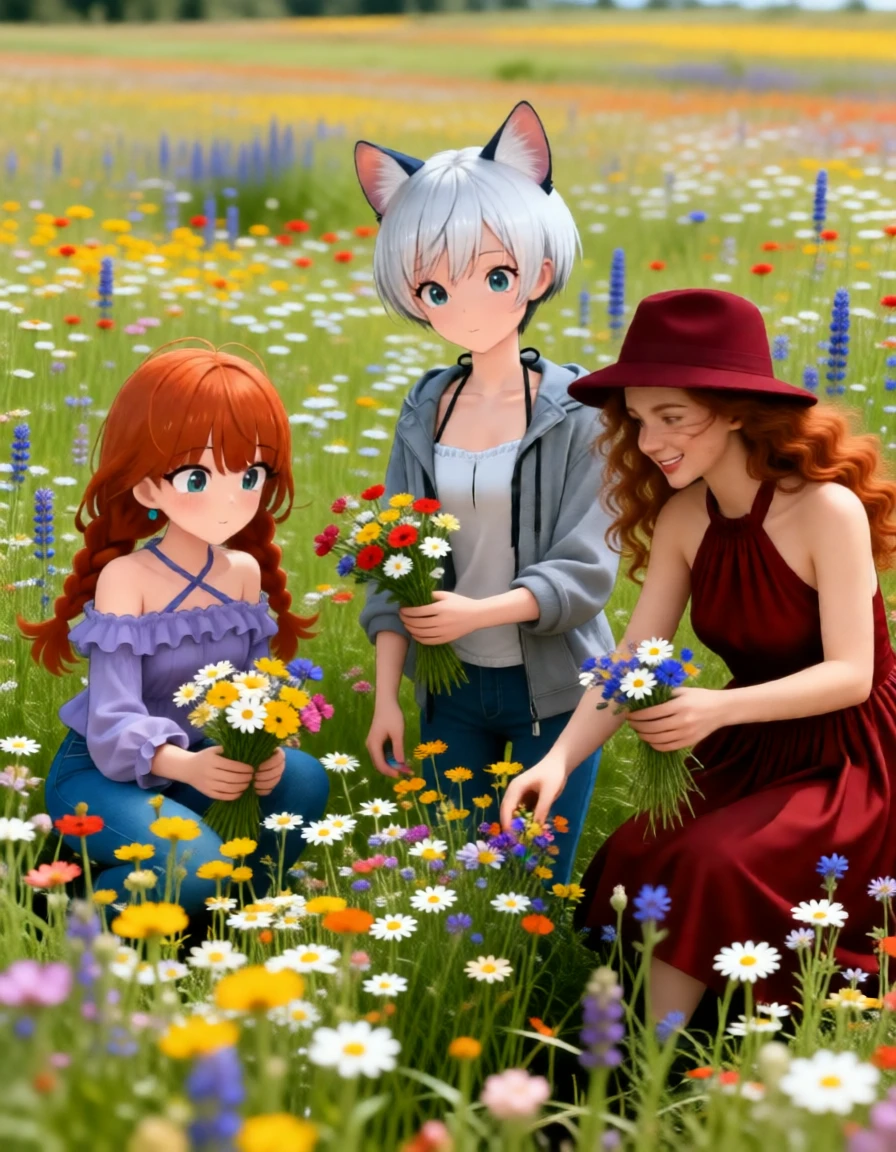 Guidance Scale: 2.8 |
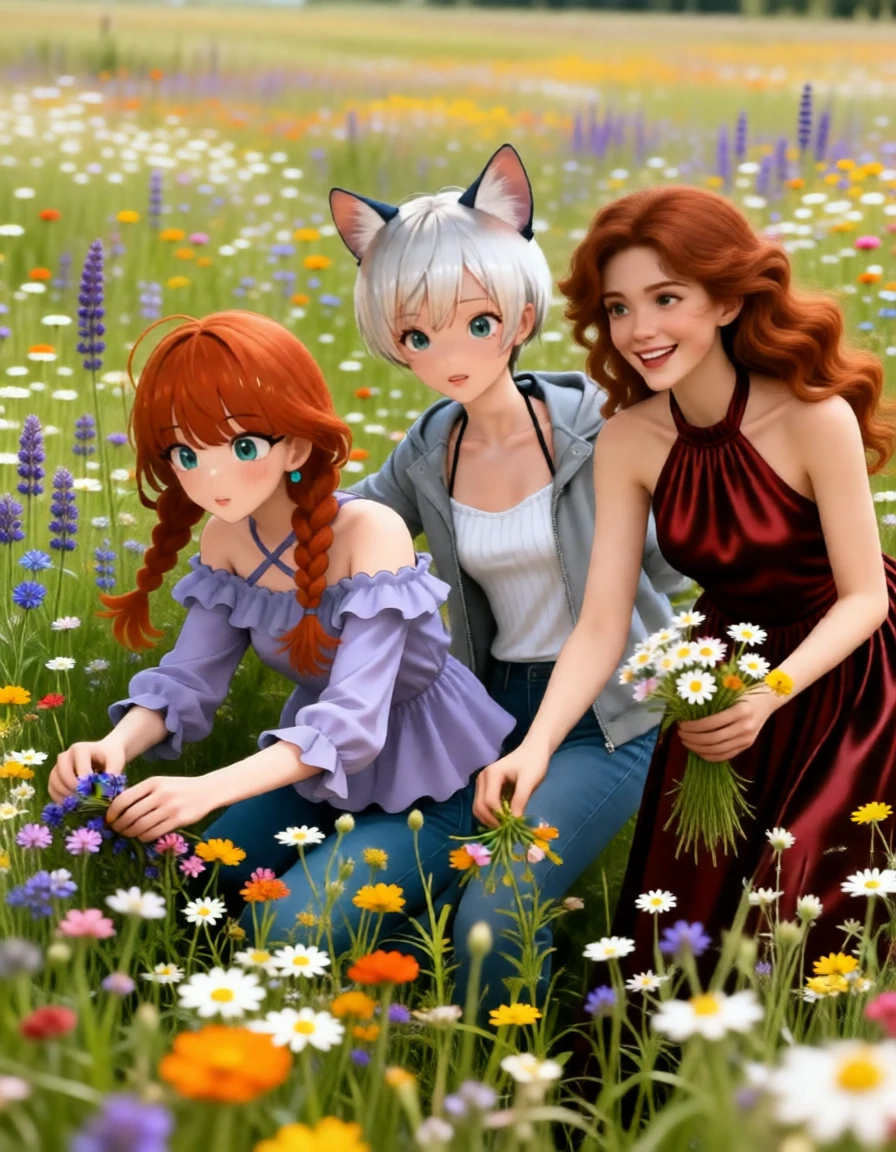 A different seed. |
¶ Things you can do with Qwen Image Edit:

1) Qwen is great with character consistency, moving a character to a new setting, even changing poses.
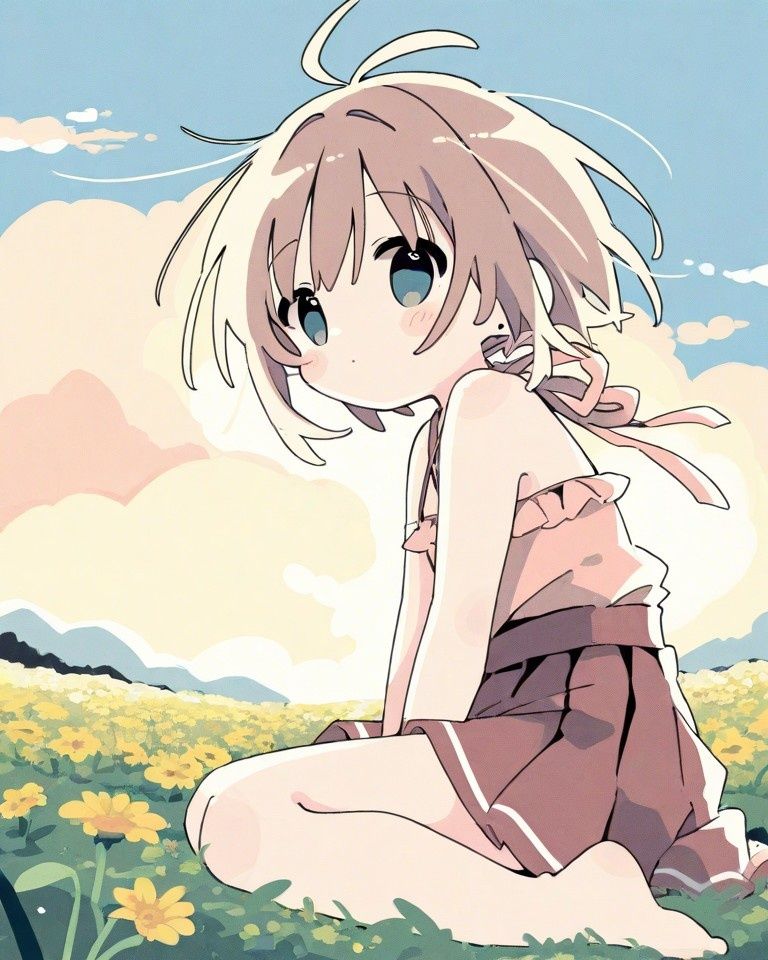 (Using the above image) |
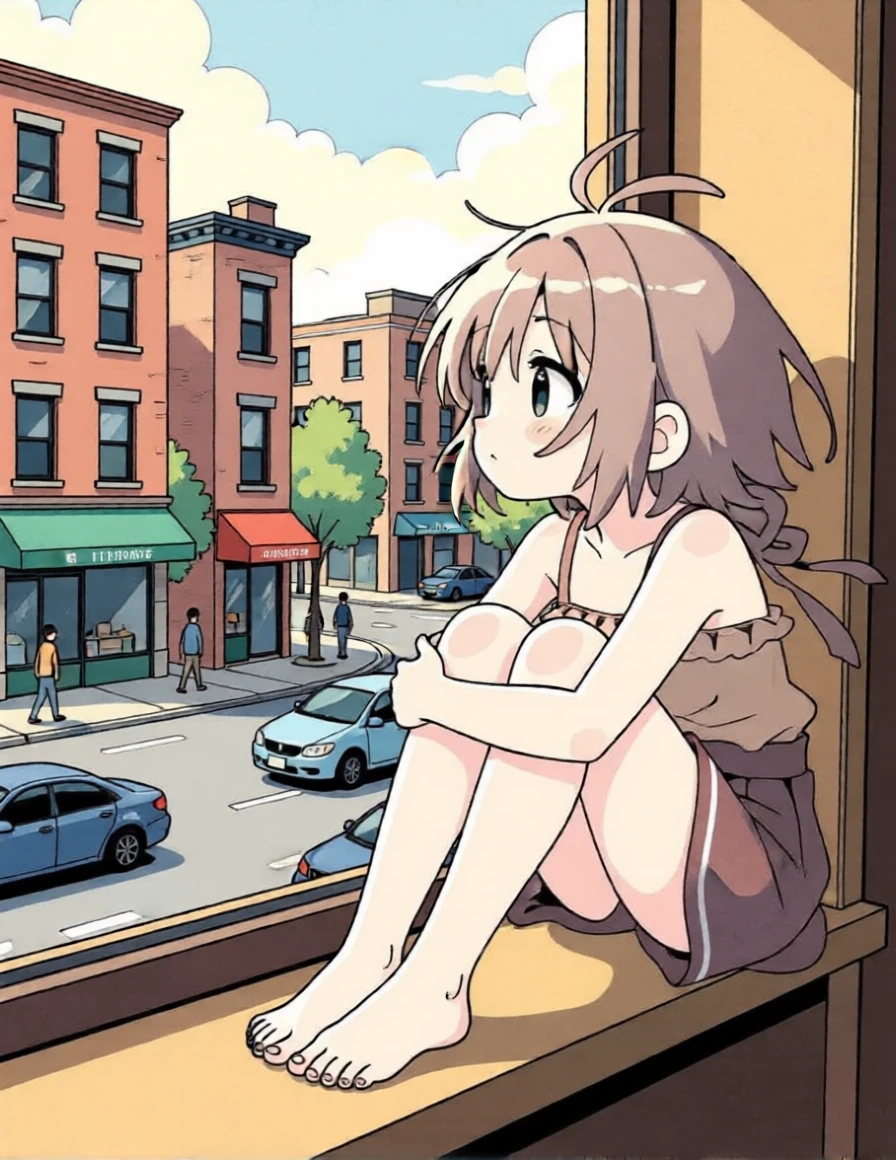 |
| (Using the above image) Prompt: this girl should be ice skating on a pond surrounded by a string of lights with a snowy winter scene in the background. she should be gracefully spinning on one foot. Negative Prompt: - Guidance Scale: 2.0 |
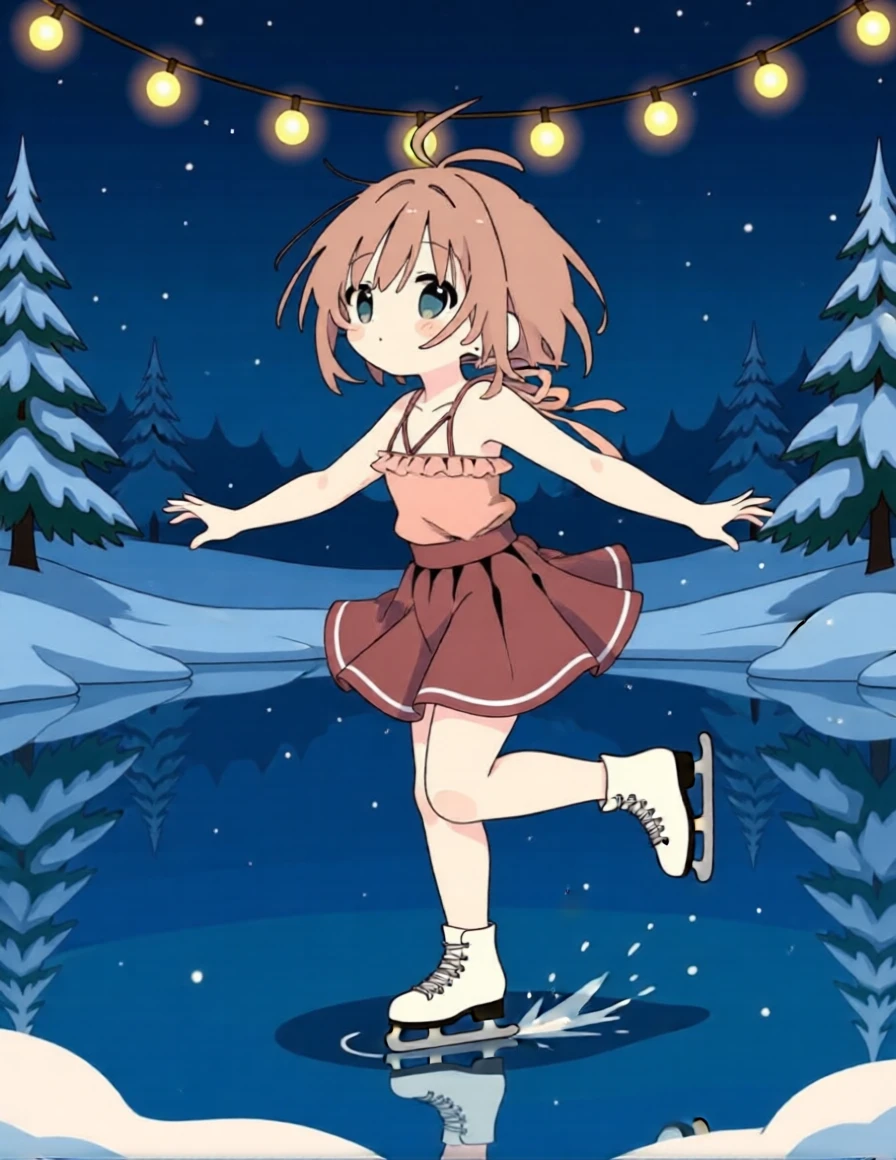 |
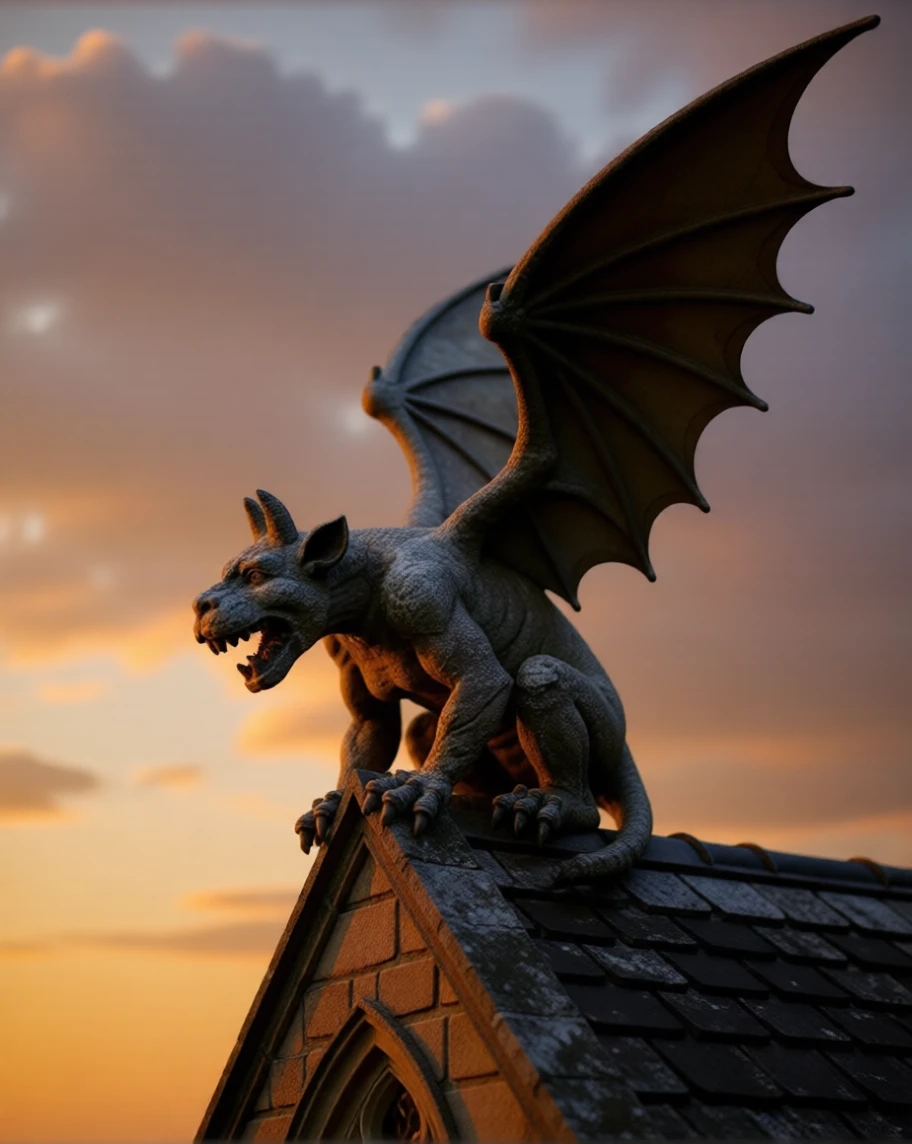
2) Rotate the subject of an image
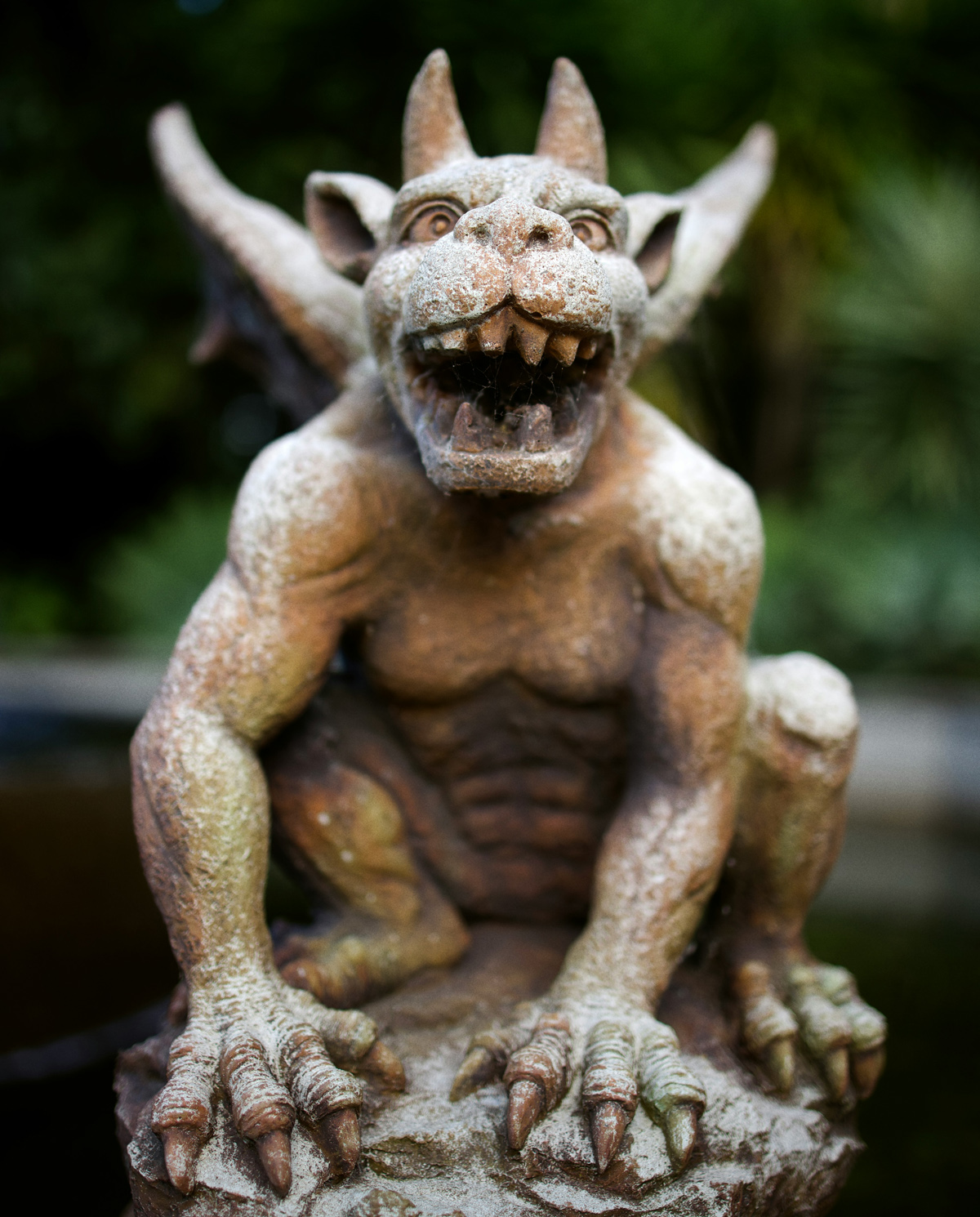 (Using the above image) |
 |
3) Change aspects of an image while keeping a consistent style
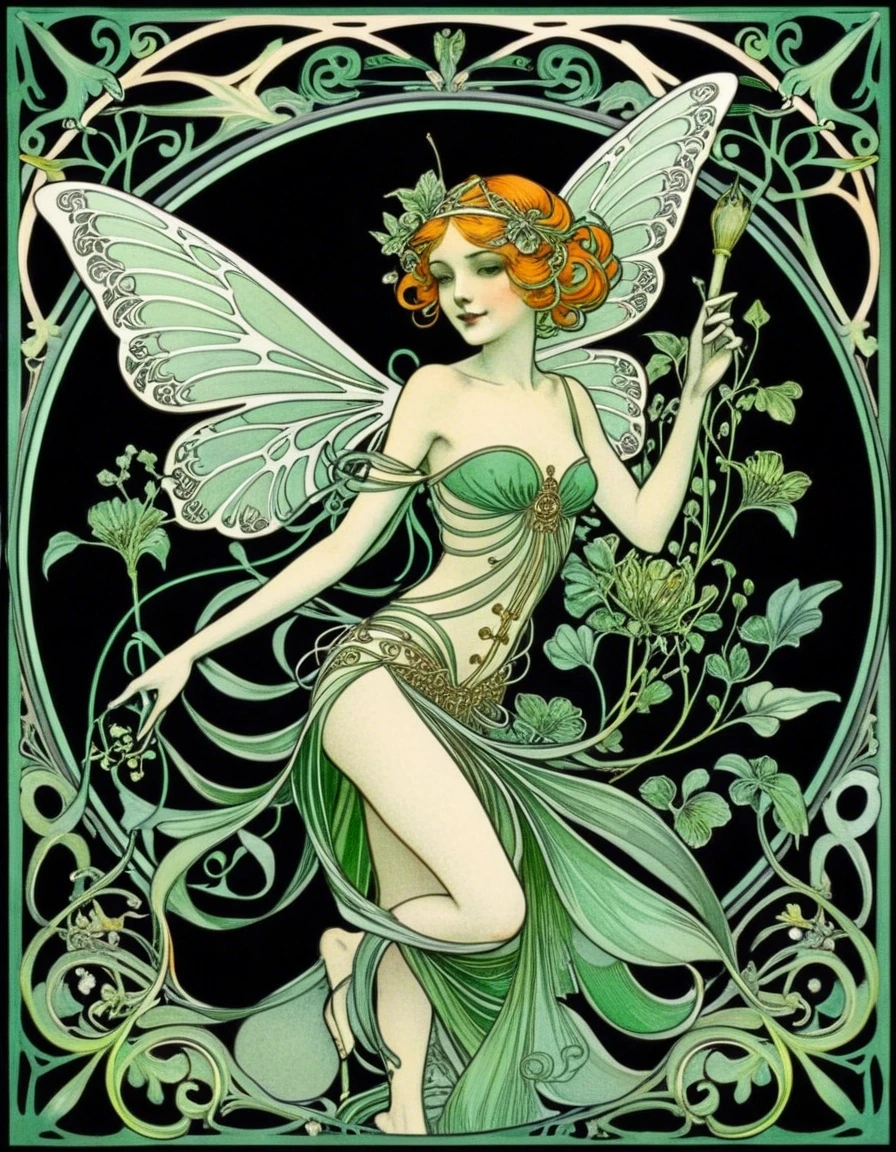 (Using the above image) |
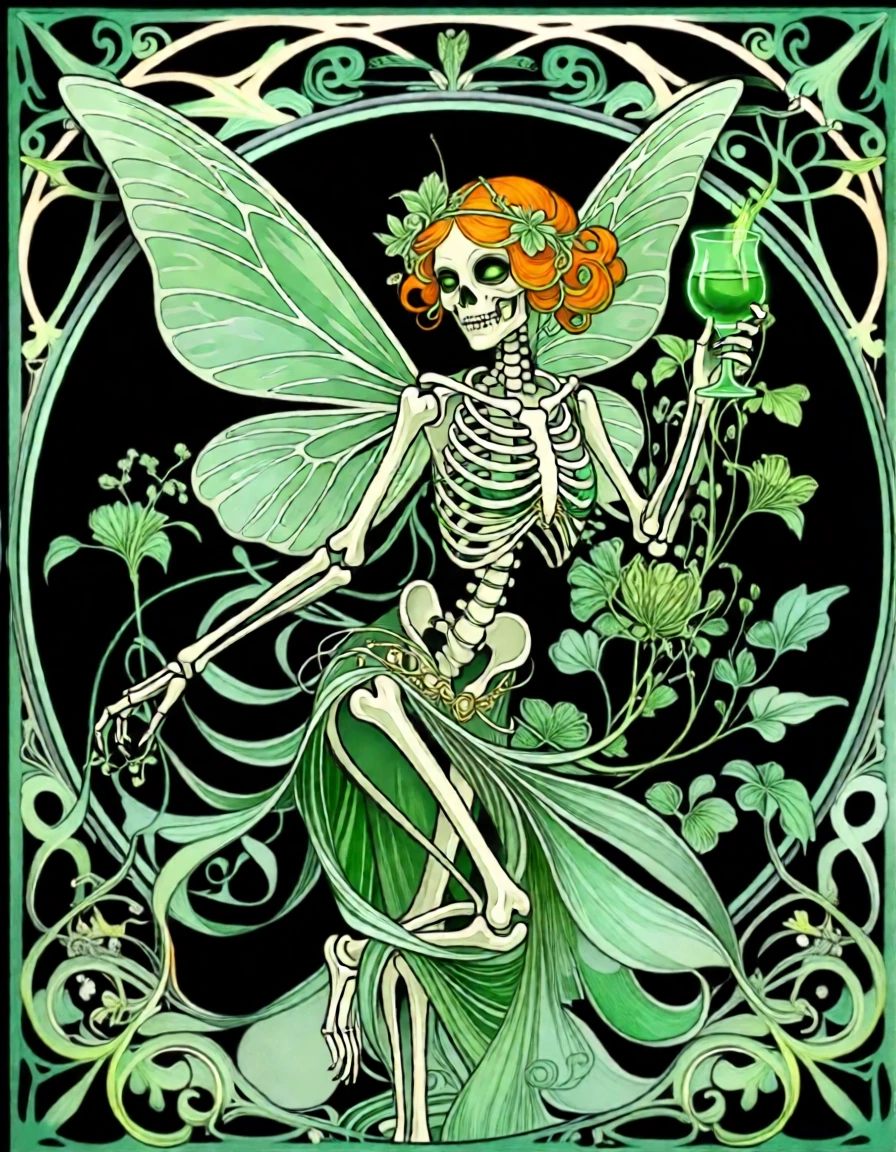 |
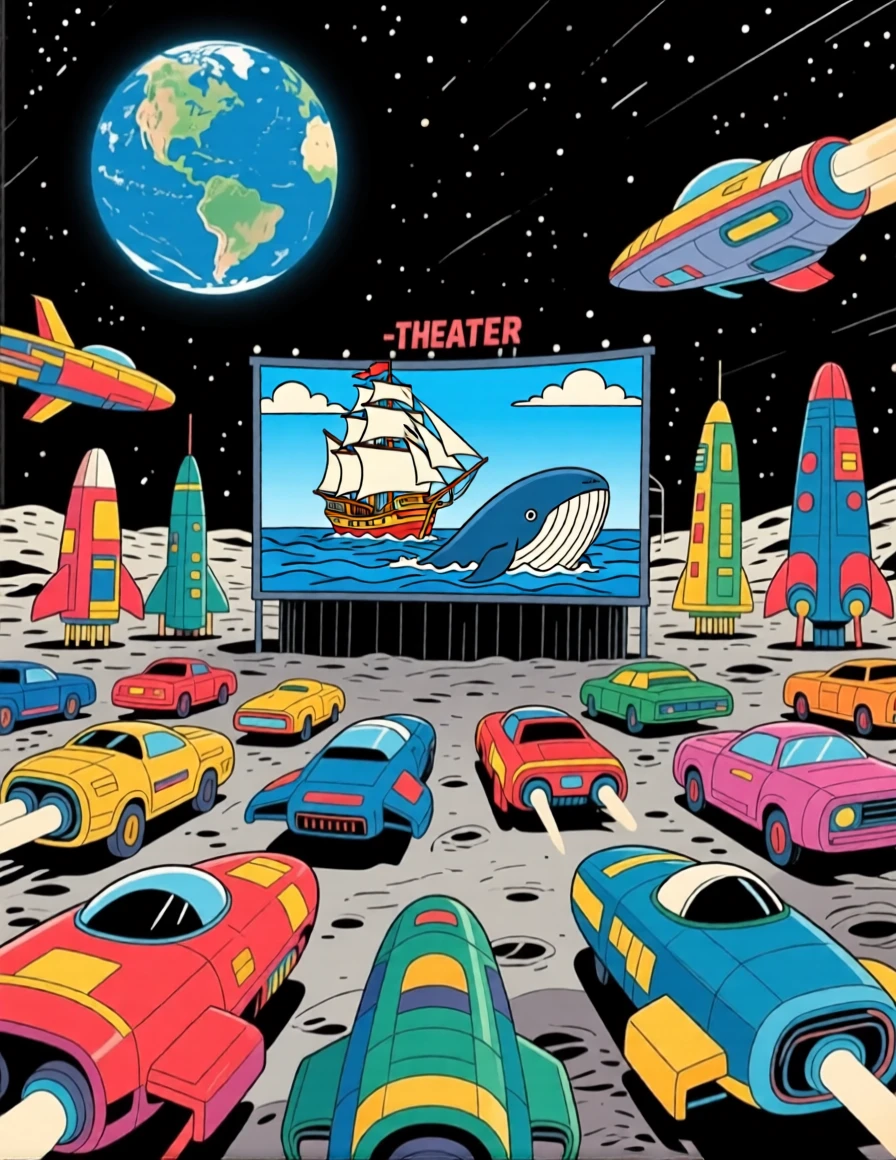
4) Break a complicated render into 2 easier steps:
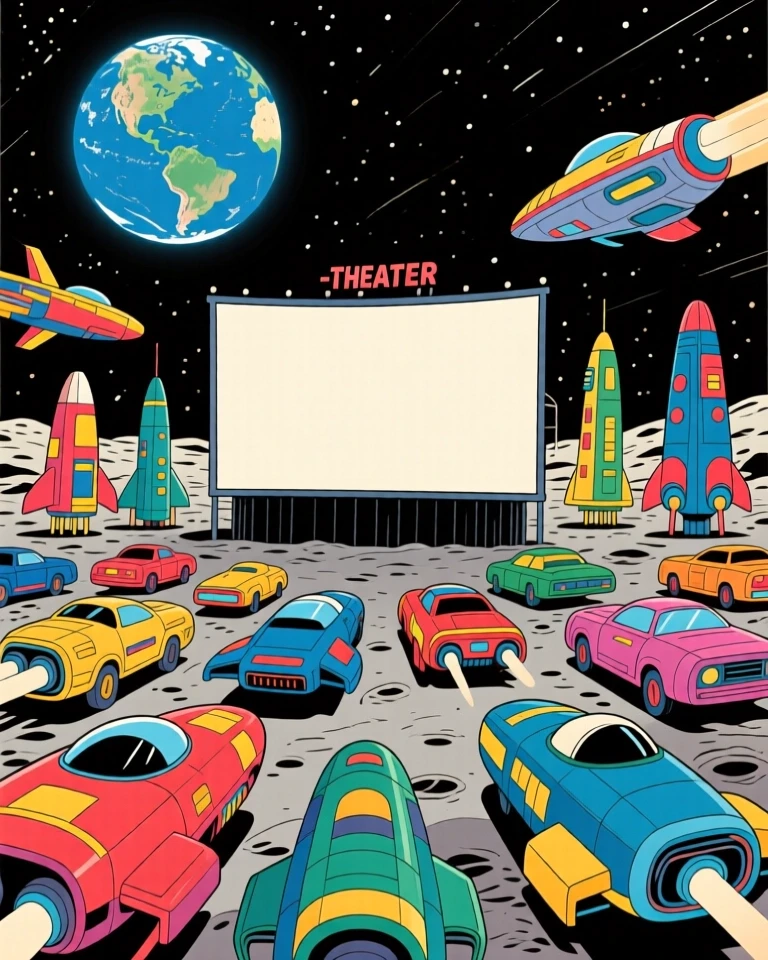 (Using the above image) |
 |
¶ Things to know about Qwen Image Edit:
¶ 1) The size of your render depends on the size of your initial image.
If your initial image is 768x960, your render in Qwen Image Edit will be 896x1160. Why? Qwen Image Edit creates images in the same aspect ratio as the original, but the pixel size is approximately 1 million pixels (1024x1024). The 768x960 image has a 4:5 aspect ratio. The closest size to 1 million pixels with measurements divisible by 8 and a 4:5 aspect ratio is 896x1160.
¶ 2) Changing the Guidance Scale has more impact with Qwen Image Edit than with Qwen Lightning
.jpg) (Using the above image) |
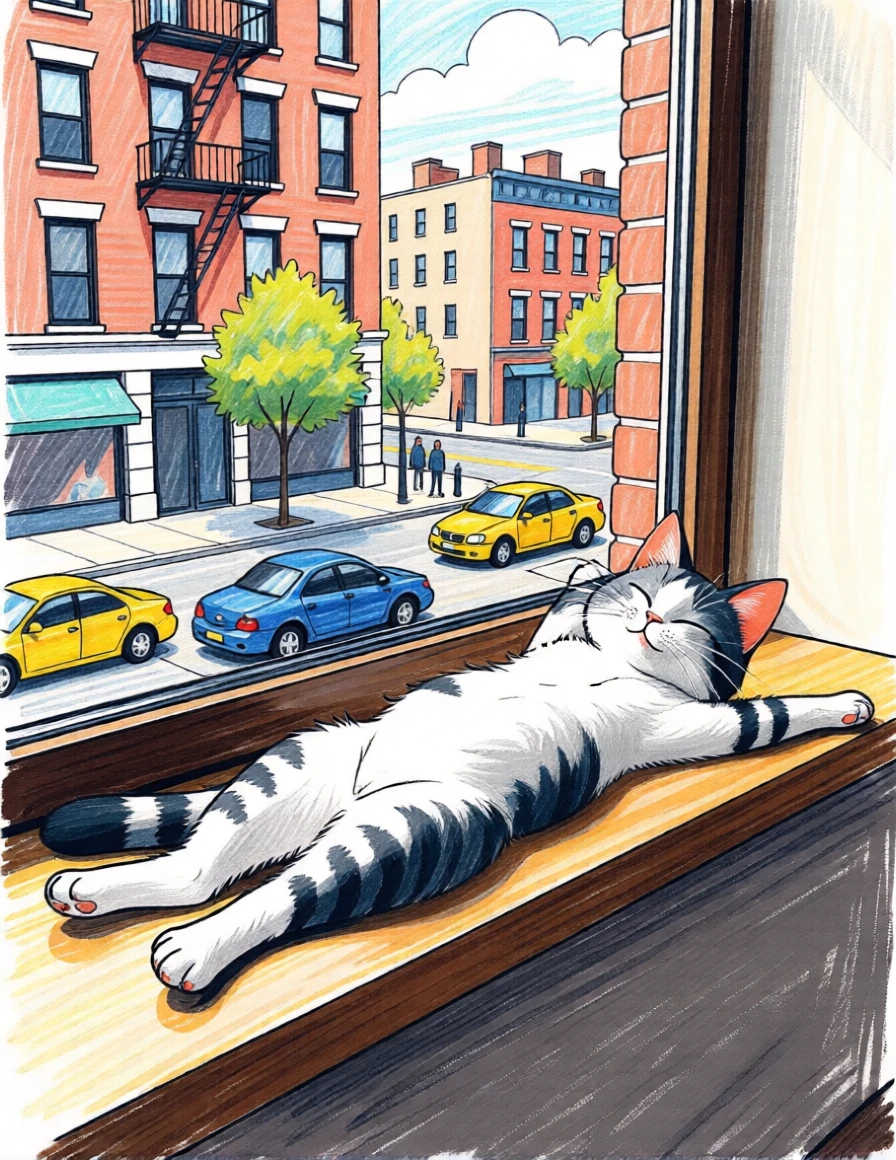 |
| (Using the above image) Prompt: this cat should be stretched out on a window sill in an urban street, in a painterly modern pencil sketch Negative Prompt: - Guidance Scale: 2.5 |
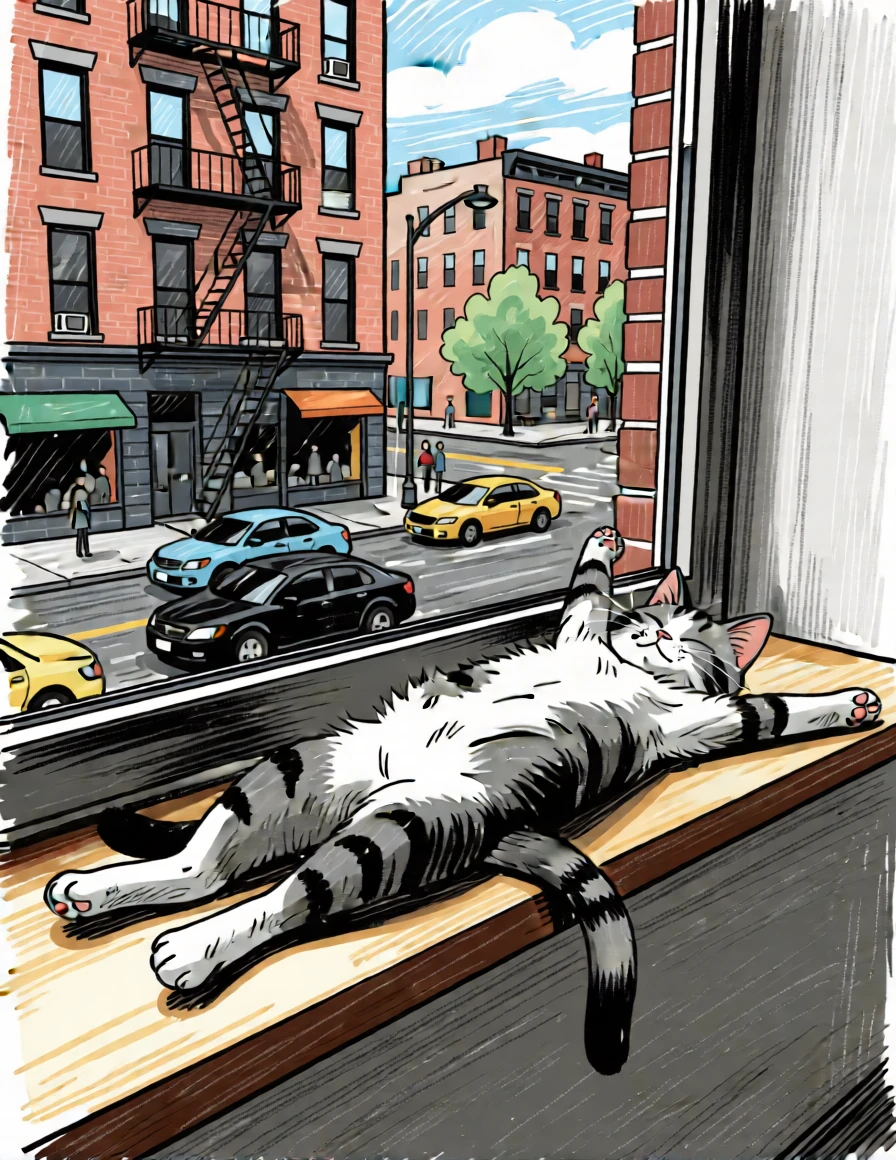 |
| The style of the image is different when the Guidance Scale is higher. | |
¶ Using Reference Images with Qwen Image Edit
You can add 1 or 2 additional reference images when using Qwen Image Edit.
¶ Things you can do with Qwen Reference Images:

1) Product Placement
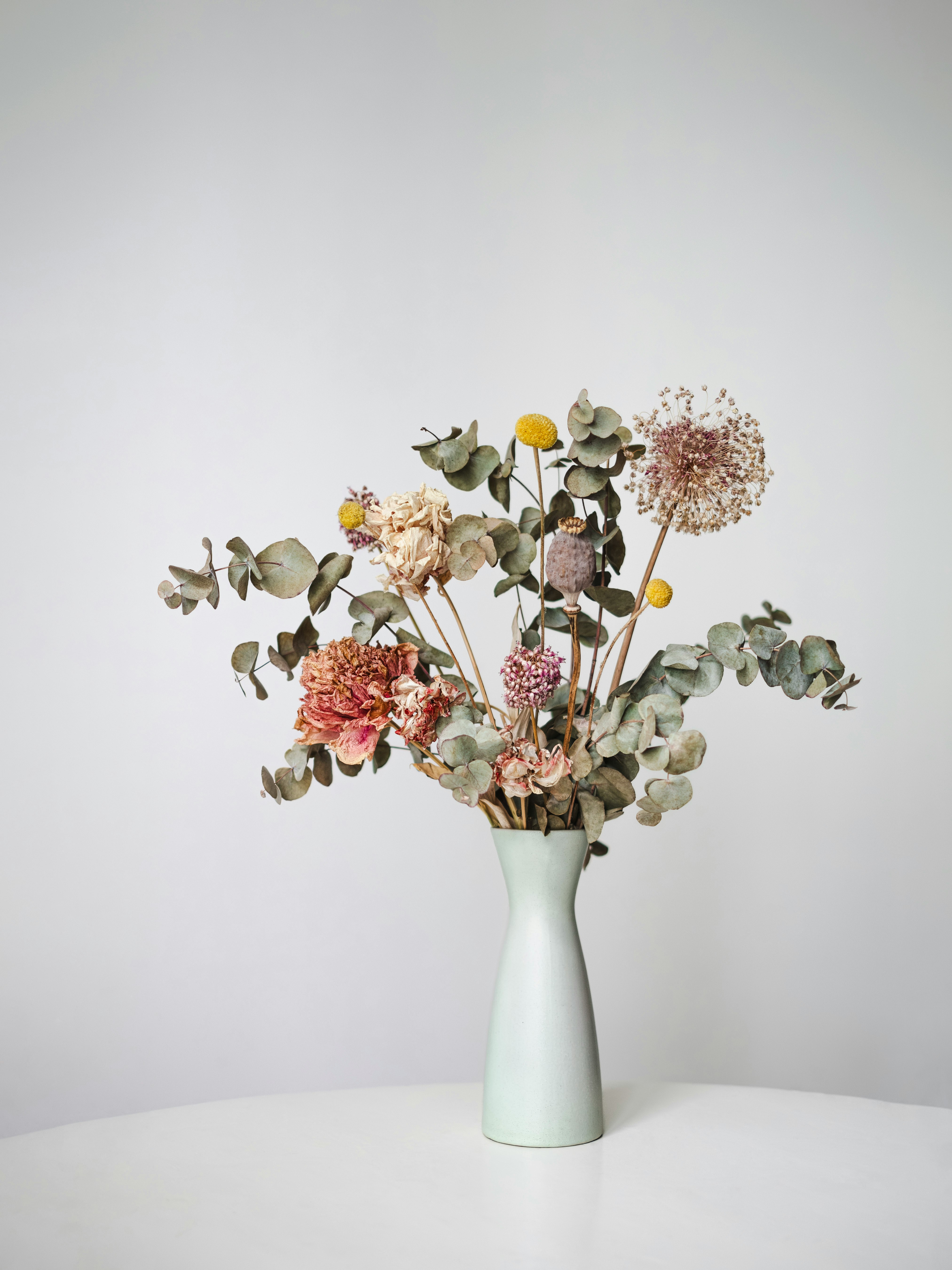
Even a complicated shape like this can be moved onto the scenic background of your choice.
Please note, the proportion of the first image will dictate the proportion of the final image.
|
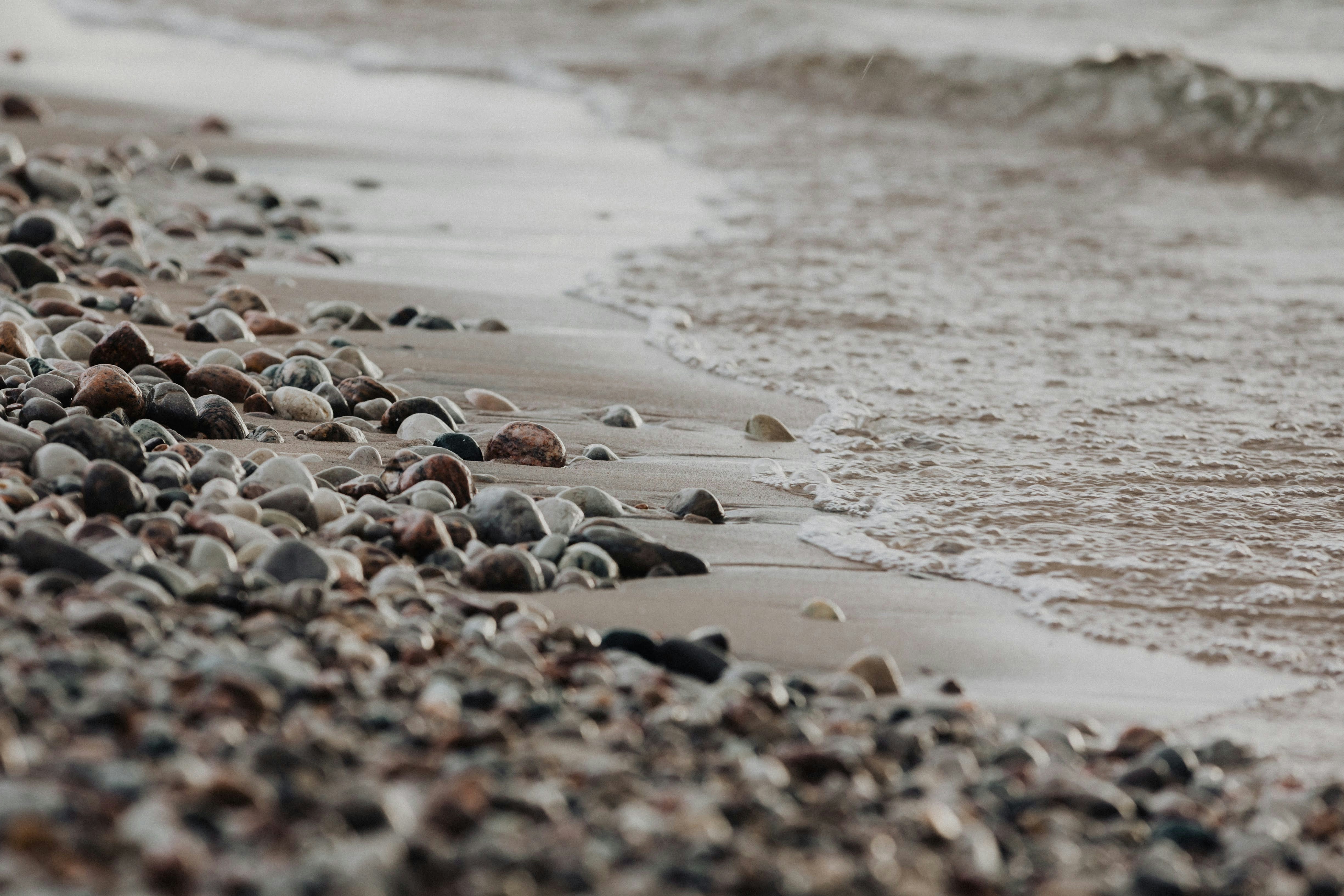
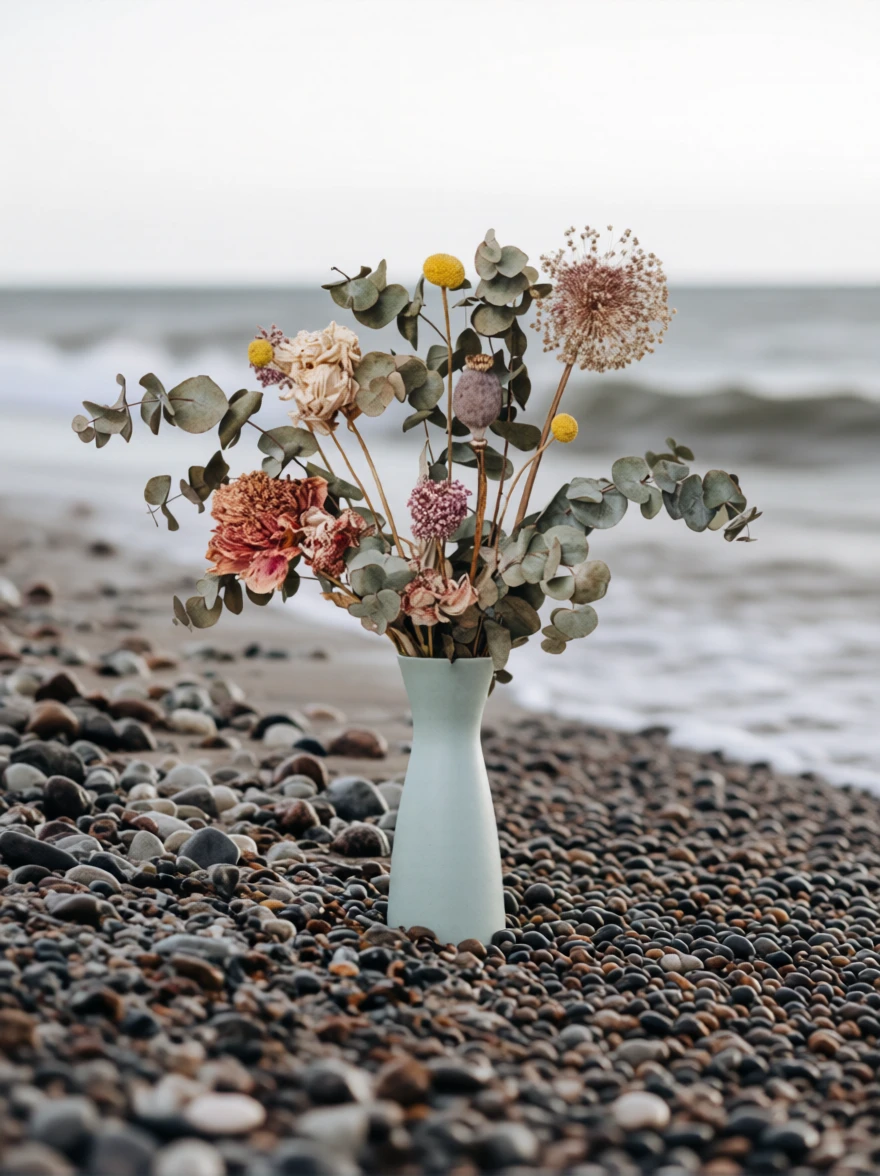 Prompt: add the vase of flowers to the rocky beach |
|
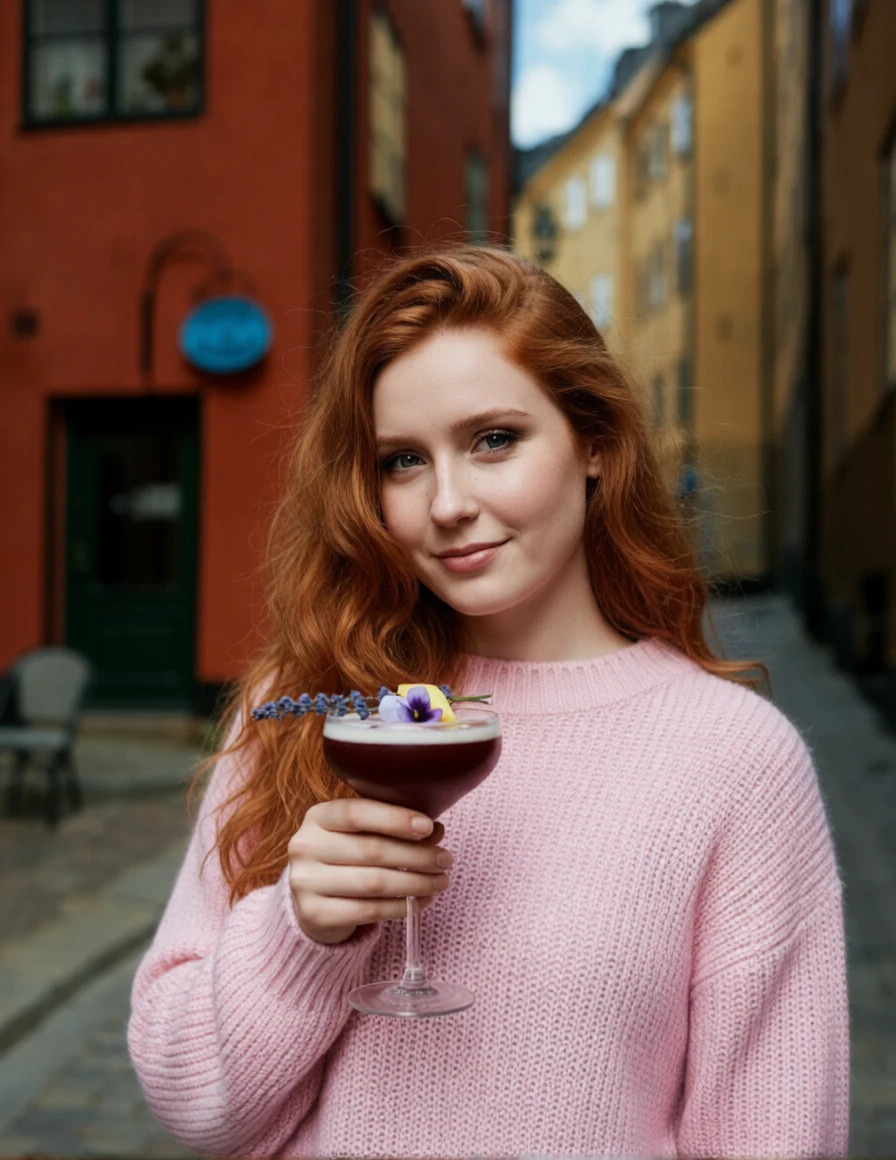
¶ 2) Scenic Selfies
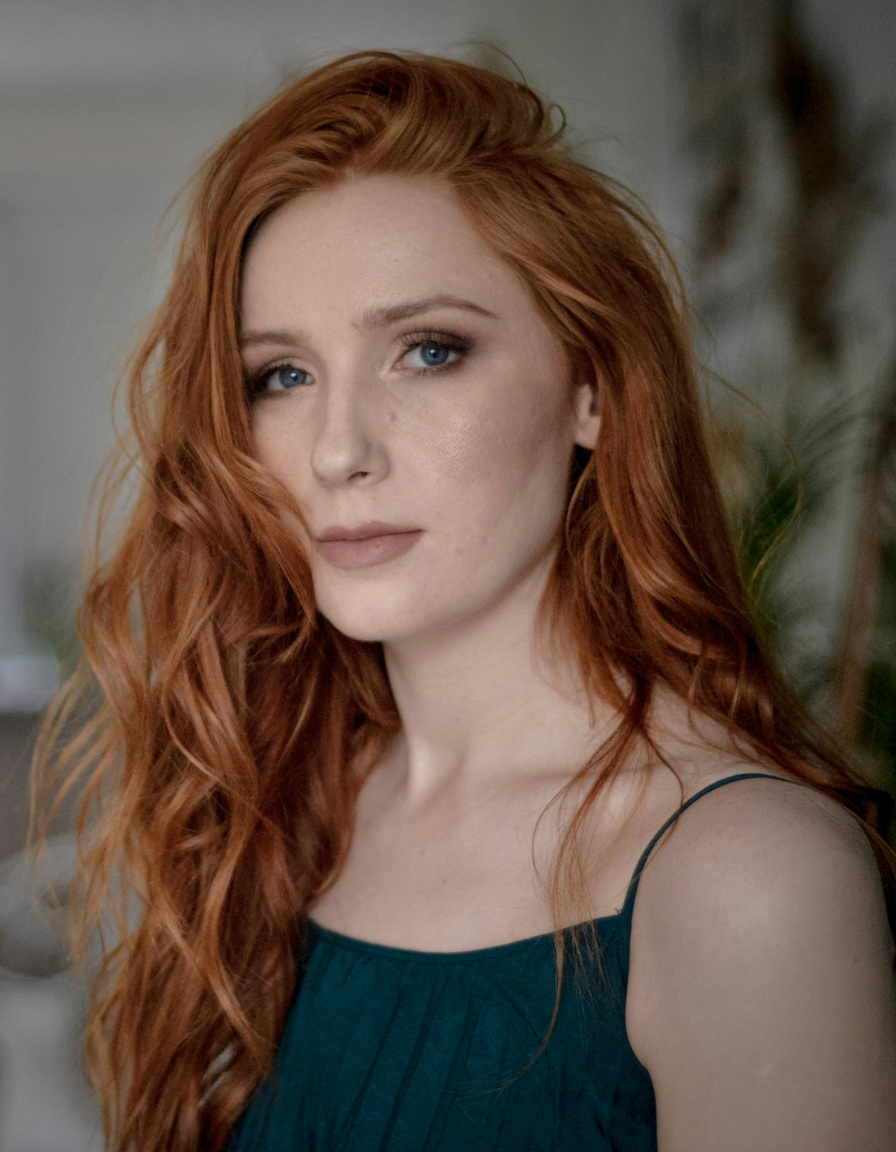
Note the phrase “lighting adjusted to blend naturally”. This tells Qwen to adjust the lighting to bring all the images together.
|
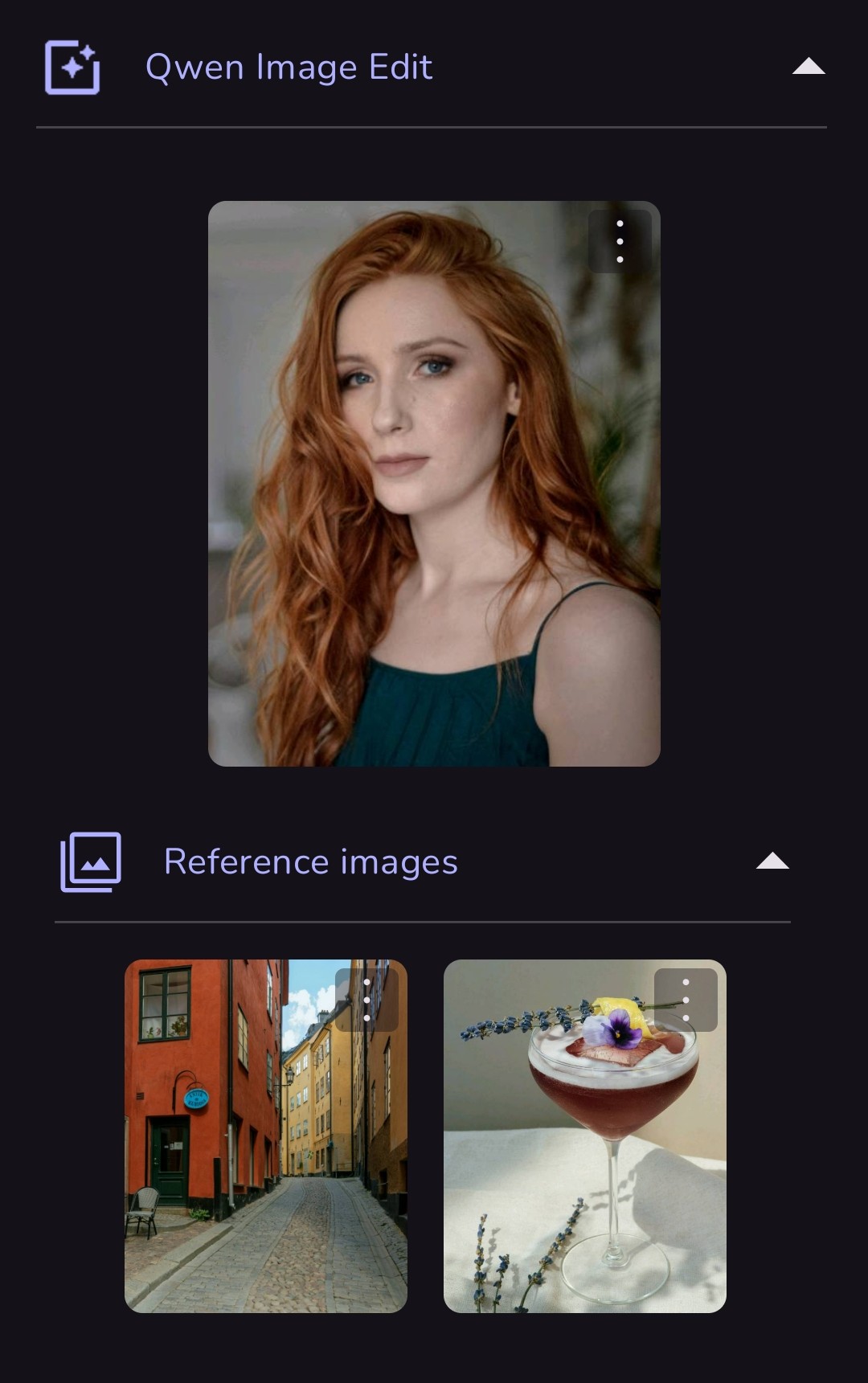 Prompt: give the girl a pale pink fuzzy sweater, have her holding the cocktail, slight smile, standing in the urban setting, close portrait, with cinematic lighting adjusted to blend naturally |
.jpg)
|
|
 |
|
.jpg)
|
|
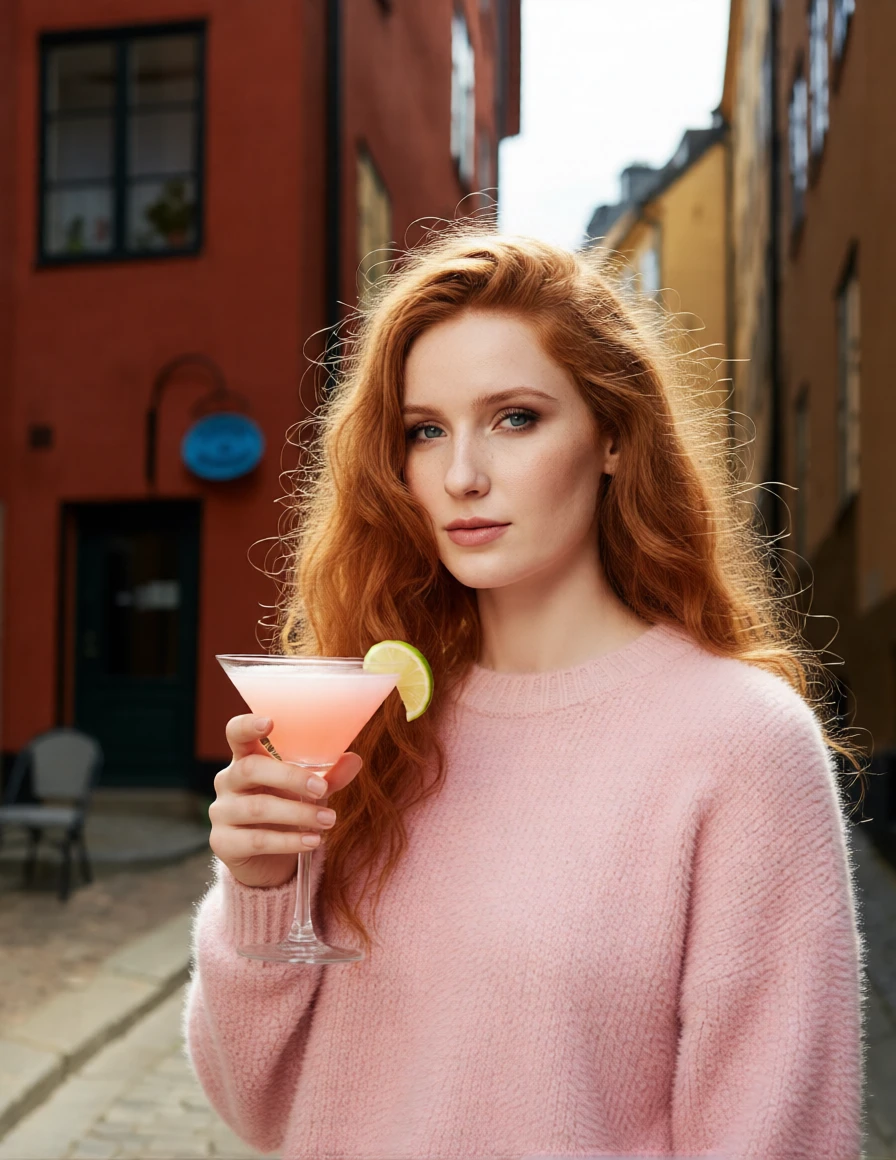
| This second version has a different prompt (and a different cocktail). This time, I asked for sunlight. | |
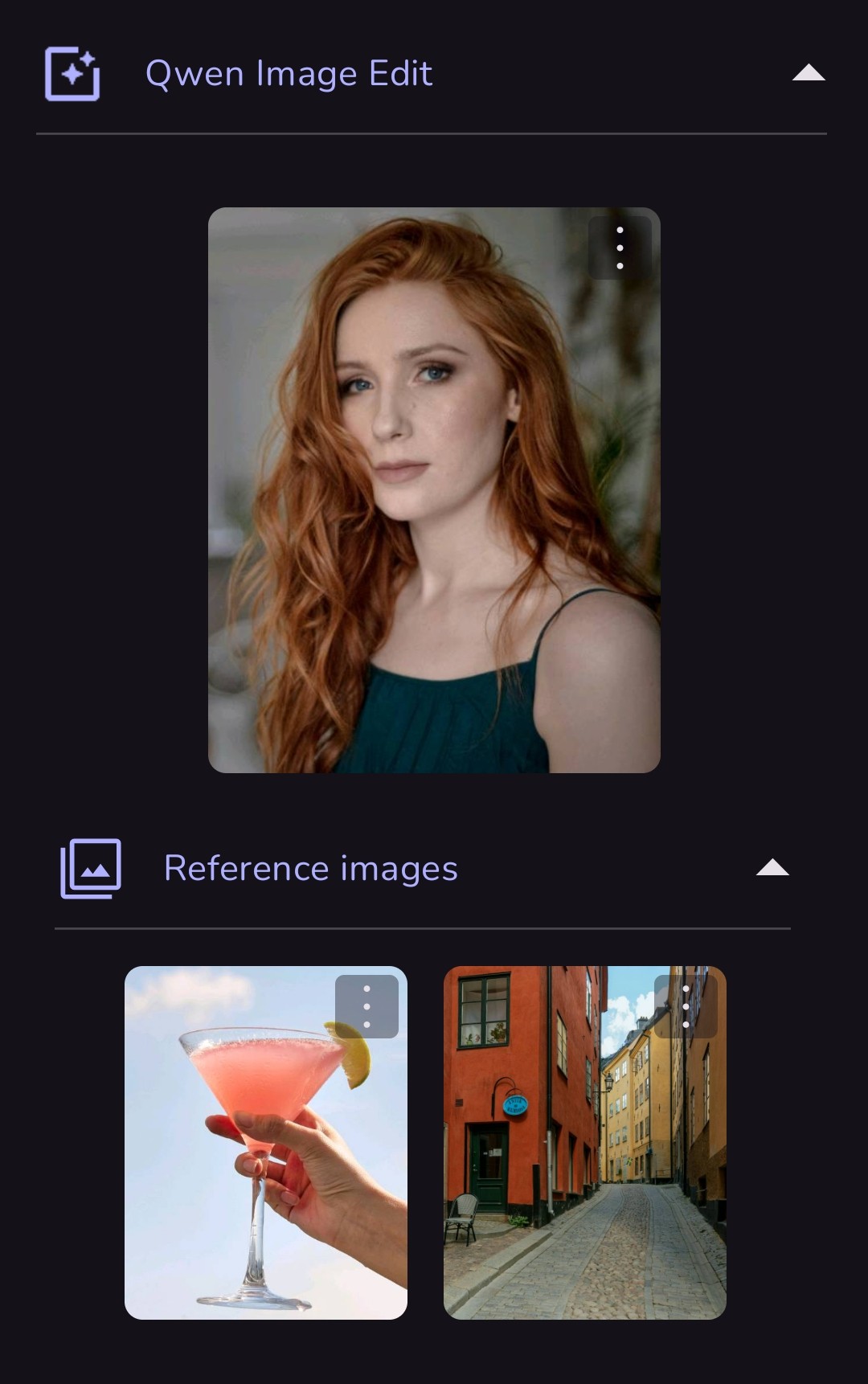 Prompt: give the girl from image 1 a pale pink fuzzy sweater, have her holding the cocktail from image 2, standing in the urban setting from image 3, close portrait, in the sunlight, lighting adjusted to blend naturally |
 |
¶ 3) Virtual Fashions and Fantasy Locations
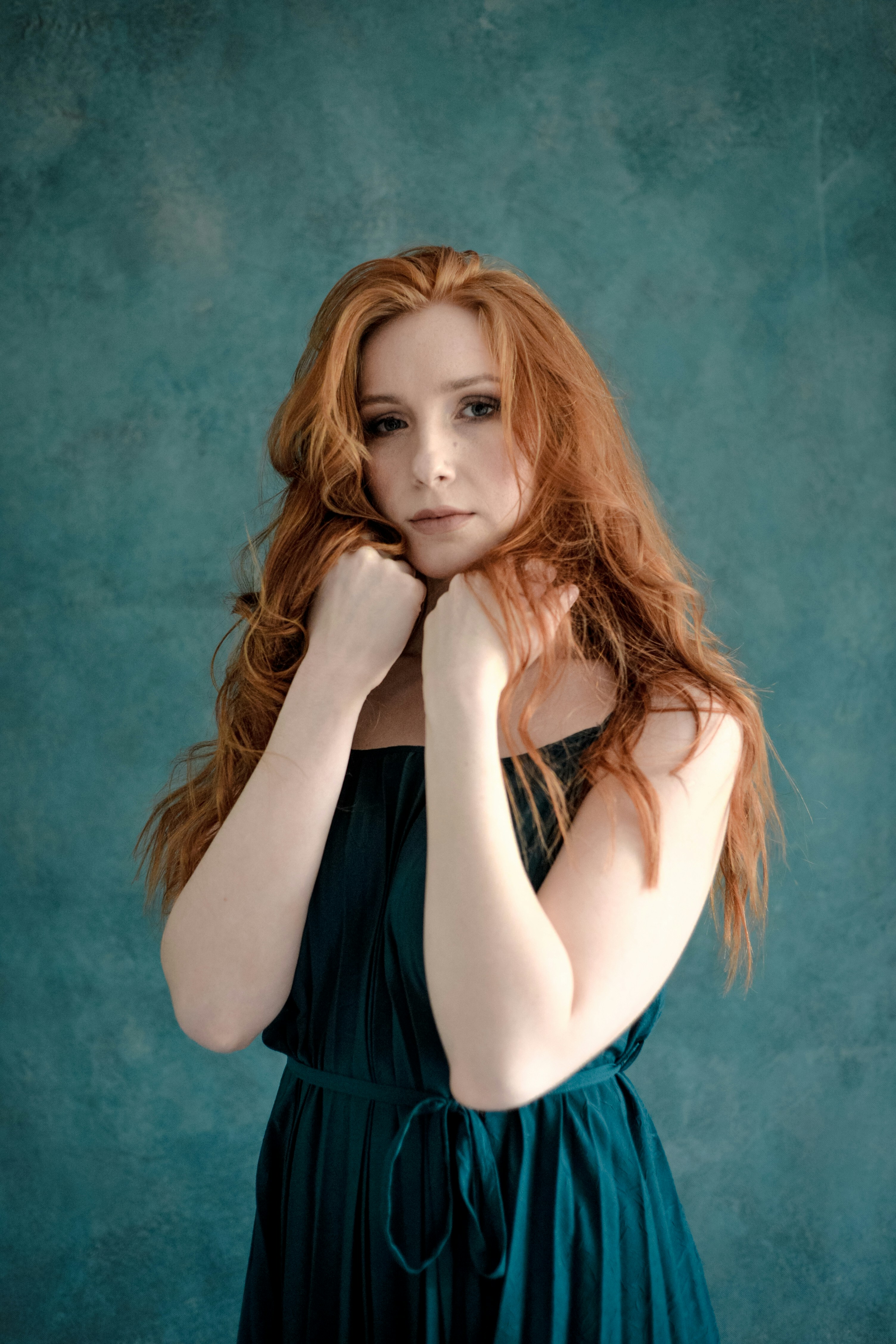
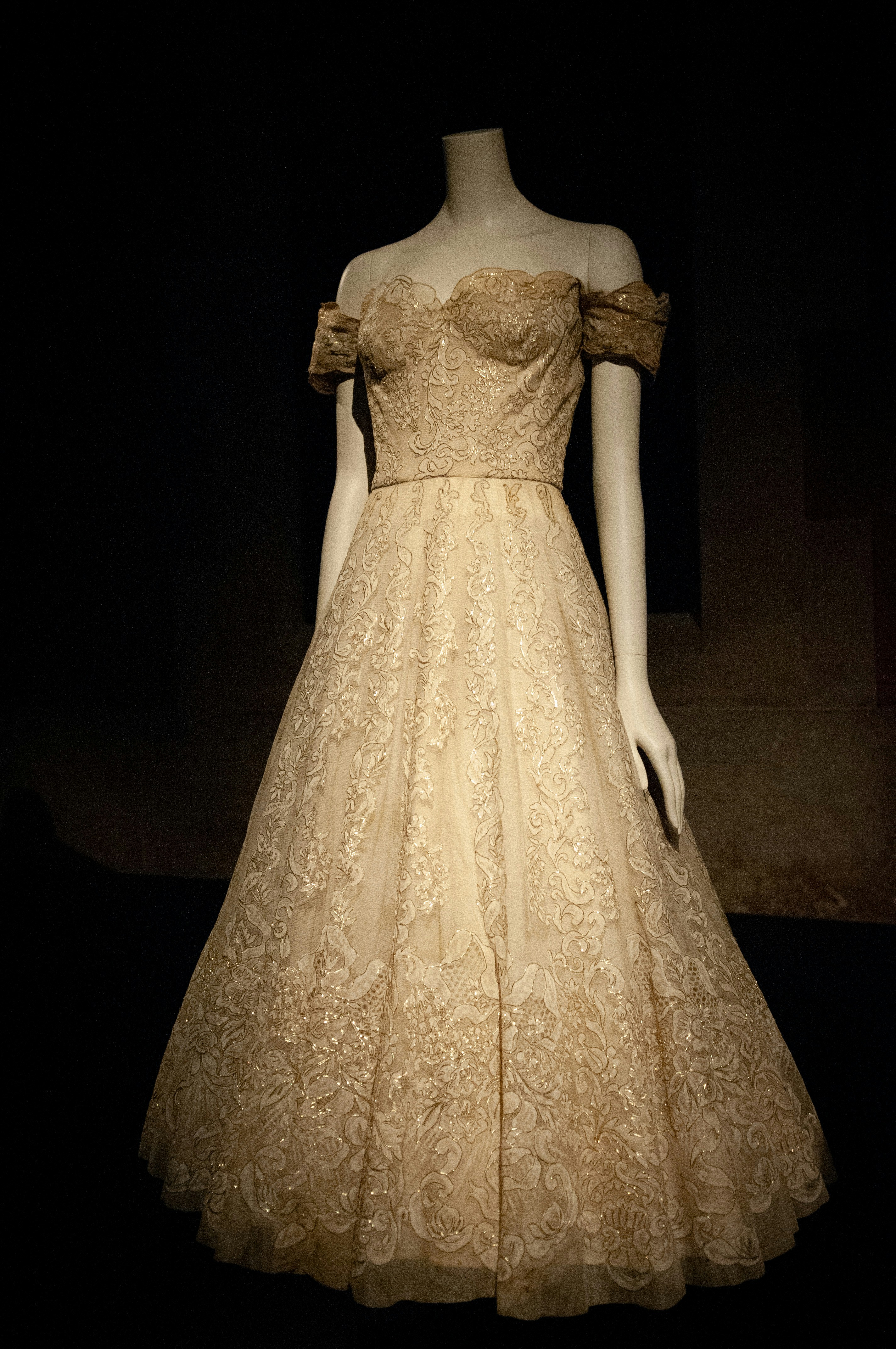
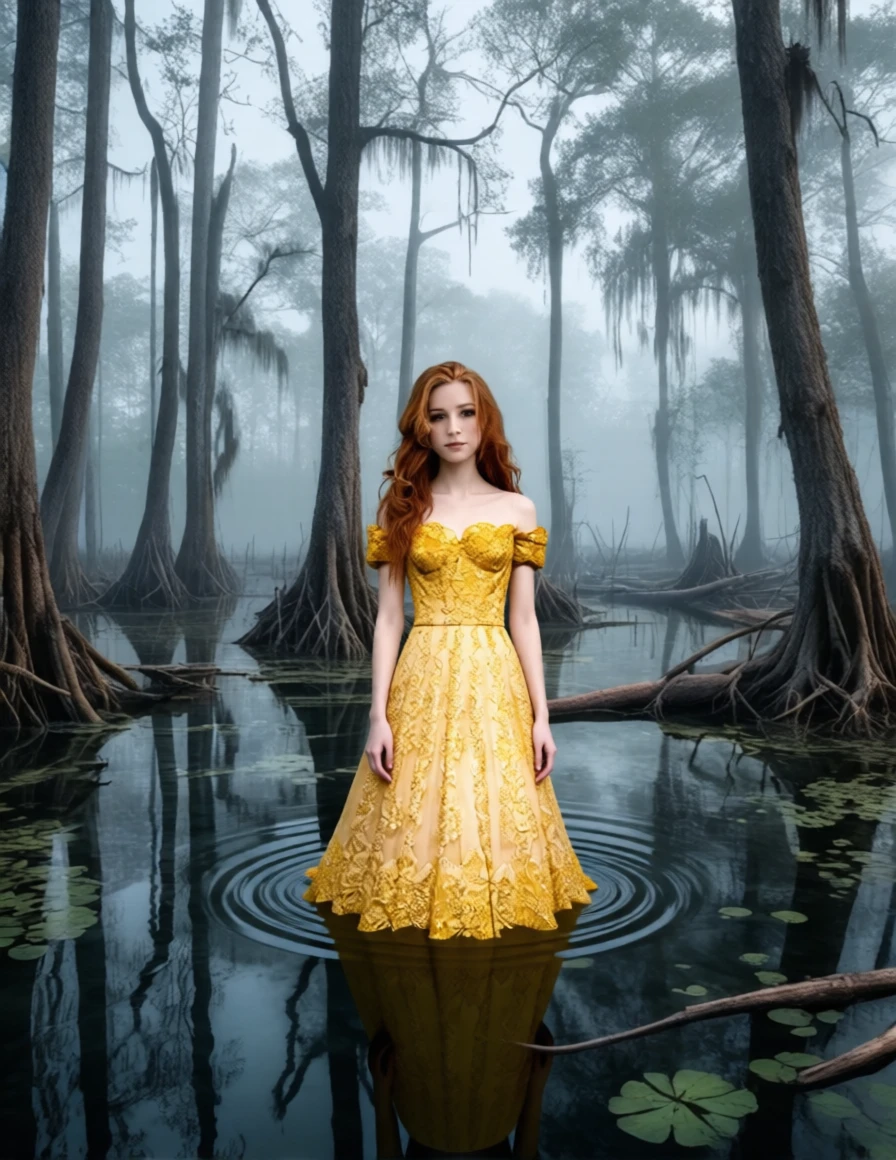
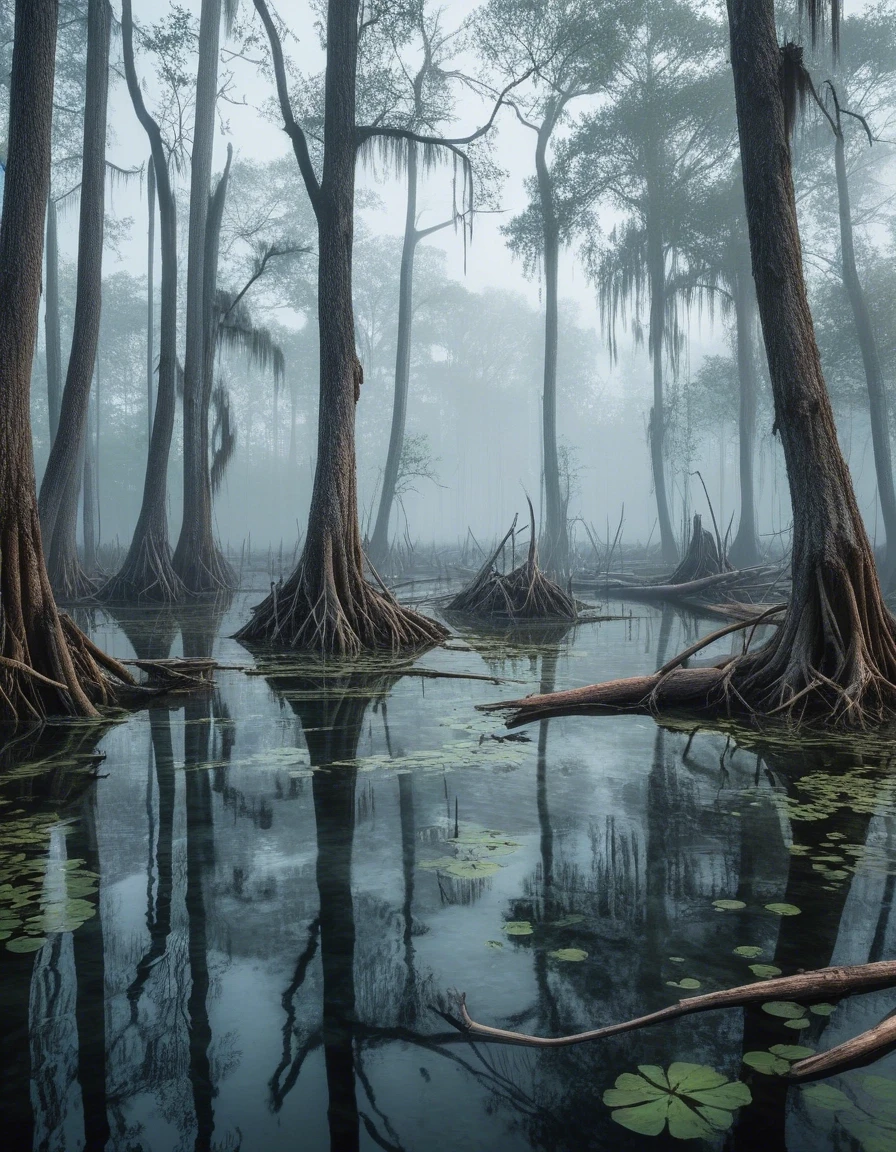
In this example, the beautiful redhead will model a vintage lace dress in a fantasy swamp.
|
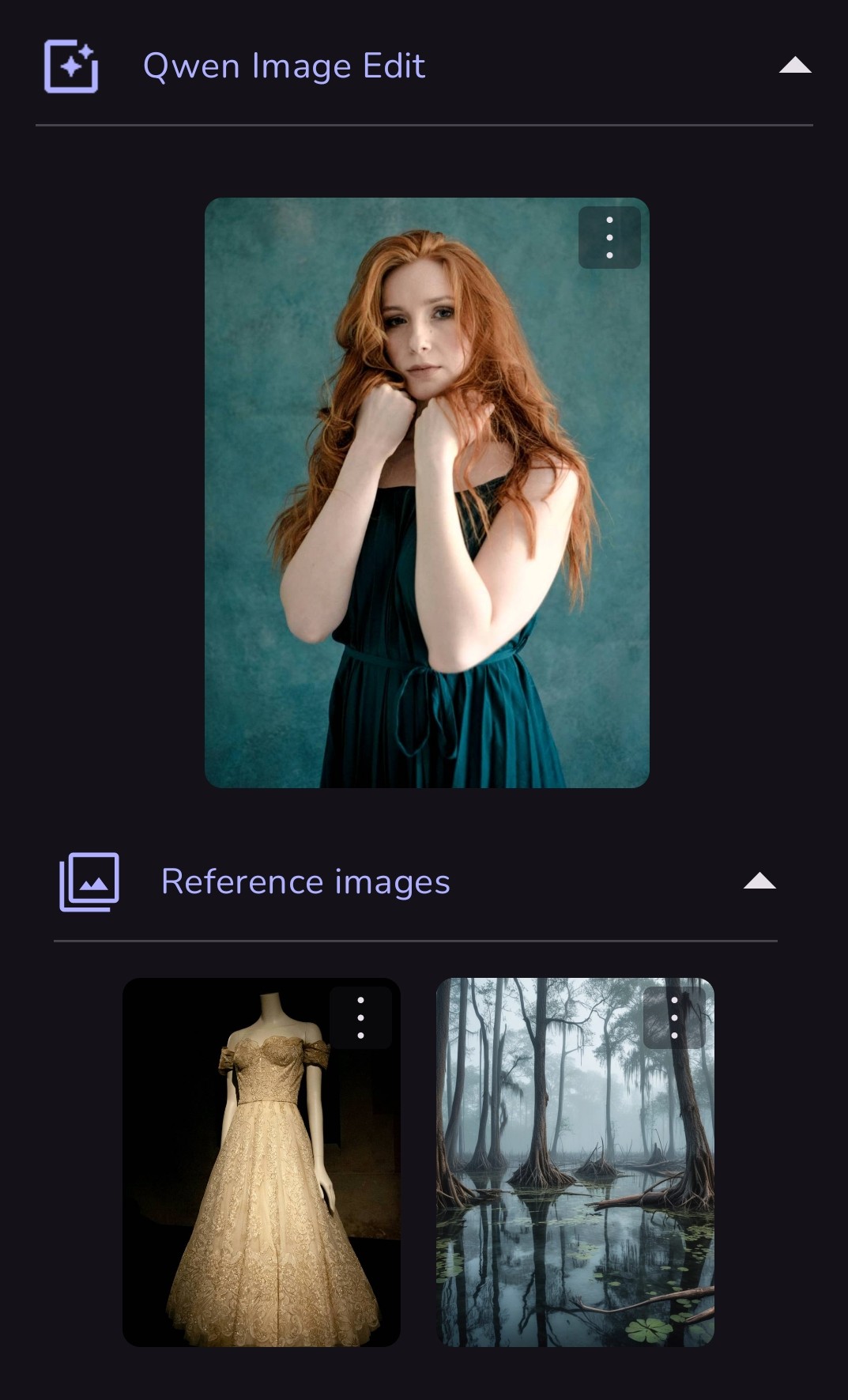 Prompt: the woman should be wearing the lace gown and standing in the swamp. close portrait. |
|
|
 |
|
|
Source: the MonAI wiki · Updated · First published